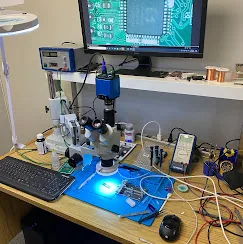
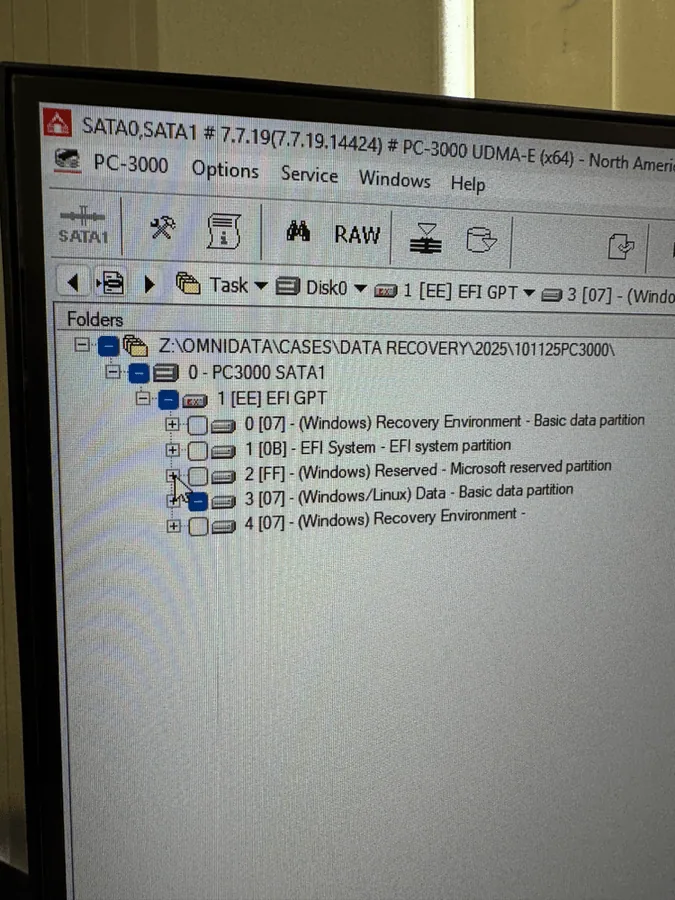
Professional HDD and SSD diagnostics
Used for firmware-level work, unstable drives, translator issues, bad sectors, imaging, and controlled recovery from failing media.
 Call (647) 490-4144
Serving Toronto, North York, and the GTA
Recovering data from failed hard drives, SSDs, RAID/NAS systems, phones, USB drives, SD cards, and physically damaged devices using professional lab equipment and board-level expertise.
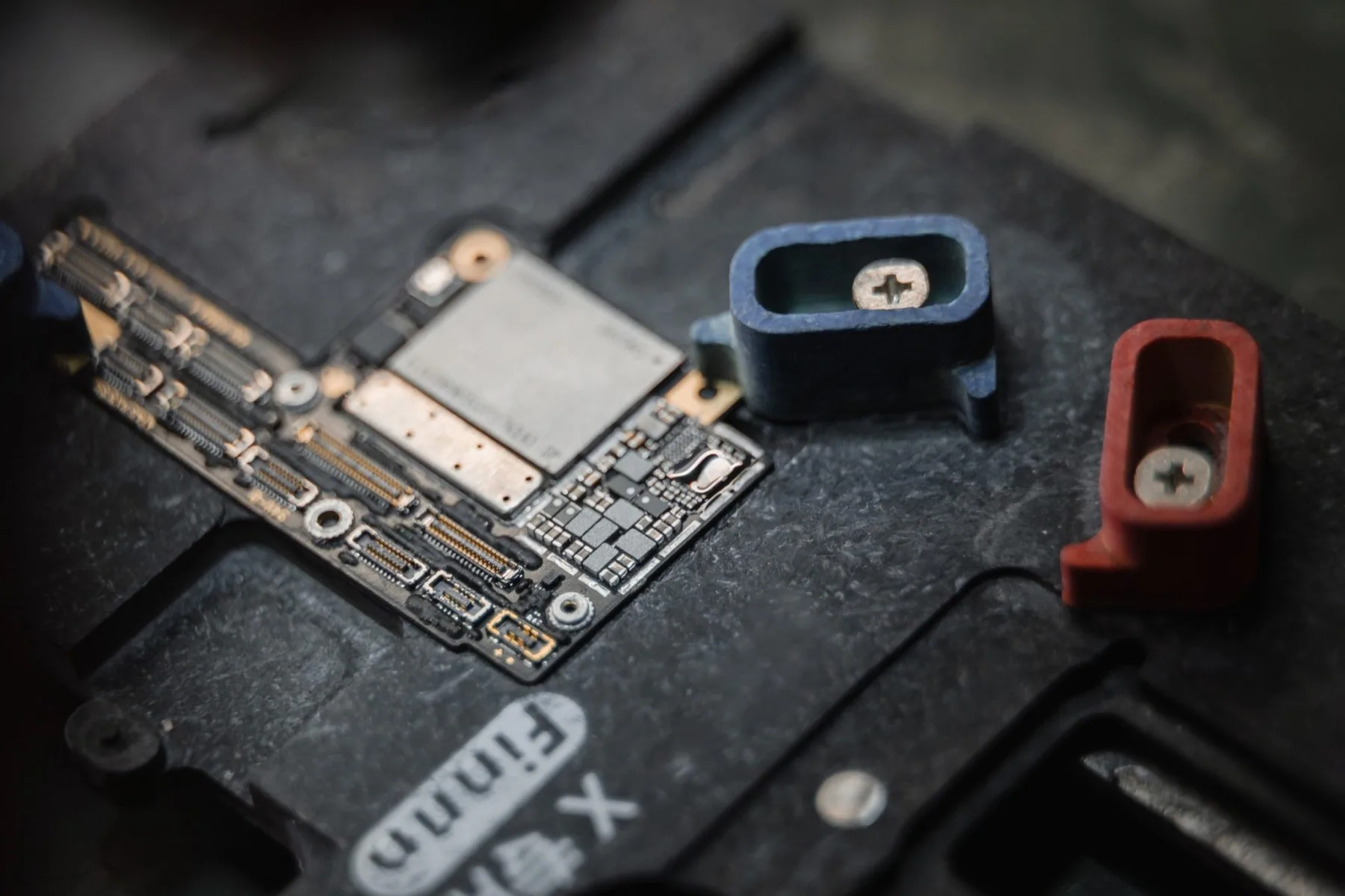
Advanced microsoldering and board-level electronic repair services are also available for complex device failures.
When important data becomes inaccessible, professional handling matters. Family photos, business files, research, client records, and irreplaceable memories deserve calm, careful recovery work.
First, do no harm
Data loss is stressful, especially when the files are personal or time-sensitive. A phone call can help us understand the situation, but a proper diagnosis usually requires the device in the lab. Bring it in as-is, explain what happened, and we will assess it before any recovery work begins. Diagnostics are free.
OmniDataPlus combines professional data recovery, board-level repair, and advanced diagnostics inside a real North York lab environment. Your device is assessed with the latest professional data recovery tools, including PC-3000, Rusolut VNR, DeepSpar, micro-soldering capability and controlled clean-bench methods available when the case needs them.
Real lab, real expertise
Lab tools and equipment
Used for firmware-level work, unstable drives, translator issues, bad sectors, imaging, and controlled recovery from failing media.
Used to image weak, slow, or failing drives carefully, prioritizing readable areas and reducing unnecessary stress on damaged media.
Used for advanced flash cases involving USB drives, SD cards, microSD cards, monoliths, controllers, and chip-level reconstruction.
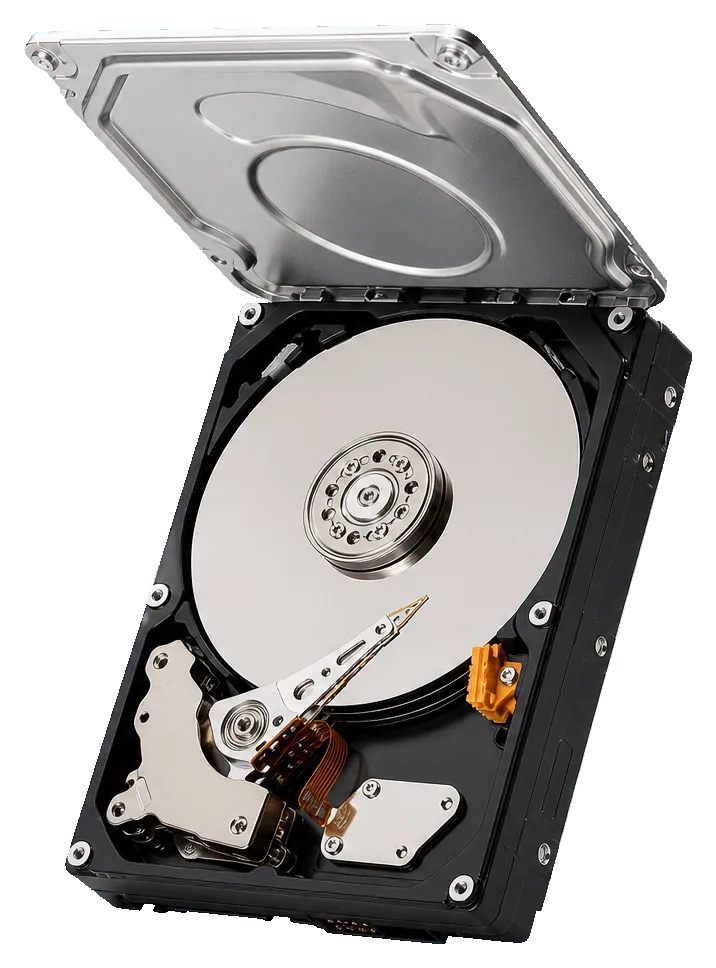
Used for careful inspection and mechanical handling when dust, contamination, or physical drive damage could affect recovery.
Used to repair power, charging, connector, component, and circuit faults so phones, SSDs, USB drives, and boards can be read again.
Cases solved
Anonymized examples of failed devices, lab diagnostics, and recovery outcomes. Customer identity and private file details are never shared.
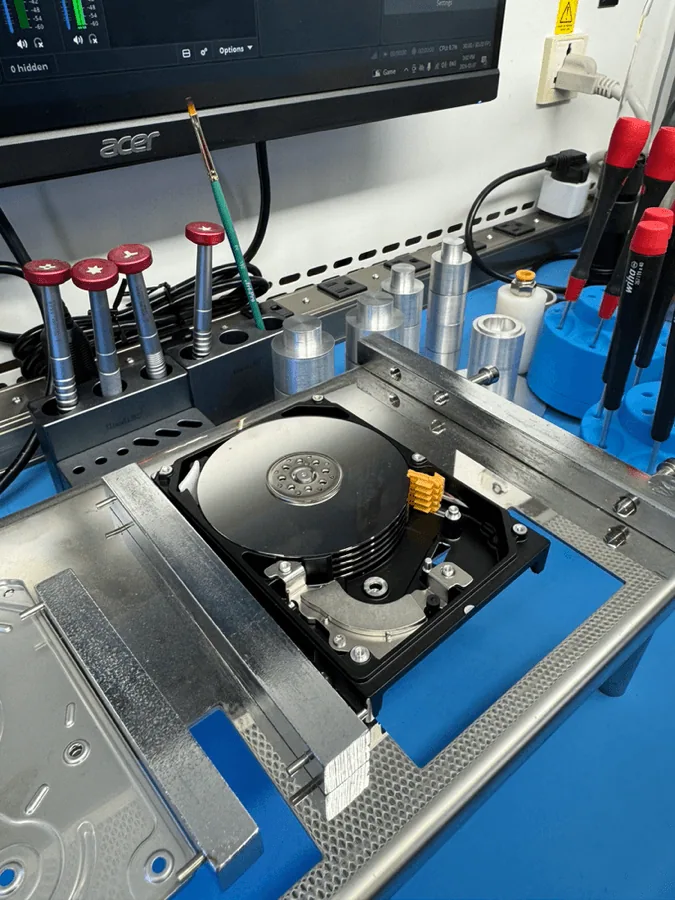
MRT testing isolated a failed Head 6. ROM head-map manipulation and selective imaging recovered the important data from the healthy surfaces.
Read full case study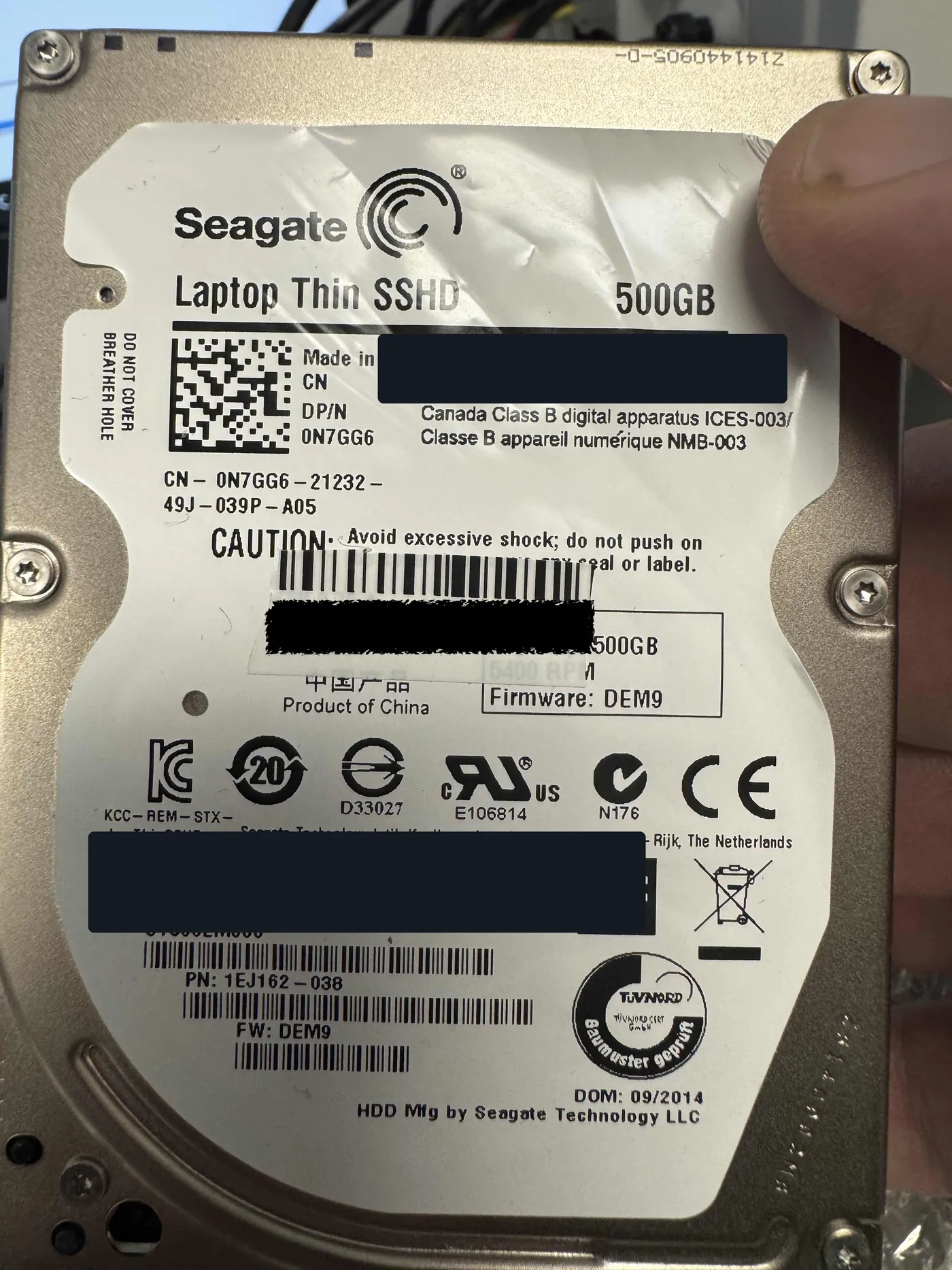
After open-air contamination, a busy-state failure, corrupted firmware, and unstable media, controlled repair and adaptive imaging recovered approximately 95% of the important files.
Read full case study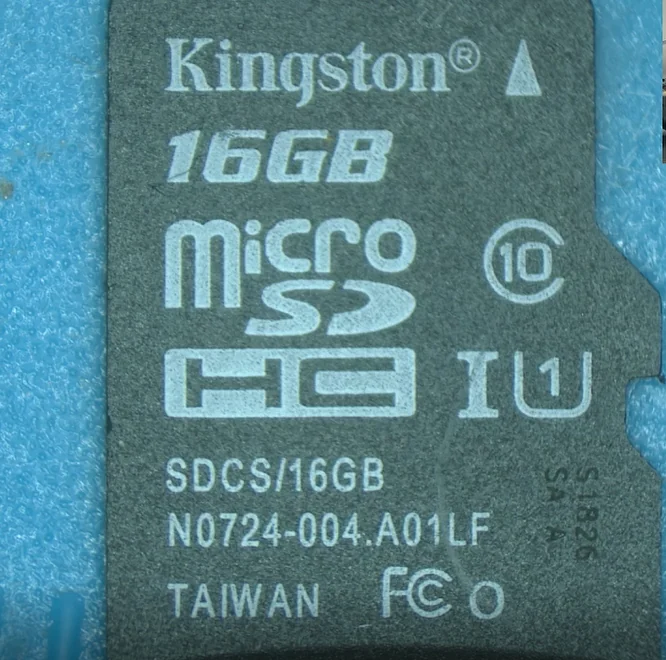
The card stopped communicating with cameras and readers. Direct technical-pin NAND reading and VNR reconstruction produced a 100% successful recovery.
Read full case study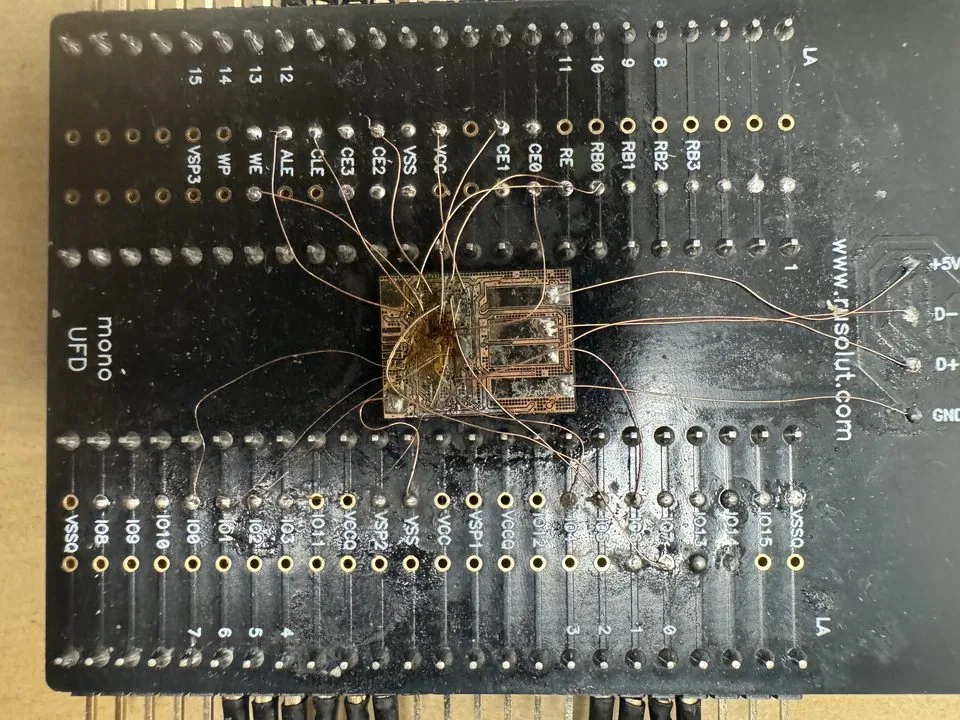
The drive chimed when connected but would not mount. Monolith pinout tracing, direct NAND access, and controller reconstruction restored access to the data.
Read full case study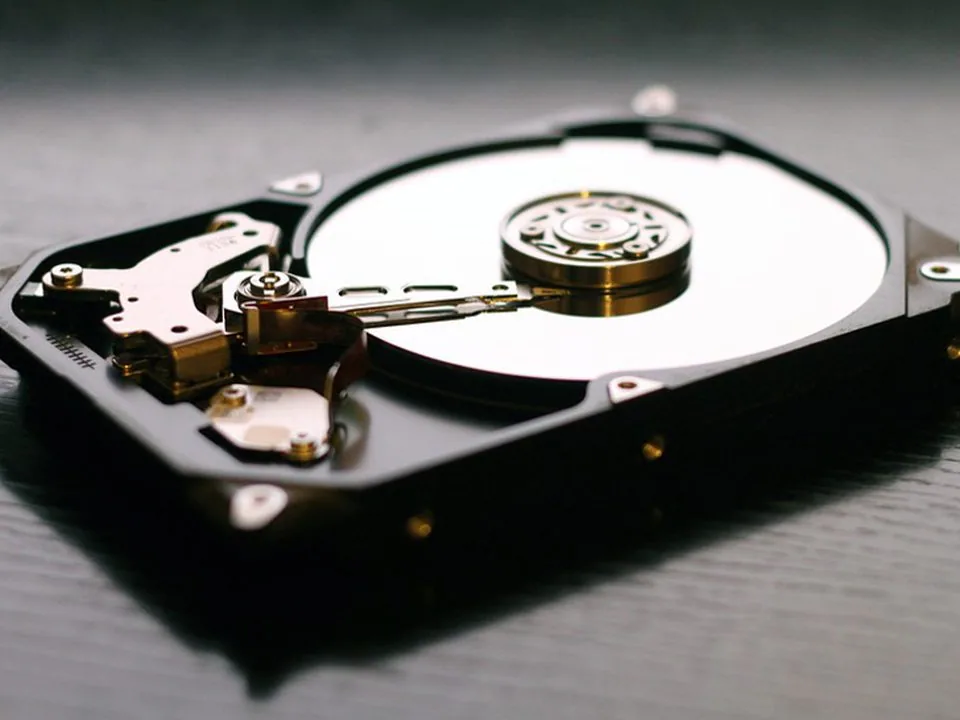
Severe head and platter damage required decontamination, donor components, controlled handling, and repeated optimized read cycles.
Read full case study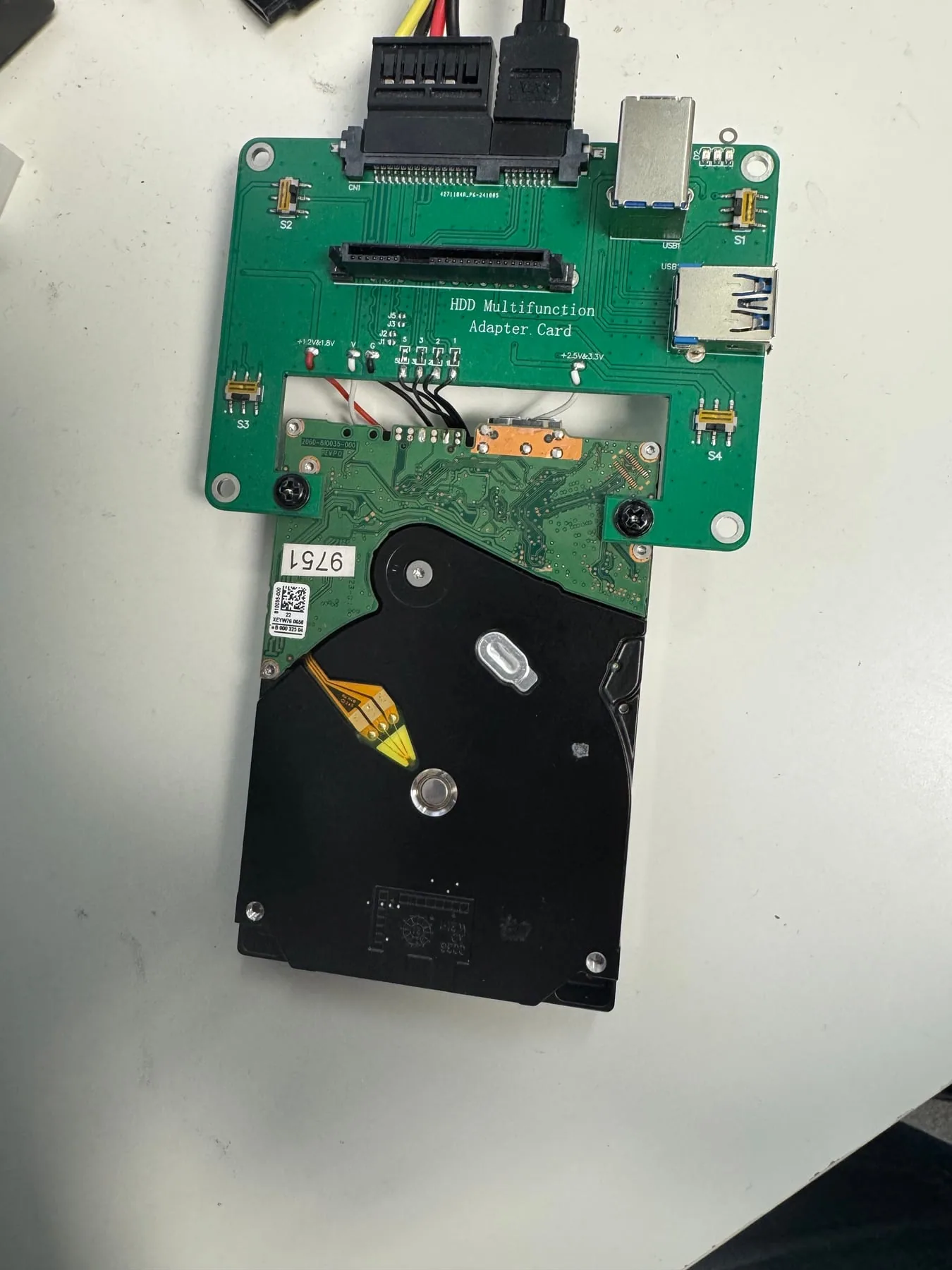
The drive would not provide stable file access through normal USB connection. Lab diagnosis, native-USB handling, and controlled imaging restored access to the customer data.
Read full case study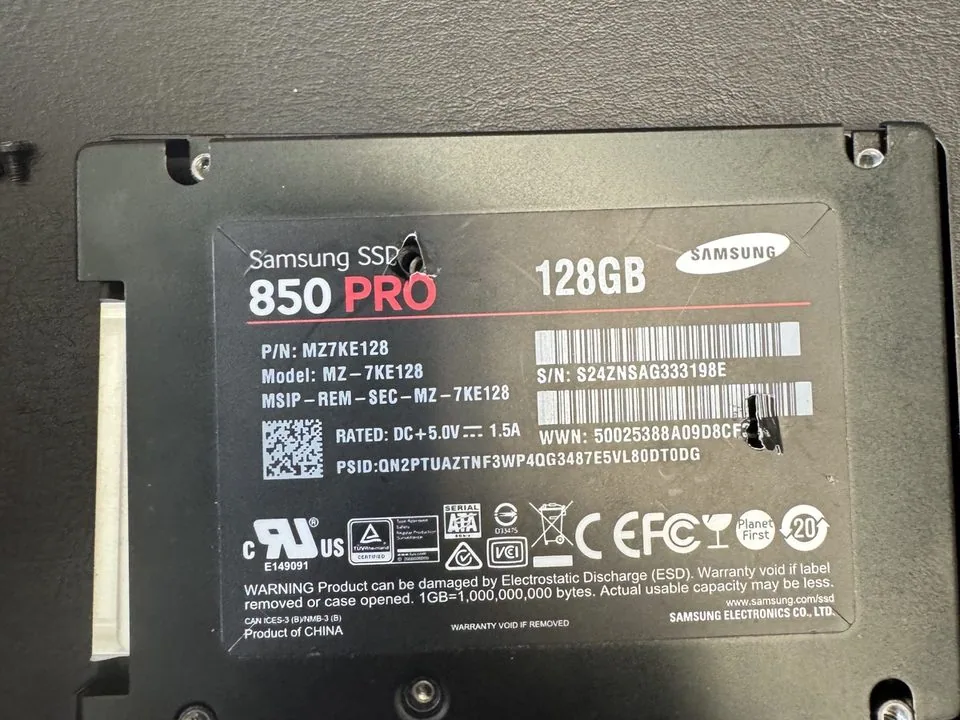
The SSD stopped allowing file access after a long period of slow operation. Internal encryption and limited chip-off options made it a narrow-path recovery case.
Read full case study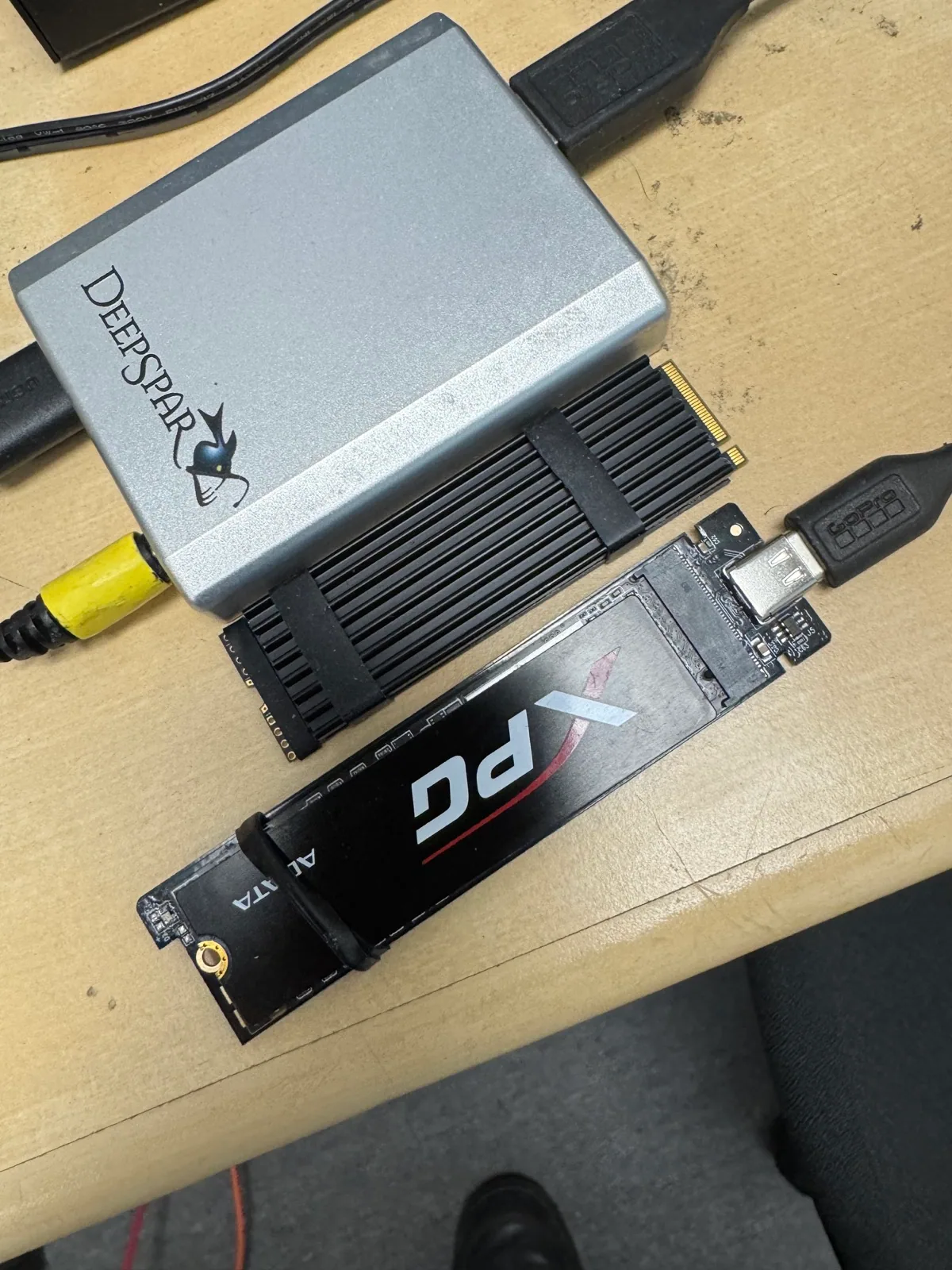
Liquid reached the drive itself and caused a PCB-level capacitor failure. Electronic repair, ultrasonic cleaning, and controlled access restored the drive long enough to recover the data.
Read full case study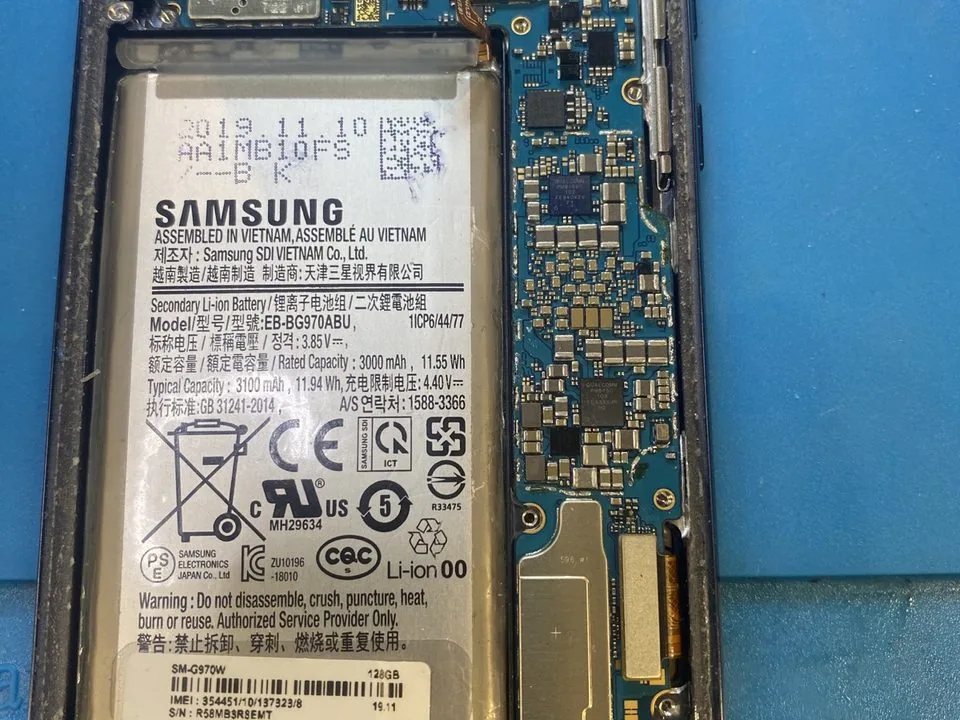
Liquid-damage cleaning and microsoldering restored the original phone so its file-based encryption could unlock and the critical data could be accessed.
Read full case studyKnowledge center
How controller behavior, firmware, NAND access, and TRIM change the recovery path.
What clicking can mean, why repeated power attempts matter, and when clean workbench handling is needed.
Why disk order, parity, failed rebuilds, and unstable drives need careful handling.
Why recording technology affects drive behavior, rebuilds, imaging, and recovery strategy.
What freezing, disappearing drives, read-only mode, wrong capacity, and corruption may mean.
How diagnosis, controlled imaging, clean-bench handling, verification, and secure return fit together.

Featured video
Learn the common first-step mistakes people make after data loss, and how calmer decisions can protect the chance of recovery.
Watch on YouTubeData recovery services
Clicking drives, bad sectors, accidental formats, failed external drives, and mechanical damage.
Learn More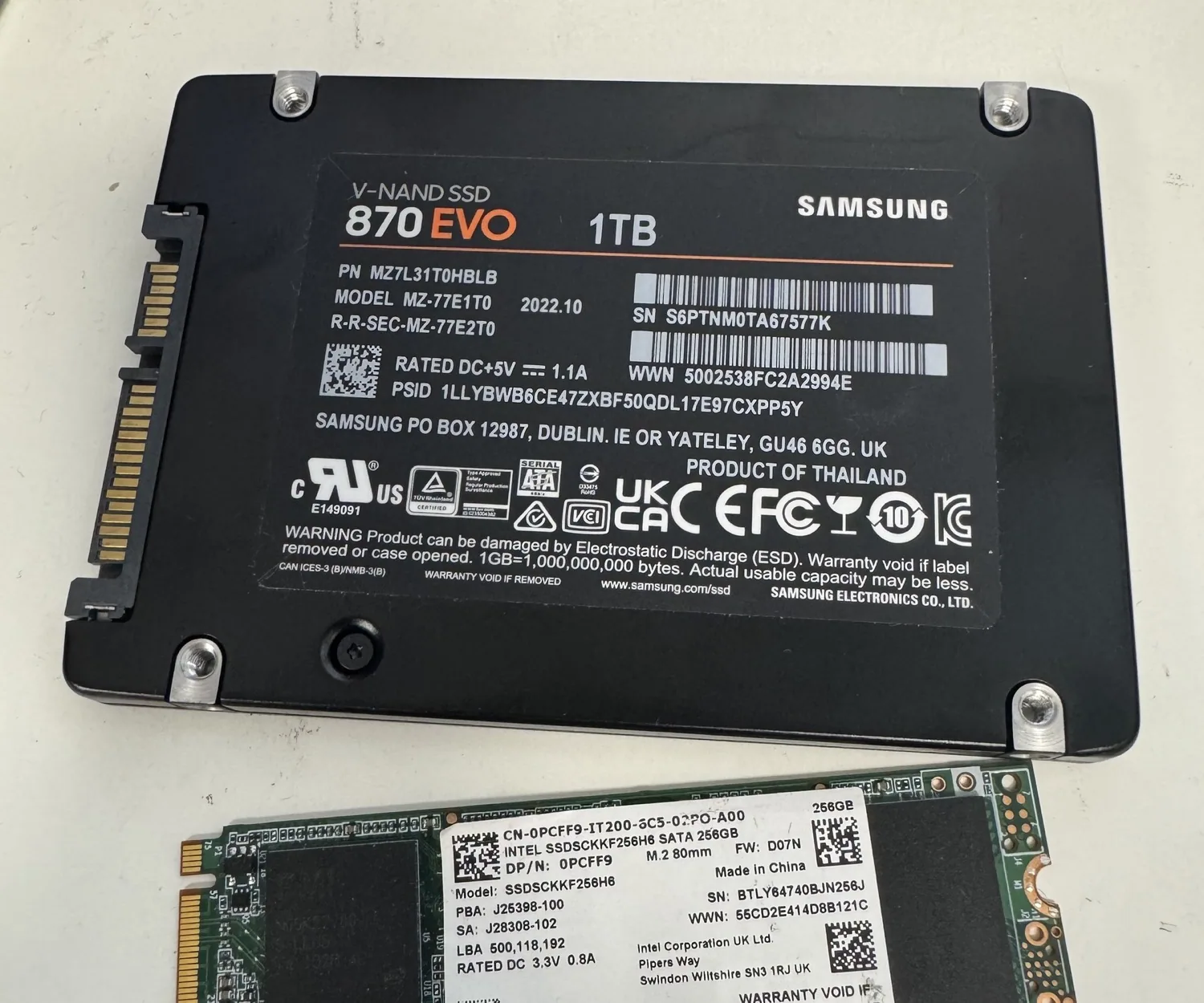
SATA, NVMe, M.2, and external SSD recovery for controller, firmware, and electrical faults.
Learn More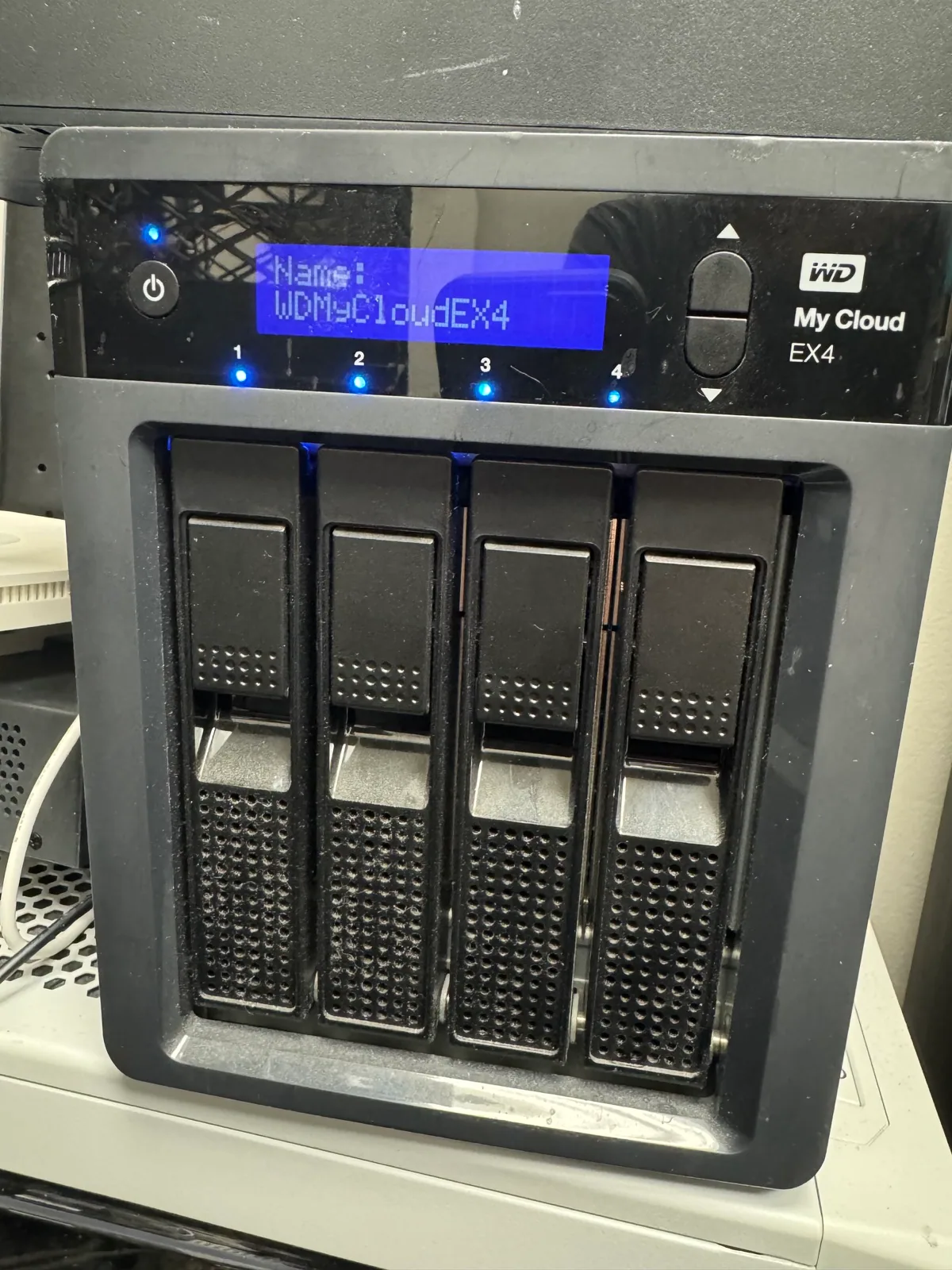
Failed arrays, corrupted NAS volumes, business-critical media, and multi-drive recovery cases.
Learn More
Photos, messages, contacts, and files from dead, dropped, water-damaged, and non-booting phones.
Learn More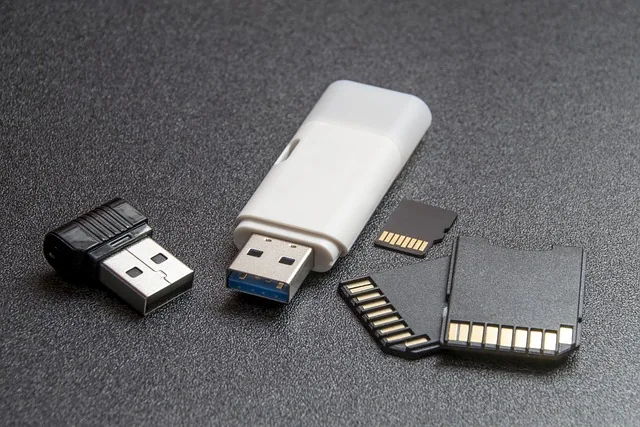
Damaged connectors, corrupted filesystems, broken cards, unreadable media, and chip-off scenarios.
Learn More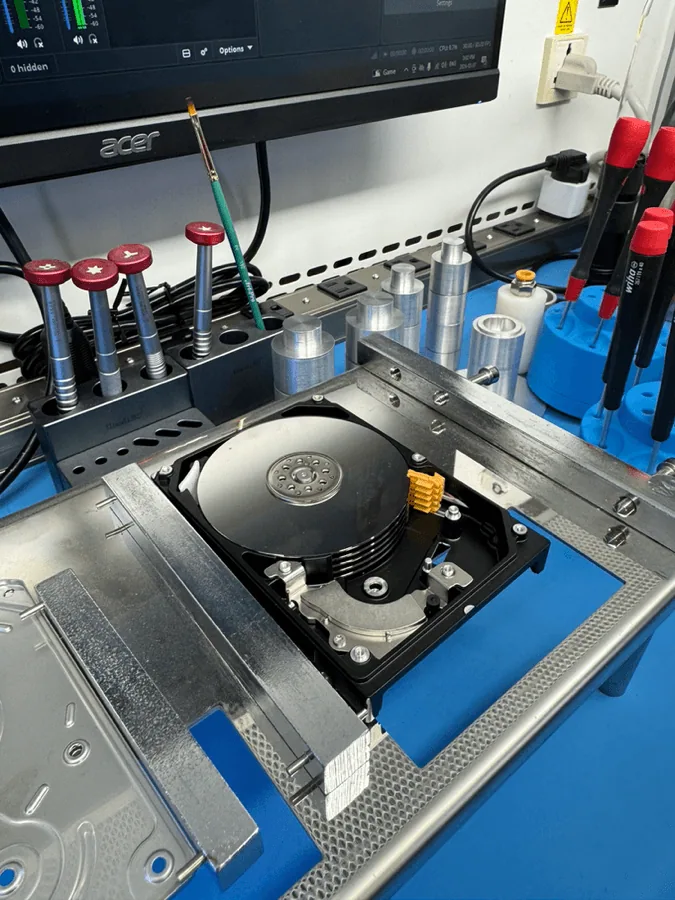
Dropped drives, liquid-damaged phones, broken USB devices, damaged ports, and devices that need lab handling before recovery.
Ask the Lab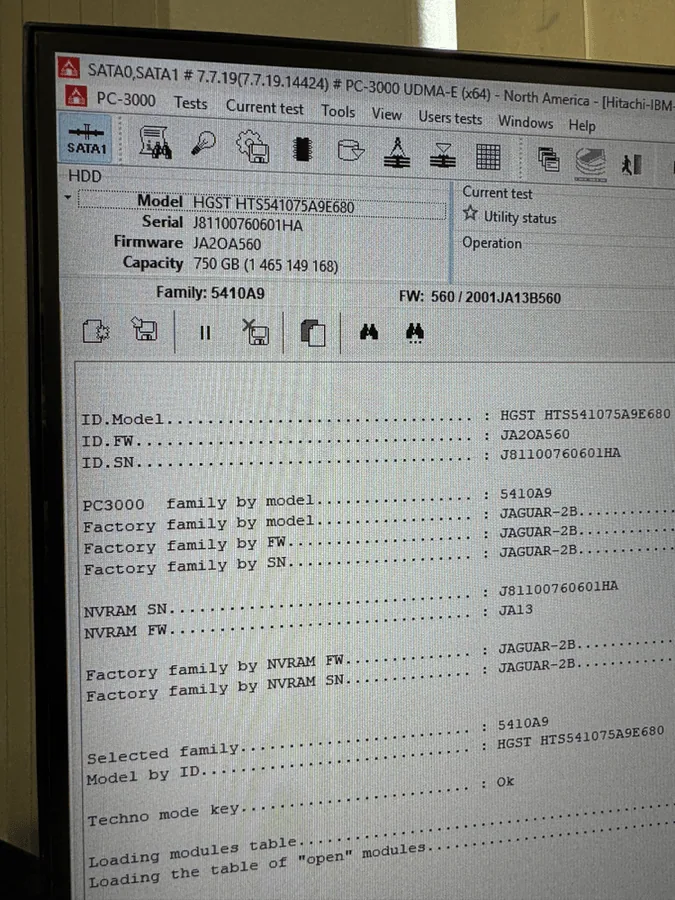
Critical computers, industrial controllers, and legacy workstations where the original operating system and software environment must work again.
Learn More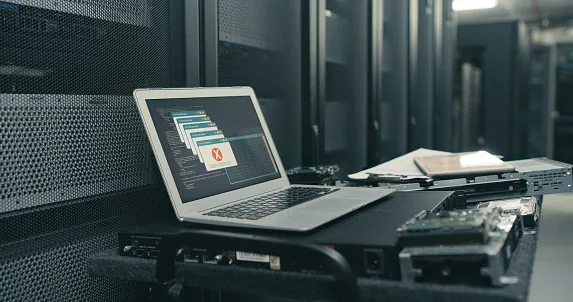
Secure erasure and physical destruction for retired drives, SSDs, business media, and sensitive storage devices.
Learn More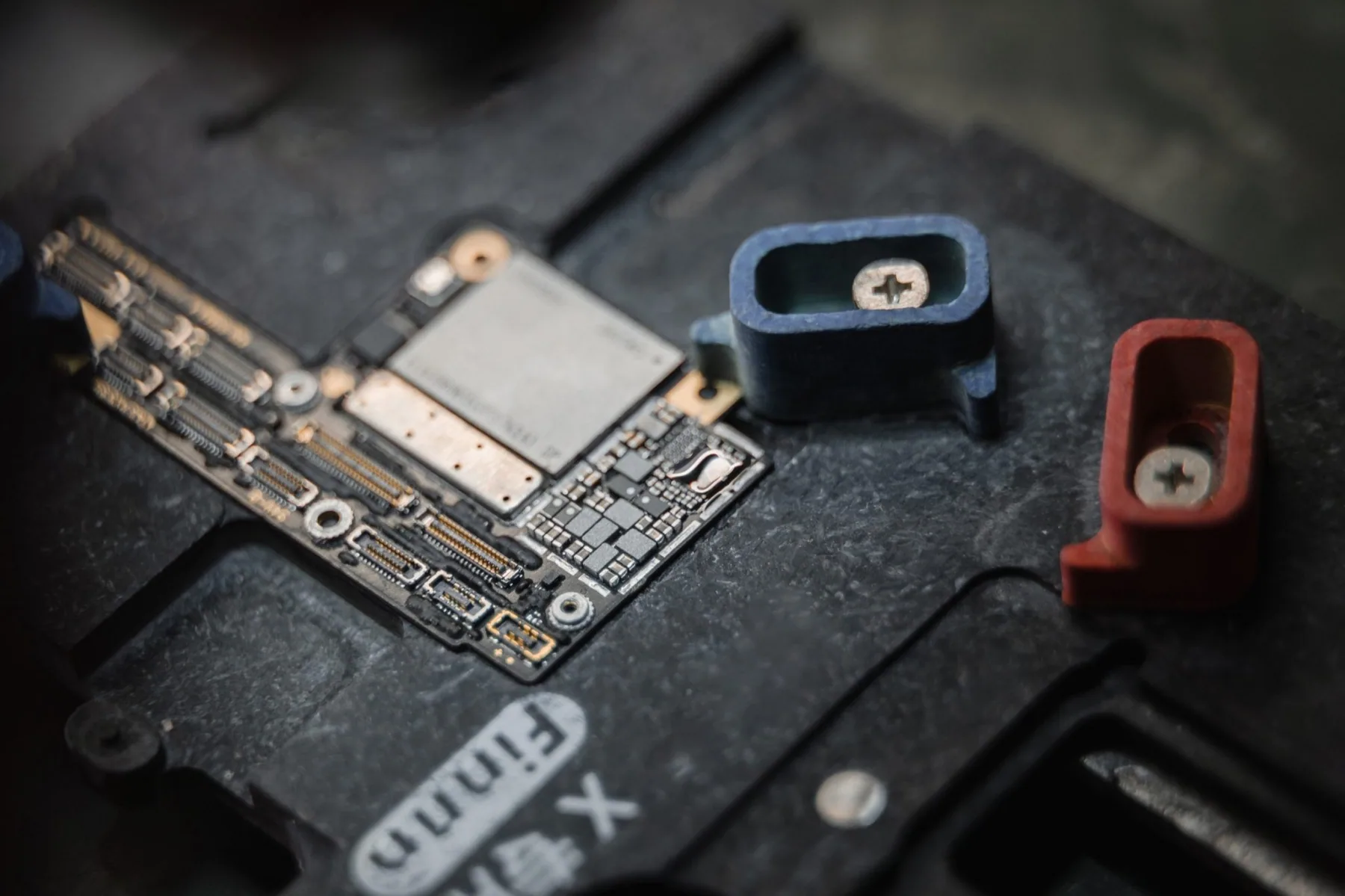
Inside the lab
Serious recovery work depends on controlled handling, the right diagnostic path, and equipment matched to the failure. OmniDataPlus uses professional tools and board-level repair methods for devices that may contain personal, legal, medical, or business data.
Why choose OmniDataPlus in Toronto
OmniDataPlus has a physical North York recovery lab, not a virtual office or forwarding address.
Recovery work is performed in our North York lab whenever possible, with a clear local point of contact throughout the case.
Every case starts with controlled diagnostics, risk assessment, and a recovery path matched to the failure before work begins.
Our data recovery process
Every case begins with understanding the device, the failure, and the data that matters most. The process is explained before approved recovery work proceeds.
Bring the device to the North York lab or begin a mail-in case. We document the symptoms, history, condition, and priority data.
The device is assessed to identify the likely failure type, recovery tier, risks, and safest path forward.
We explain the proposed recovery work, timing, cost, and expectations. Recovery proceeds only after customer approval.
The approved recovery path may include stabilization, controlled imaging, firmware work, clean-bench handling, or board-level repair.
Recovered files and priority folders are checked so the available result can be clearly communicated before return.
Recovered data is returned securely, along with the original device or media according to the agreed arrangements.
Diagnostics are free. You receive a clear explanation of the proposed recovery path before chargeable recovery work begins.
Clear pricing guidance
Data recovery pricing depends on the actual failure, not just the device type. OmniDataPlus starts with free diagnostics so the risk, recovery tier, timing, and expected cost can be explained before paid recovery begins.
Phone estimates are limited because the safest recovery path often depends on what the device does under controlled lab assessment.
Simple file-system cases, unstable drives, firmware problems, and physical damage require different tools, time, parts, and risk levels.
Chargeable recovery work begins only after the proposed path, timing, expectations, and cost are explained and approved.
Donor parts, severe physical damage, encrypted phones, RAID/NAS emergencies, and expedited work can affect the final quote. The goal is to explain those factors early, before the recovery path is approved.
Customer reviews
Loading verified customer reviews from Google.
Mail-in service
Complete the mail-in form, include your name and phone number in the package, and OmniDataPlus begins assessment when the device arrives. Standard recovery is roughly two weeks, with expedited service available for urgent cases.
Open mail-in formFAQ
Often, yes. If the memory and tiny traces are intact, technicians may repair or bypass the connector to retrieve the data.
Sometimes, but SSD TRIM can permanently clear deleted data. Stop using the drive and have it assessed quickly.
Disconnect it and avoid repeated power attempts. Clicking, grinding, or failure to mount can get worse with use.
In many cases, yes. Cleaning and board-level repair can restore enough function to extract encrypted phone data.
Ask the lab
Call, visit, or send the details. Tell us what happened, what the device is doing now, and which files matter most. The form sends the details directly to the lab so you can include model numbers, symptoms, and timing without pressure.