Case summary
Head isolation showed that a mechanical replacement was unnecessary.
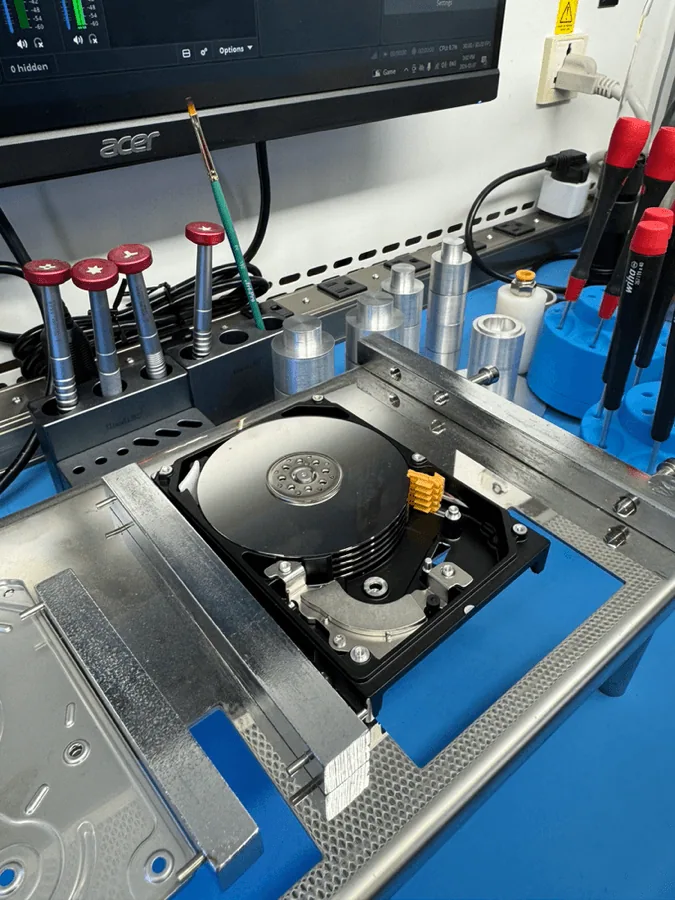
The Seagate ST4000LM024 arrived at the lab clicking and initially appeared to require a head-stack replacement. Instead of immediately opening the drive, the lab first used MRT diagnostics and controlled head isolation to determine whether useful data could be recovered from the remaining healthy surfaces.
Reviewed by Michael Avraham, Lead Data Recovery Specialist at OmniDataPlus.
Device
Seagate ST4000LM024 4TB Kahuna-family hard drive.
Failure
Clicking drive with a confirmed failure of Head 6.
Main challenge
Protecting the working heads while identifying where the customer’s important files were stored.
Recovery path
MRT head isolation, ROM head-map manipulation, and selective platter-by-platter imaging.
Diagnosis
Testing one head at a time isolated the failure to Head 6.
The diagnostic process began by disabling all heads in the ROM head map and allowing the drive to initialize with Head 0 only. This produced slow but stable access to Sector 0 and confirmed that the drive could reach its user-data area through a working head.
Each remaining head was then enabled and tested individually. By observing initialization and read behavior with MRT, the lab determined that Head 6 was the source of the clicking and instability while the other heads remained usable.
Selective imaging
Healthy surfaces were imaged first through controlled ROM head-map changes.
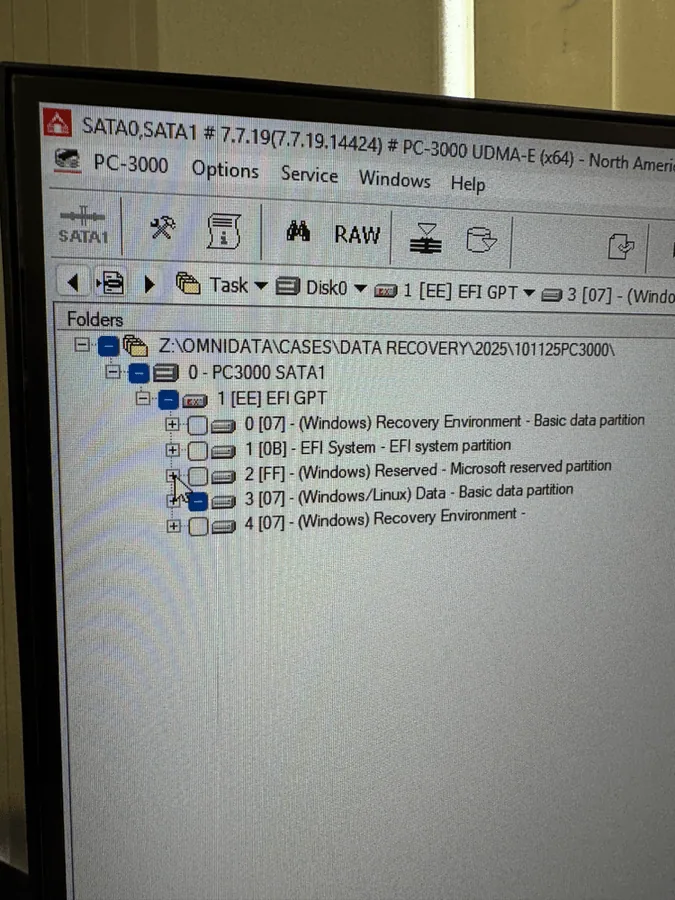
Rather than subjecting the drive to a full sequential read or performing an unnecessary head-stack replacement, the recovery was organized surface by surface. ROM head-map manipulation allowed each working head to be accessed independently so the readable platters could be imaged quickly and with less stress on the damaged drive.
Analysis showed that approximately 14% of the drive’s stored data was located on the surface served by failed Head 6. Most files affected on that surface were nonessential, while the customer’s important data was concentrated on the healthy surfaces.
Outcome
The important data was recovered without a physical head replacement.
Selective imaging recovered the customer’s required files from the working heads. Because the unavailable Head 6 surface mainly contained data the customer did not need, a more invasive and costly head-stack replacement was not justified.
Recovery method
Controlled diagnostics and imaging used for clicking-drive cases.
Representative lab images are shown temporarily; actual anonymized case photos can be added later.