Failed rebuilds
Arrays that failed during rebuild, rebuilt with the wrong disk, or became inaccessible afterward.
 Call (647) 490-4144
RAID & NAS data recovery Toronto
When a NAS or RAID array goes offline, the safest recovery path protects disk order, metadata, parity, and the history of what happened before the failure.
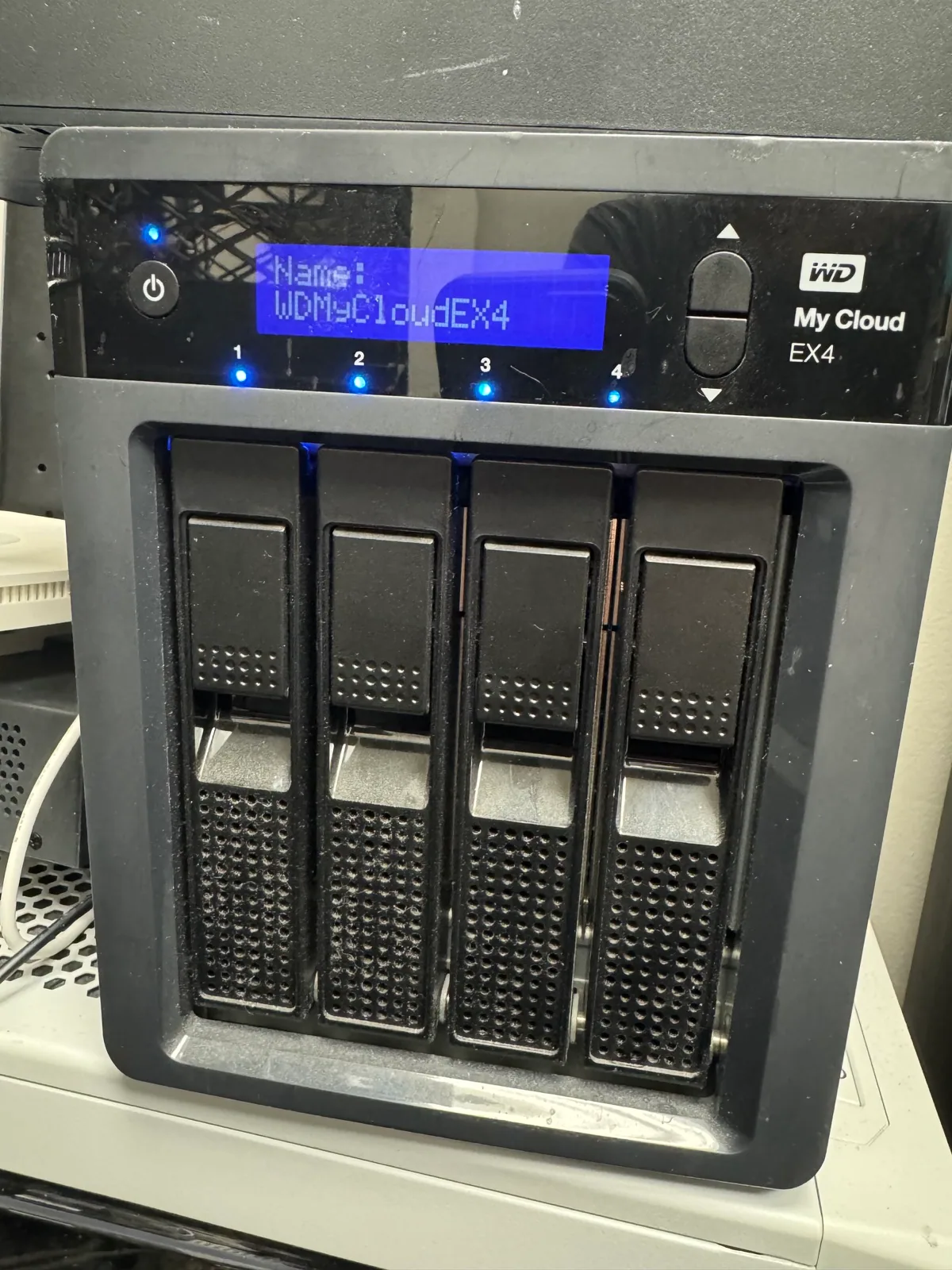
Array failure types
RAID is not backup. Multiple weak drives, power loss, failed rebuilds, controller problems, deletion, and filesystem damage can take an array offline even when redundancy was expected to help.
In a RAID/NAS recovery, the individual drives are only part of the story. The lab also needs to understand disk order, parity rotation, stripe size, failed member history, controller behavior, filesystem structure, and whether anyone attempted a rebuild, replacement, initialization, or firmware update after the first warning signs appeared.
That is why phone diagnosis is usually not enough for a serious array failure. The safest starting point is to preserve the current state, label every disk by bay position, and let the lab decide which drives need controlled imaging before any virtual reconstruction is attempted.
Arrays that failed during rebuild, rebuilt with the wrong disk, or became inaccessible afterward.
Degraded RAID sets, bad sectors, old drives failing together, and arrays with unstable members.
Corrupted filesystems, missing shares, power-failure damage, and inaccessible business folders.
Disk order, stripe size, parity, metadata, and filesystem analysis before extraction.
Critical warning
A rebuild writes data. If the wrong disk, order, parity, or failure history is misunderstood, useful recovery metadata can be overwritten. Label every drive and preserve the bay order.
Recovery expectations
RAID cases can be very recoverable when the failed drives are preserved and the array history is clear. They can also become much harder when a system is repeatedly powered on, a weak disk is forced through a rebuild, or a replacement drive is added before the original members are imaged.
For business data, the priority is usually not to make the NAS boot again. The priority is to protect the available data, stabilize weak members, build a safe copy of what can be read, and reconstruct the array virtually so files can be verified before anything is returned.
Lab process
We document disk order, symptoms, rebuild history, and drive health before reconstruction.
Individual drives are handled carefully before a virtual array is rebuilt.
Parity, metadata, filesystems, and priority business data are reconstructed for secure return.
Related guidance
For a deeper explanation, read RAID rebuild mistakes that can make recovery harder and CMR vs SMR hard drives and why drive type matters.
RAID lab proof
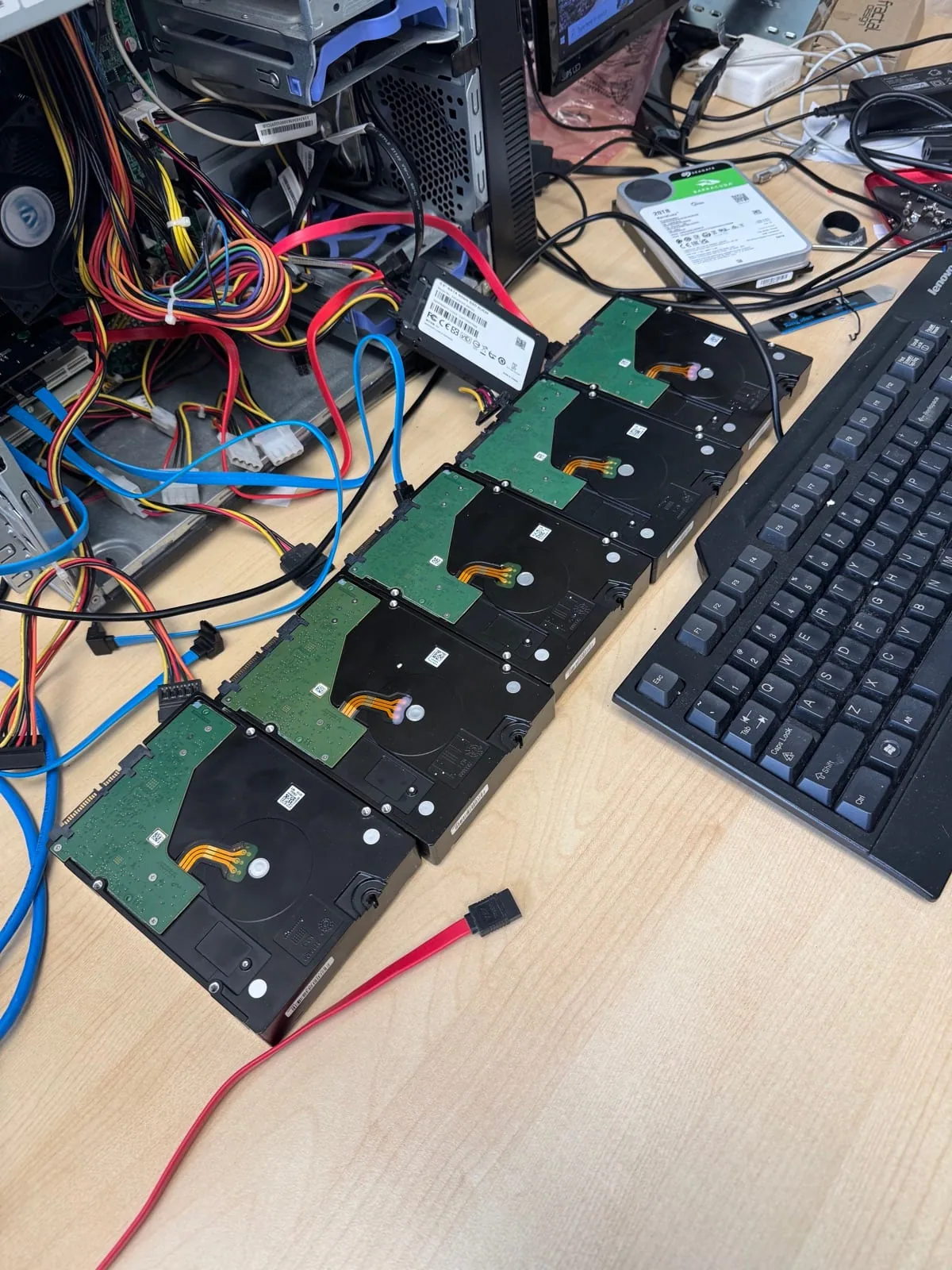
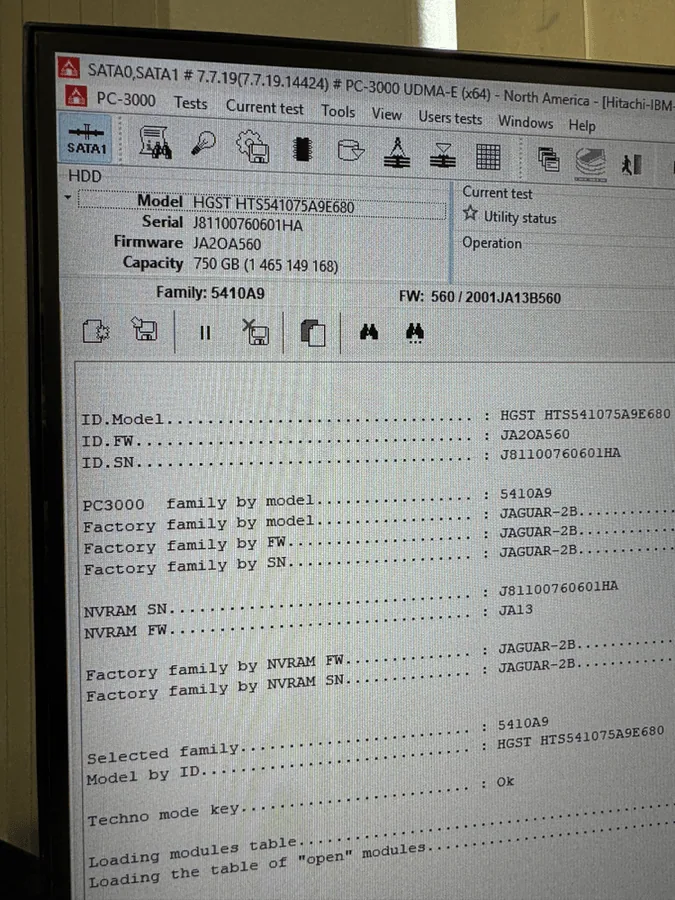
RAID/NAS FAQ
No until the array is assessed. A rebuild can overwrite recovery-critical information.
If you do, label every drive by bay order first and keep the set together.
Yes, depending on drive health, array metadata, filesystem condition, and prior rebuild attempts.
Yes. Contact the lab and describe the array before making more changes.
Protect the array
Careful preservation now can prevent a much harder recovery later.