Mechanical failure
Clicking, grinding, stuck heads, motor issues, impact damage, and drives that were dropped while running.
 Call (647) 490-4144
Hard drive data recovery Toronto
OmniDataPlus recovers data from desktop, laptop, external, portable, and business hard drives using in-house diagnostics, controlled imaging, PC-3000 tools, and clean workbench workflow.
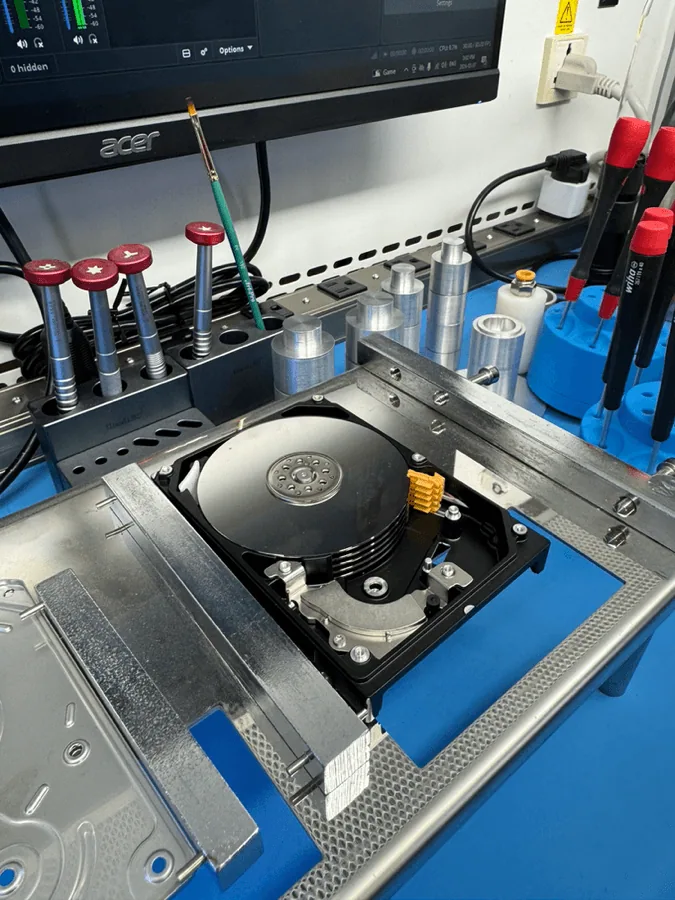
Recovery cases
If a hard drive is clicking, beeping, dropped, not detected, asking to be formatted, or reading extremely slowly, stop using it. The safest first decision is to preserve the current condition of the drive and bring it in for diagnosis before repeated power cycles, software scans, or enclosure swaps make the damage worse.
OmniDataPlus handles hard drive recovery in the North York lab for customers across Toronto and the GTA. The goal is not to guess over the phone; it is to identify the failure path, protect the media, and recover the files that matter most.
Clicking, grinding, stuck heads, motor issues, impact damage, and drives that were dropped while running.
Formatted drives, deleted files, corrupted partitions, RAW volumes, and damaged file systems.
Drives that freeze, read slowly, disappear, or fail during cloning because of media degradation.
USB portable drives, desktop backup drives, failed bridges, damaged enclosures, and removed external drives.
Critical warning
There is no safe DIY option for clicking or mechanically compromised drives. Software cannot repair damaged heads, damaged media, contamination, motor problems, or internal mechanical faults. Opening the drive outside a suitable workflow can introduce dust, fingerprints, tool marks, and platter damage that may permanently reduce the recovery chance.
Recovery expectations
Two drives can show similar symptoms while requiring very different recovery work. A drive asking to be formatted may be a logical case. A drive that clicks after a drop may require mechanical assessment before it is ever powered again. A drive that reads slowly may need controlled imaging because unstable sectors can worsen during normal copying.
Best suited for deleted files, formatted partitions, damaged file systems, or RAW volumes when the drive is physically stable.
Used when the drive has firmware issues, bad sectors, weak heads, slow reads, or instability that requires professional imaging control.
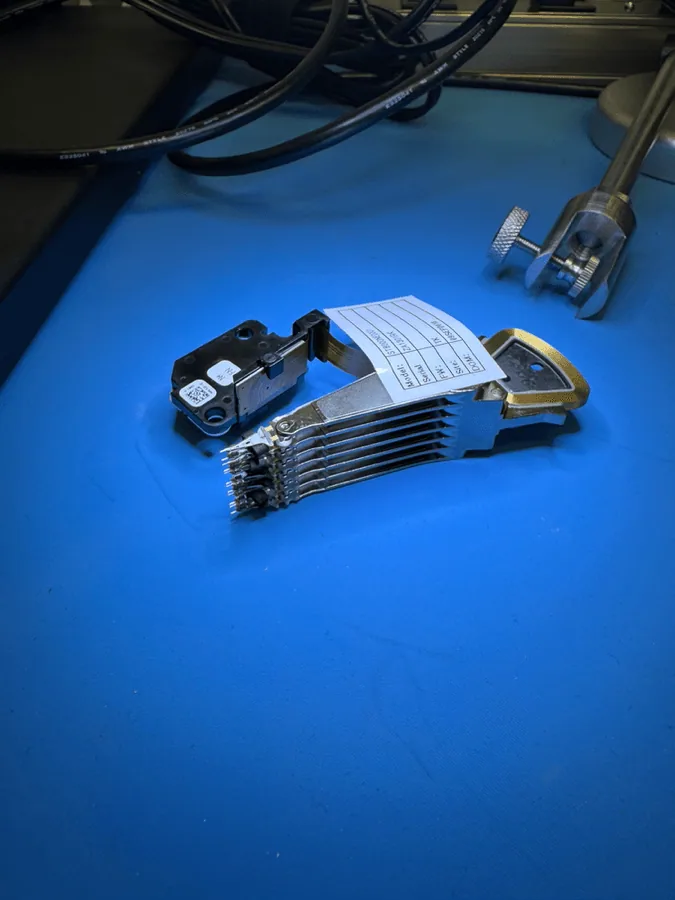
Needed when a drive was dropped, is clicking, has internal damage, or may require clean workbench handling and donor components.
Many external drives also involve bridge boards, encryption, damaged USB ports, or enclosure electronics that must be assessed carefully.
Lab process
We ask what happened before the failure: drop, power surge, liquid exposure, previous repair attempt, repeated scans, strange sounds, or sudden disappearance.
We determine whether the issue appears logical, firmware-related, electrical, media-related, mechanical, or a combination of failures.
When the drive can be safely accessed, the priority is controlled imaging to another device before deeper file-system recovery begins.
Recovered data is rebuilt, checked, and returned securely after customer approval. No unnecessary recovery work is performed without approval.
Why details matter
Some customers hesitate to mention drops, failed DIY attempts, or repeated power cycles because they worry it will raise the quote. In reality, a complete history helps the lab choose the safer diagnostic path. If a drive is mechanically compromised, powering it like a normal drive can create more damage before recovery even begins.
Related proof and guidance
What clicking usually means and why repeated power attempts can reduce recoverability.
Warning signs such as slow reads, freezes, SMART alerts, and disappearing drives.
Why professional labs sometimes need compatible donor components for mechanical cases.
A real case involving severe physical damage, stabilization, and controlled recovery work.
Lab proof
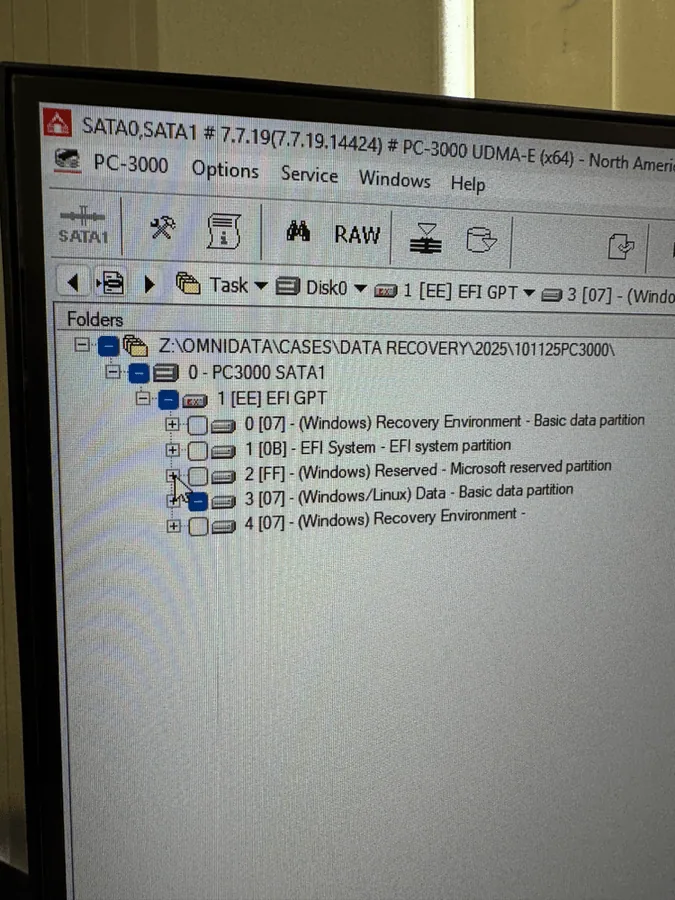
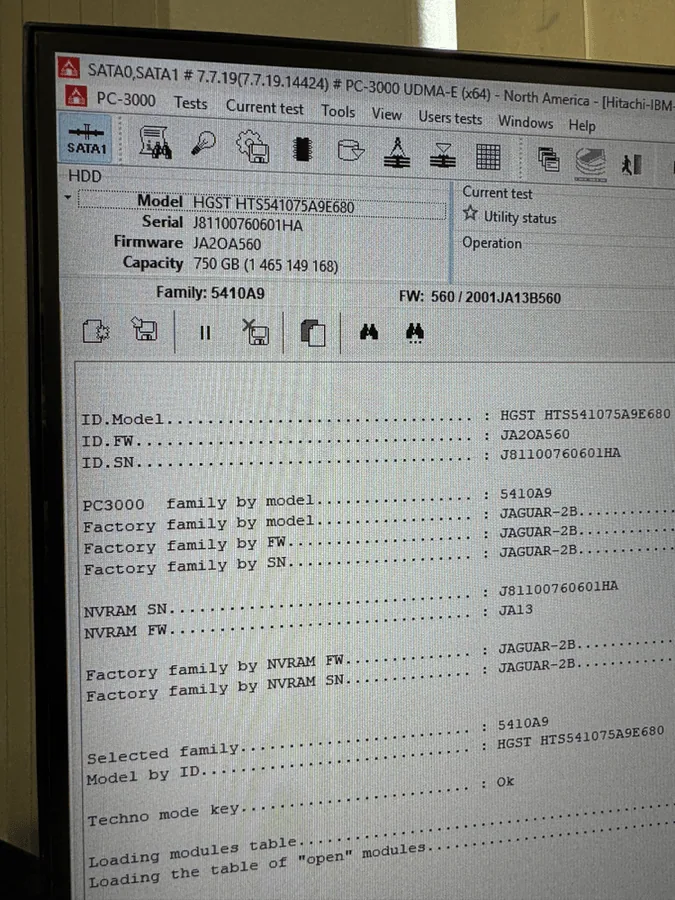
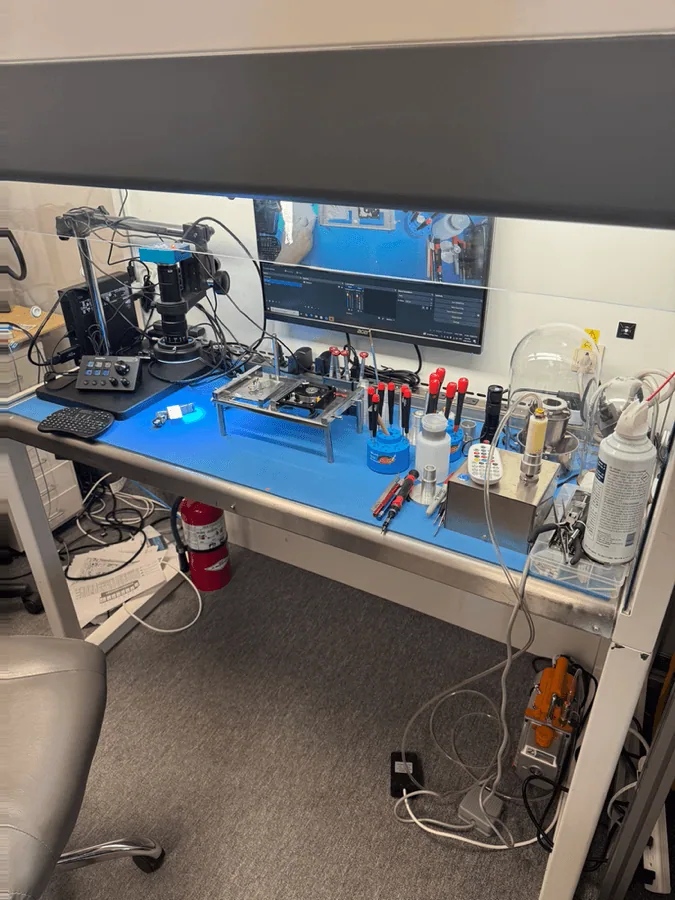
Hard drive FAQ
Often, yes, but it should be powered off immediately. Repeated attempts can make damage worse.
No if the drive is clicking, slow, disconnecting, or physically failing. Software cannot fix hardware problems.
Yes. Bring the drive to the North York lab for assessment before recovery work begins.
Many dropped drives are recoverable, depending on head, platter, motor, and media condition.
Start safely
Bring the drive to OmniDataPlus in North York or start a mail-in case if you are outside Toronto.