Hard Drive Recovery
Clicking, dropped, unreadable, slow, formatted, and failed internal or external hard drives.
 Call (647) 490-4144
Professional data recovery North York
OmniDataPlus assesses and recovers data from hard drives, SSDs, RAID/NAS systems, phones, USB drives, SD cards, non-booting systems, and physically damaged devices inside a real North York lab.
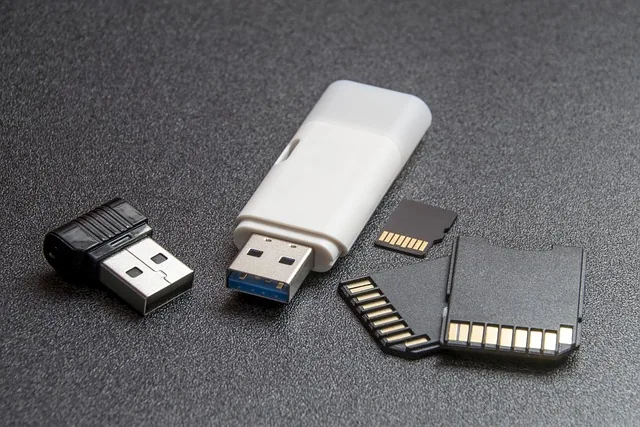
Choose by device
Data loss can look simple from the outside while the underlying cause is mechanical, electrical, firmware-related, logical, or a combination of failures. Bring the device in as-is and explain what happened. Diagnostics are free.
Clicking, dropped, unreadable, slow, formatted, and failed internal or external hard drives.
SATA, NVMe, M.2, and external SSD failures involving firmware, controllers, NAND, power, or TRIM.
Failed arrays, power failures, rebuild mistakes, missing disks, corrupted volumes, and business-critical systems.
Encrypted data from dead, liquid-damaged, dropped, boot-looping, and non-booting phones.
Broken connectors, unreadable cards, corruption, controller failure, and advanced flash cases.
Industrial controller PCs, legacy workstations, and critical systems where the original operating system and software environment must work again.
Devices affected by impact, liquid, damaged ports, electrical faults, contamination, or failed previous attempts.
Three recovery tiers
Recovery cases are grouped by the type of failure and the work needed to access the data safely. The final recovery tier can only be confirmed after the device is assessed.
For devices that are physically functioning but have deleted files, formatting, corrupted partitions, damaged file systems, or other logical access problems.
Typical approachControlled access, imaging when appropriate, file-system analysis, and reconstruction of recoverable files.
For devices with bad sectors, unstable reads, firmware problems, controller issues, electrical faults, or failures that prevent normal access.
Typical approachProfessional diagnostics, stabilization, firmware or board-level work when required, and controlled imaging before file recovery.
For clicking, dropped, liquid-damaged, contaminated, mechanically failed, or severely damaged devices that require physical intervention.
Typical approachControlled clean-bench handling, mechanical or component-level work, stabilization, imaging, and reconstruction when recovery remains possible.
Clear pricing guidance
Two devices with the same brand or model can require very different recovery work. OmniDataPlus provides free diagnostics so you understand the likely recovery tier, risk, timing, and cost before approving chargeable work.
Often more predictable when the device is stable and the issue is deleted files, formatting, or file-system damage.
Pricing reflects unstable reads, firmware issues, electrical faults, controlled imaging time, and the tools needed to access the media safely.
Quotes may involve clean-bench handling, donor parts, mechanical work, severe damage risk, and longer recovery windows.
You receive a clear explanation first. Expedited service, donor parts, RAID complexity, encrypted phones, and previous recovery attempts can affect the final quote.
Protect the recovery chance
Clicking, disappearing, freezing, unusual heat, repeated disconnects, liquid exposure, and failed rebuilds are reasons to power the device off. Repeated attempts can reduce the remaining recovery window.
Recovery approach
We document the symptoms, failure history, device condition, and the data that matters most.
The recovery plan may involve controlled imaging, firmware work, clean-bench handling, board-level repair, or logical reconstruction.
Approved work proceeds with attention to priority files, verification, confidentiality, and secure return.
Recovery capability
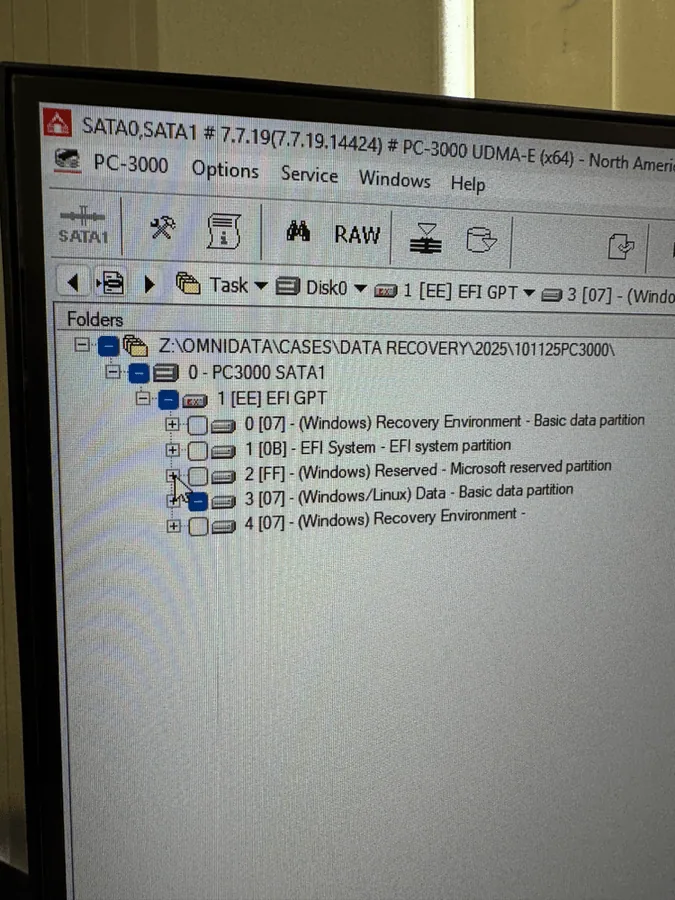
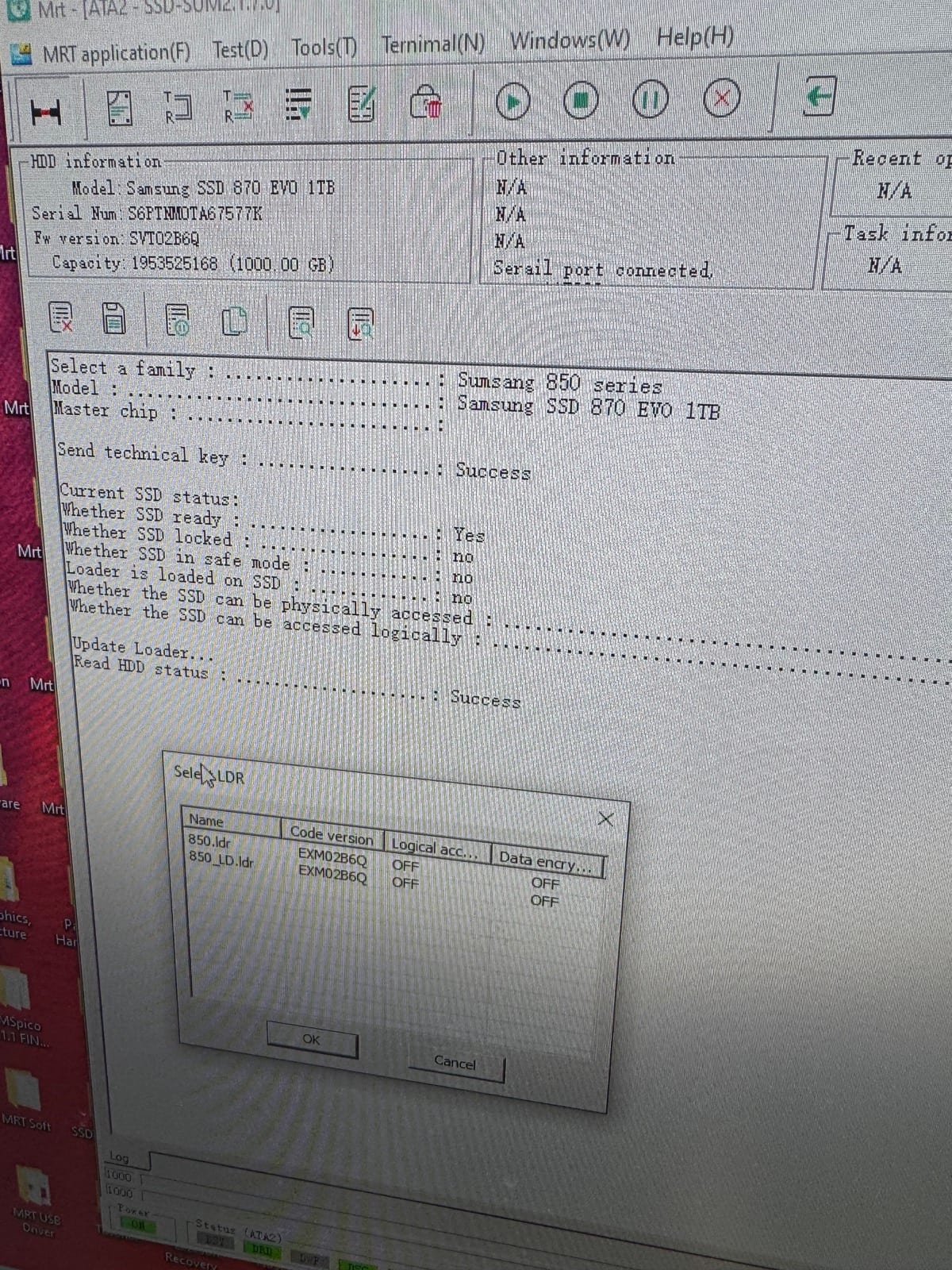
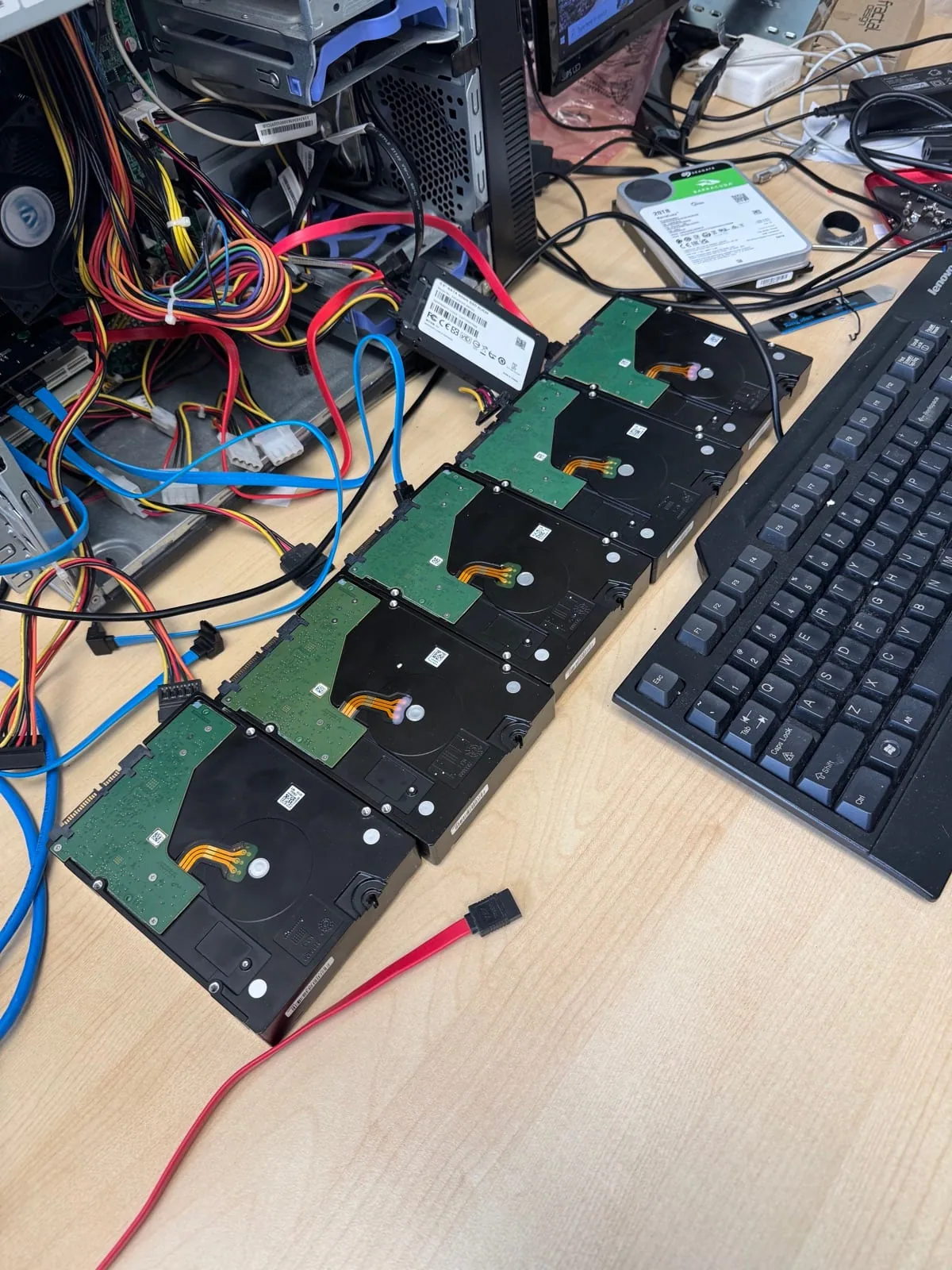
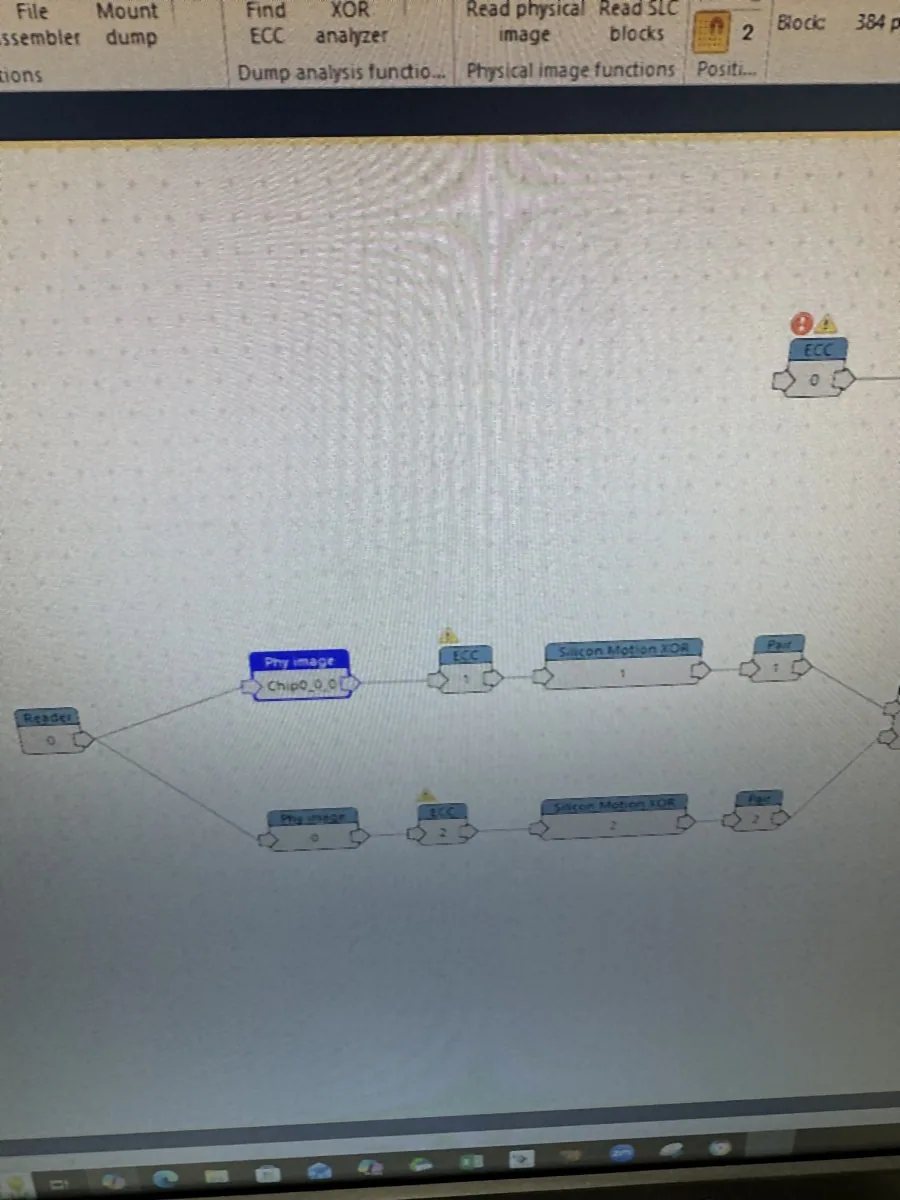
Data recovery FAQ
You do not need to diagnose the failure yourself. Bring the device in and explain what happened, what it is doing now, and which files matter most.
Yes. The device is assessed before recovery work begins so the likely path, risk, timing, and cost can be explained.
Not when a device is clicking, disappearing, extremely slow, physically damaged, liquid damaged, or part of a failed RAID.
Yes. Recovery cases are handled with attention to secure intake, controlled access, verification, and return.
Start with free diagnostics
A proper diagnosis is usually more useful than guessing over the phone.