Firmware and controller issues
SSDs that are not detected, show wrong capacity, freeze during access, or drop offline.
 Call (647) 490-4144
SSD data recovery Toronto
SSD recovery requires careful diagnostics because controller failure, firmware problems, NAND degradation, TRIM, and encryption can all affect the recovery path and success expectations.
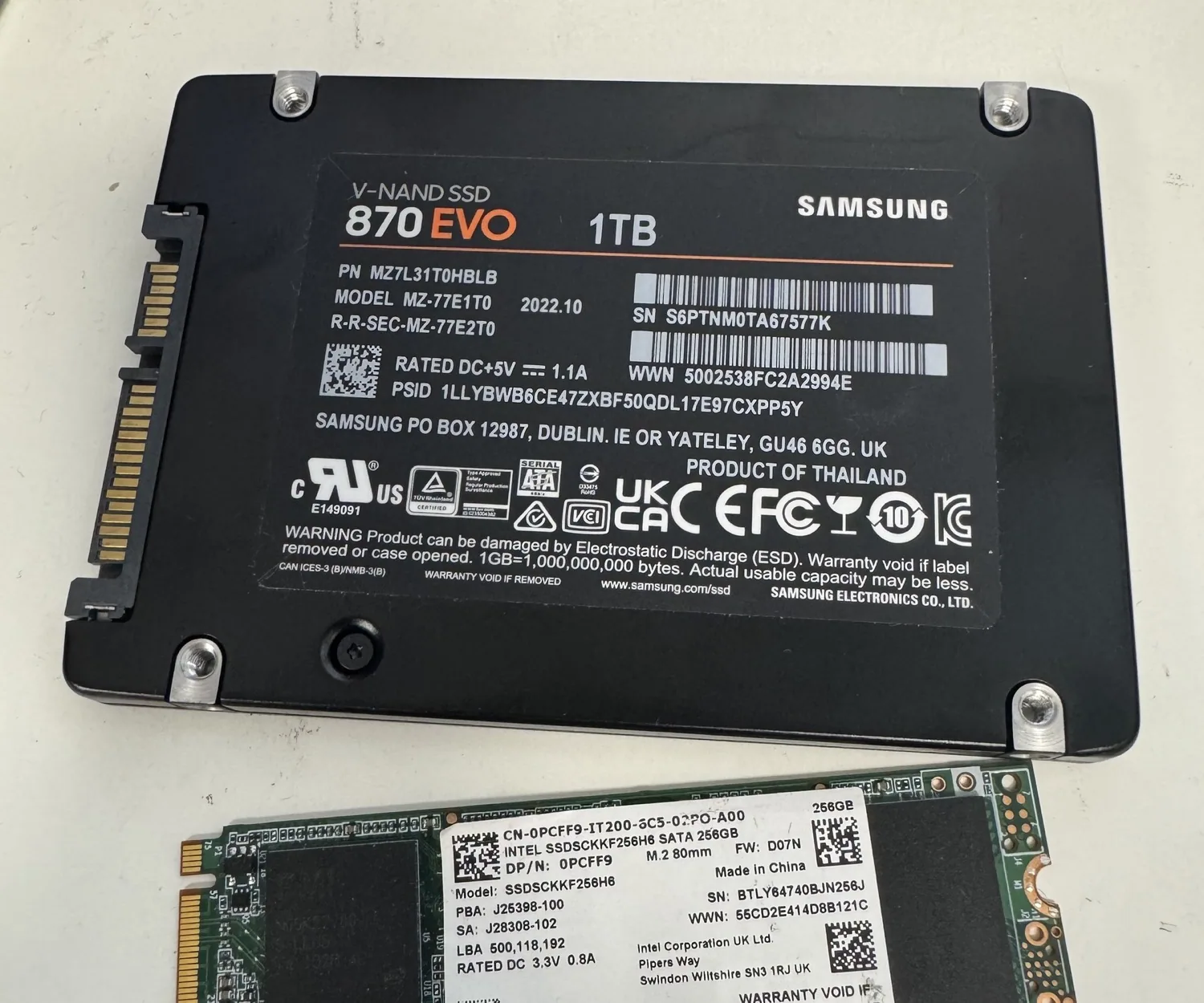
SSD failure types
SSDs fail differently from hard drives. There are no platters or heads, but the controller, firmware, NAND memory, power components, and translation tables can all prevent the SSD from mounting. A failed SSD may disappear from the system, identify with the wrong capacity, freeze a computer, show as uninitialized, or appear briefly and then disconnect.
Because SSDs depend heavily on controller logic and flash translation, the right first step is controlled diagnosis. Normal file recovery software may be useful only in narrow logical cases. If the SSD is unstable, every scan can consume time and access that may not be available again.
SSDs that are not detected, show wrong capacity, freeze during access, or drop offline.
Unreadable memory, unstable reads, bad blocks, slow access, and disconnects during imaging.
Power surge, liquid damage, damaged connectors, shorted components, and dead SSDs.
Deletion, formatting, corrupted partitions, and TRIM-related limitations.
Important SSD reality
TRIM, encryption, controller dependency, and NAND degradation can reduce the recovery window before the lab receives the device. Diagnosis is needed before any honest success expectation can be given. Unlike many hard drive cases, some SSD failures leave very little recoverable data if the controller has erased blocks, the NAND is heavily degraded, or encryption keys are no longer accessible.
Firmware vs NAND
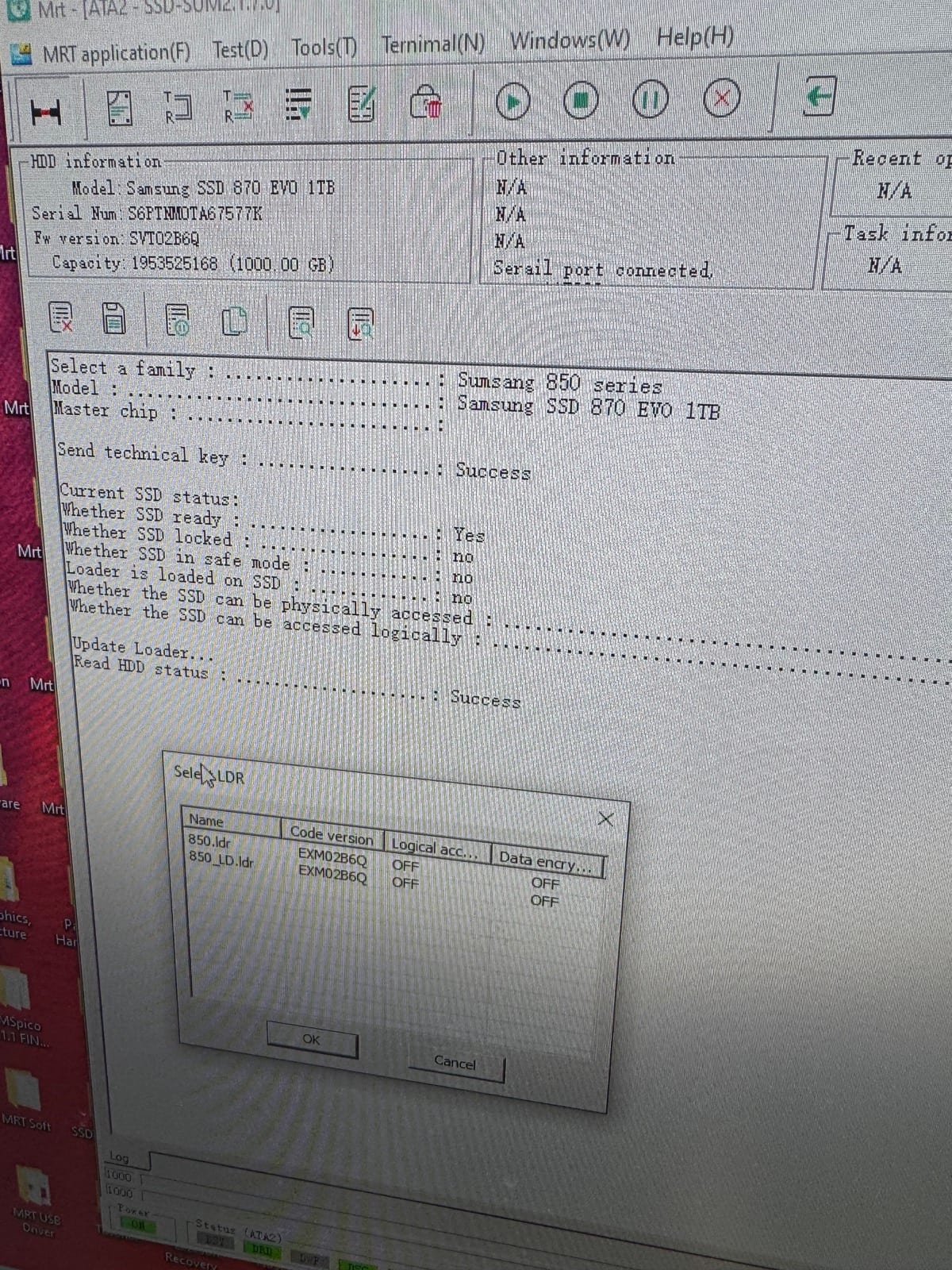
A firmware or controller-access problem can prevent the computer from communicating with the SSD even when much of the raw memory may still be readable. A NAND failure means the memory chips themselves are returning errors, degrading, or becoming unstable. These two failure paths can produce similar symptoms, but they usually require different expectations and different recovery workflows.
The SSD may identify incorrectly, lock up during access, report the wrong capacity, or stop responding normally. Recovery may focus on restoring controlled access to the storage.
The raw storage may be unstable, degraded, or returning too many read errors. Recovery depends on how much readable memory remains and whether logical reconstruction is still possible.
If TRIM has already cleared deleted blocks, the missing files may not exist in recoverable form even if the SSD itself still works.
Many SSDs rely on controller-managed translation and encryption. If the controller path cannot be restored, chip-level recovery may not produce usable files.
Lab process
We look at how the SSD failed: sudden disappearance, wrong capacity, freezing, liquid damage, power issue, deleted data, or previous software attempts.
We separate logical, firmware, controller, NAND, electrical, and connector-related symptoms before choosing a recovery path.
When possible, the SSD is accessed through a controlled professional workflow before file recovery begins.
Recovered files are rebuilt, verified, and returned securely after approval. If the failure creates a hard limitation, we explain that clearly.
Best first action
Do not install recovery software onto the same SSD, save recovered files back to the source SSD, initialize it, format it, run repair tools, or keep reconnecting it if it freezes or disappears. If the data matters, preserving the current state is more important than trying one more scan.
Related proof and guidance
Why similar symptoms can require different recovery paths and different success expectations.
Why deleted SSD files may disappear permanently and why timing matters.
Freezing, disappearing drives, read-only behavior, slow access, and wrong capacity warnings.
A real SSD recovery case involving sudden failure, internal limitations, and controlled recovery work.
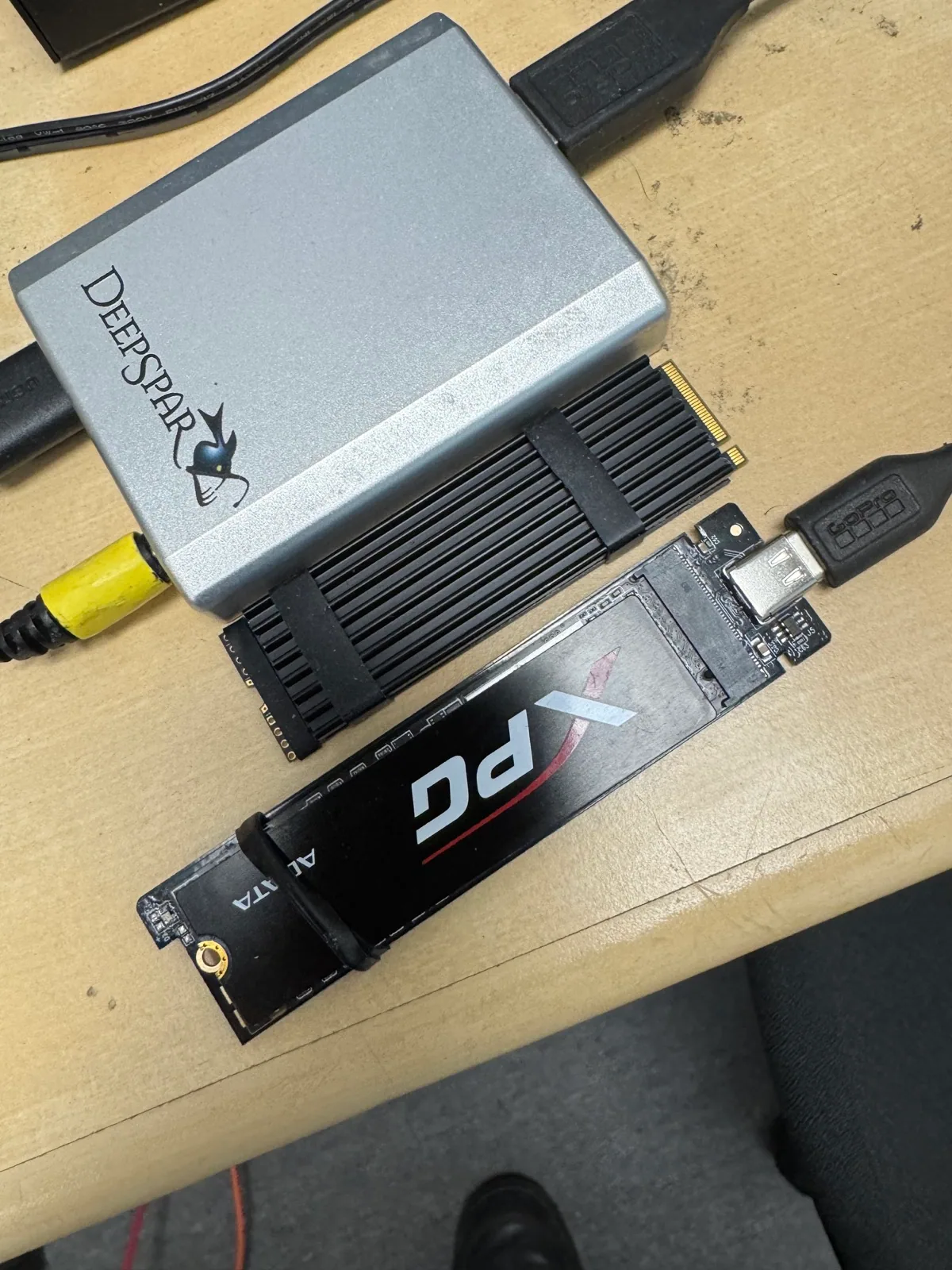
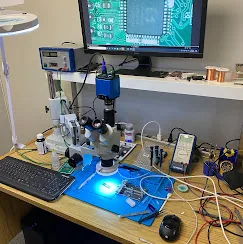
SSD lab proof
SSD FAQ
Sometimes, but TRIM can permanently clear deleted blocks. Stop using the SSD immediately.
Yes. Firmware cases may involve access logic; NAND cases involve degraded memory cells and often have different success expectations.
Not if the SSD is unstable, freezing, or disappearing. Software can waste the remaining access window.
Yes. Bring the SSD to the North York lab for assessment.
Start safely
SSD recovery is time-sensitive and failure-specific. Free diagnostics are available at the North York lab.