Industrial controller PCs
Machine-control computers, CNC-related PCs, production systems, and controller workstations that must return to a working state.
 Call (647) 490-4144
Critical system recovery Toronto
For industrial controller PCs, legacy workstations, business systems, and computers with custom or licensed software, the goal is to preserve the original working environment, not simply copy files.
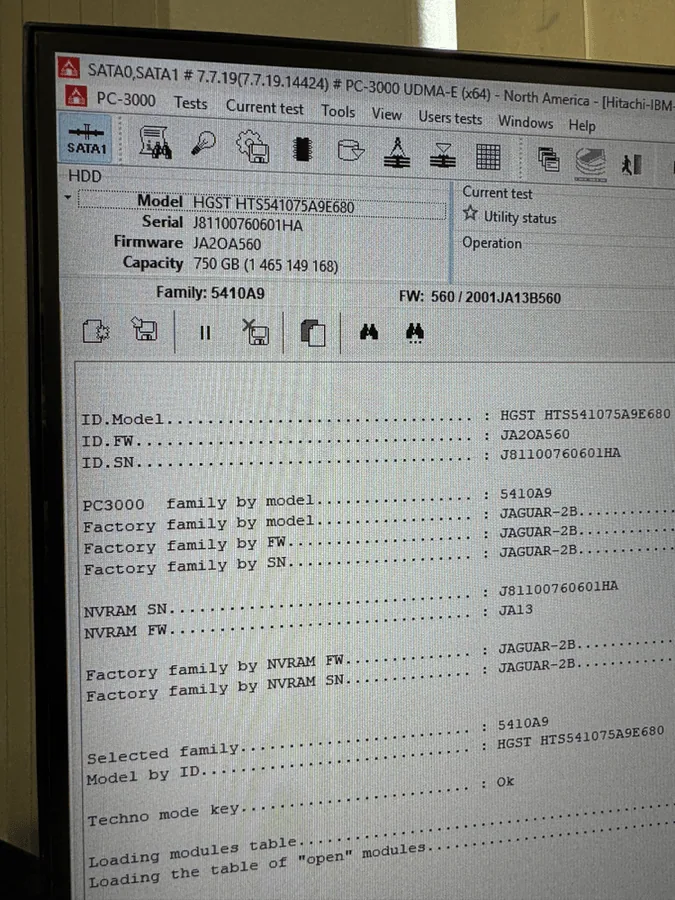
When the original installation matters
Many critical systems are more than a computer with files. They may depend on an older operating system, specialized drivers, licensed software, dongles, calibration data, machine configuration, databases, or vendor tools that are no longer available.
OmniDataPlus approaches these cases as system-preservation work. If the original storage device is unstable, the first step is protecting the system drive through controlled diagnostics and imaging before repair attempts change the environment.
Machine-control computers, CNC-related PCs, production systems, and controller workstations that must return to a working state.
Older Windows installations where the software, drivers, or hardware dependencies cannot easily be recreated on a new computer.
Systems with activation, vendor software, databases, custom configuration, or application environments that need to remain intact.
Hard drives, SSDs, and NVMe drives that cause boot failure, freezing, blue screens, or loss of access to the original system.
Before repair attempts
Reinstalling Windows, resetting the computer, cloning with unstable tools, or replacing hardware before the system is preserved can destroy the original configuration. If the drive is mechanically or electronically failing, powering it repeatedly can also reduce the chance of recovery.
What we try to preserve
Depending on the case, the recovery objective may include the operating system, installed applications, license state, drivers, databases, user files, boot configuration, and the relationship between the storage device and the original hardware.
We ask what the system controls, what changed before the failure, what software is irreplaceable, and whether the original machine must be preserved.
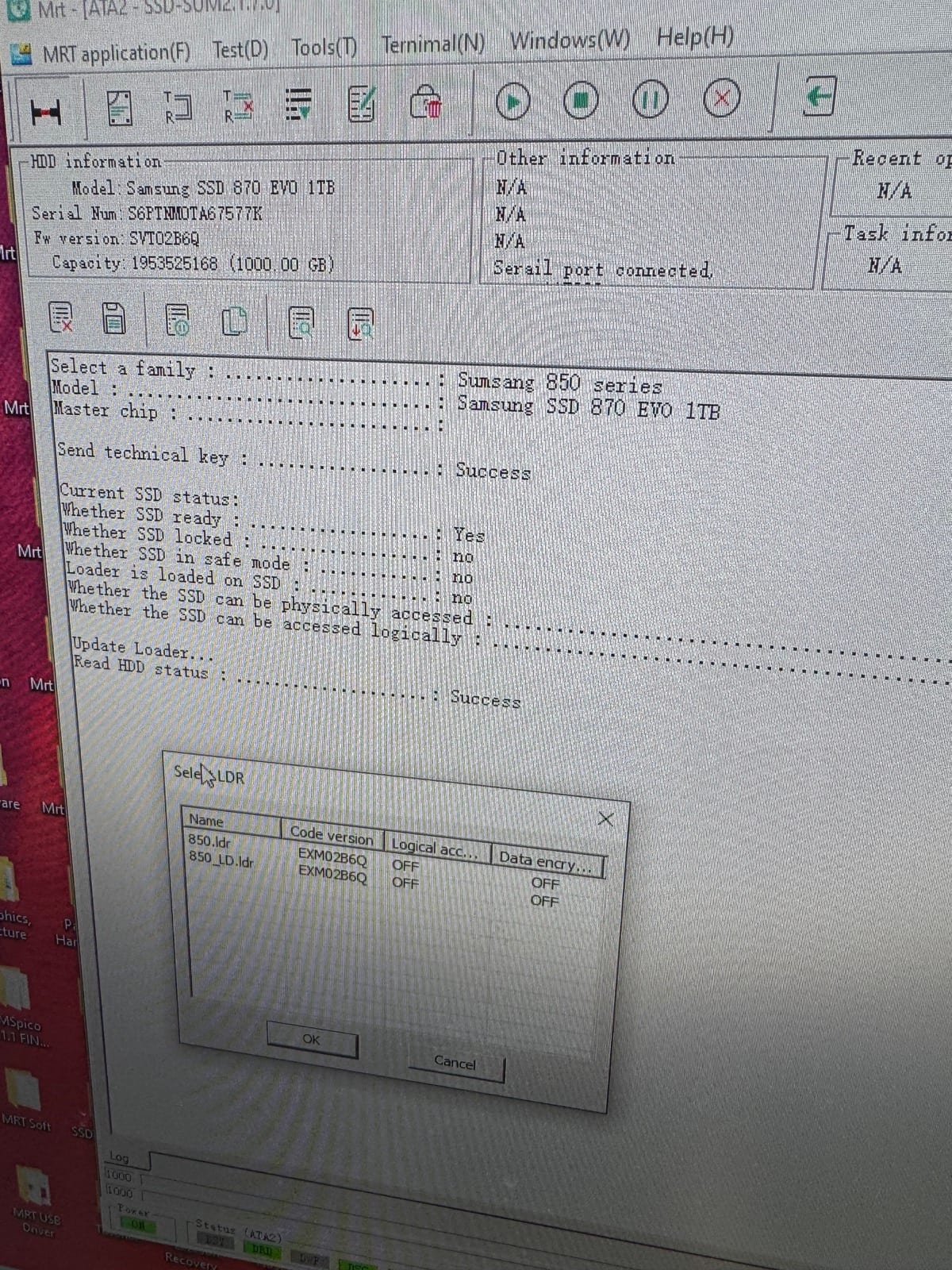
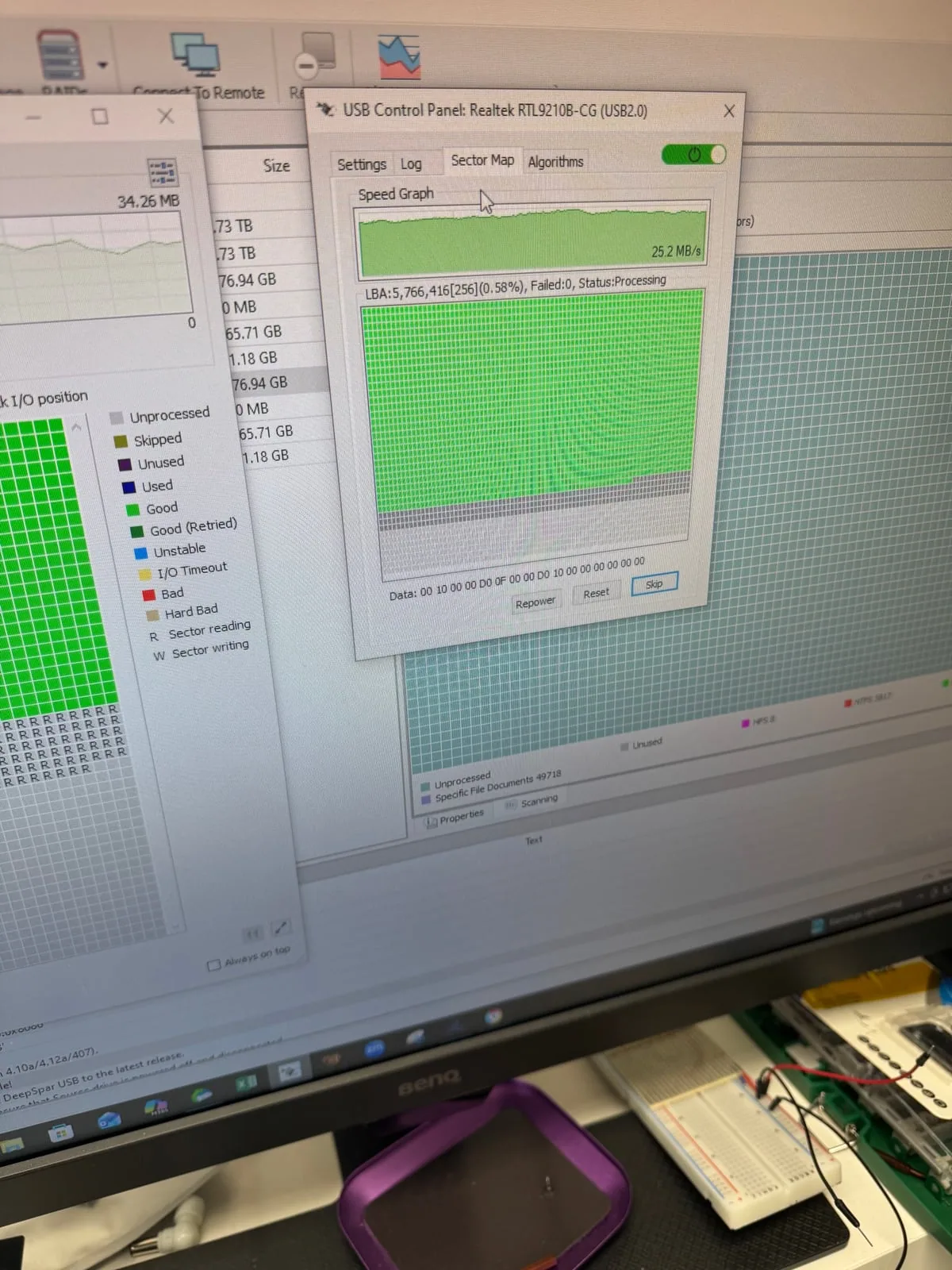
The storage device is assessed before repair attempts continue. If it is unstable, controlled imaging or hardware-level recovery may be required before system repair is attempted.
When safe, the lab works toward restoring the original environment or transferring it to suitable media while preserving critical software and configuration.
The recovered system or data set is checked with the customer’s real-world goal in mind: getting the critical system usable again.
Common cases
This service may fit industrial PCs, controller computers, legacy workstations, accounting or business systems, lab computers, medical or diagnostic systems, and other machines where reinstalling software is not a practical option.
Lab workflow
System recovery FAQ
No. Reinstalling may remove the exact software environment that needs to be recovered. These cases focus on preserving or restoring the original operational system whenever possible.
Often it can be assessed. The path depends on the storage condition, operating system, drivers, software licensing, and the original hardware requirements.
Bring the original computer if possible, the system drive, any external license dongles, power adapters, notes about the machine or software, and the full story of what happened.
Yes. Bring the computer or drive in for assessment before approved work begins.
Critical system down?
Bring the original computer or system drive to the North York lab for free diagnostics.