Broken USB connectors
Snapped ports, bent connectors, torn pads, cracked traces, and board damage.
 Call (647) 490-4144
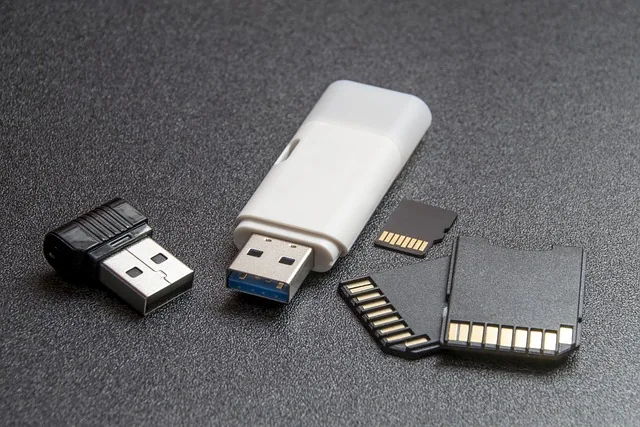
USB & SD card recovery Toronto
When flash media fails, the problem may be a broken connector, damaged traces, controller failure, corruption, or a NAND reconstruction case.
Flash failure types
USB drives and memory cards can look simple from the outside, but their data may depend on tiny controllers, NAND chips, error correction, translation logic, and physically fragile connectors.
A flash drive that asks to be formatted, shows the wrong capacity, disconnects, heats up, or appears only sometimes is not always a simple software problem. The cause may be a cracked solder joint, damaged connector, failed controller, corrupted translation table, degraded NAND, or a monolithic flash device that requires specialized handling.
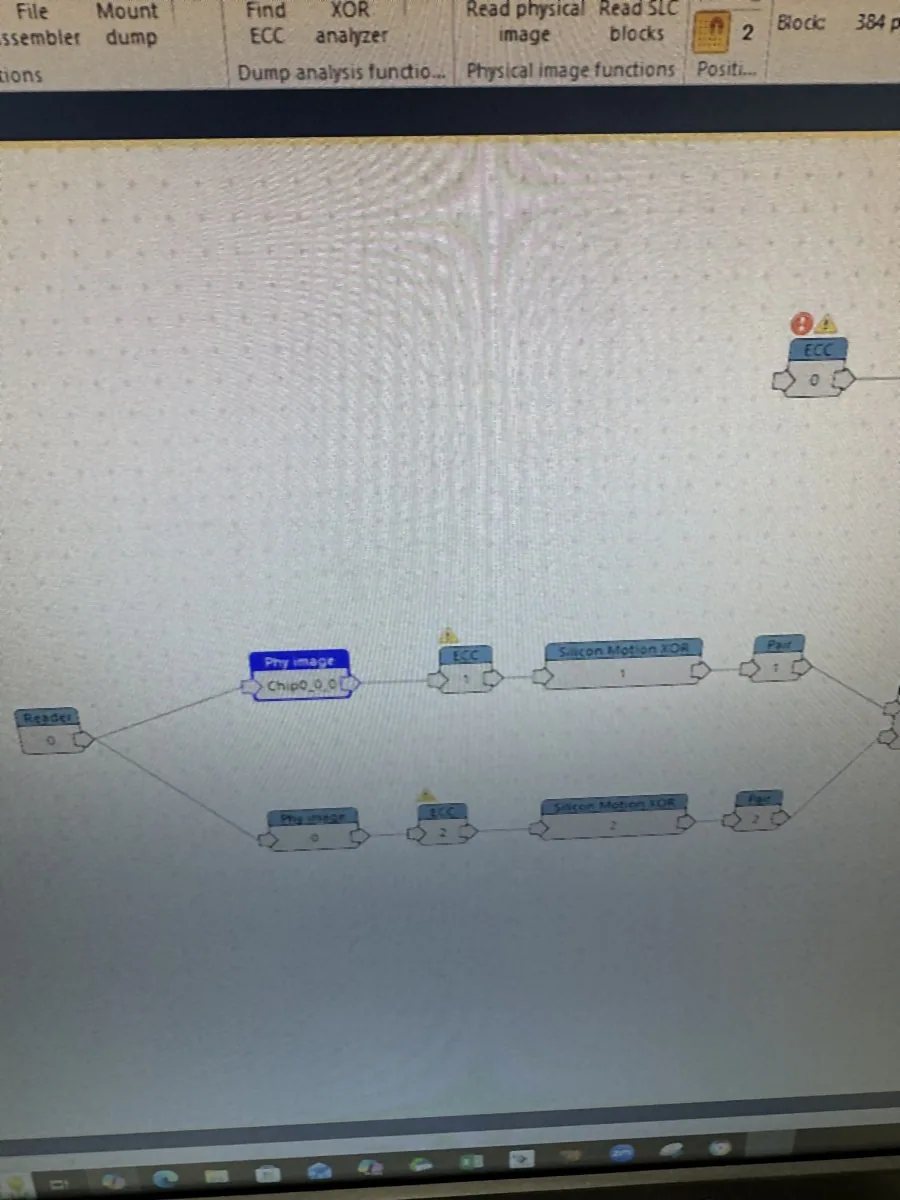
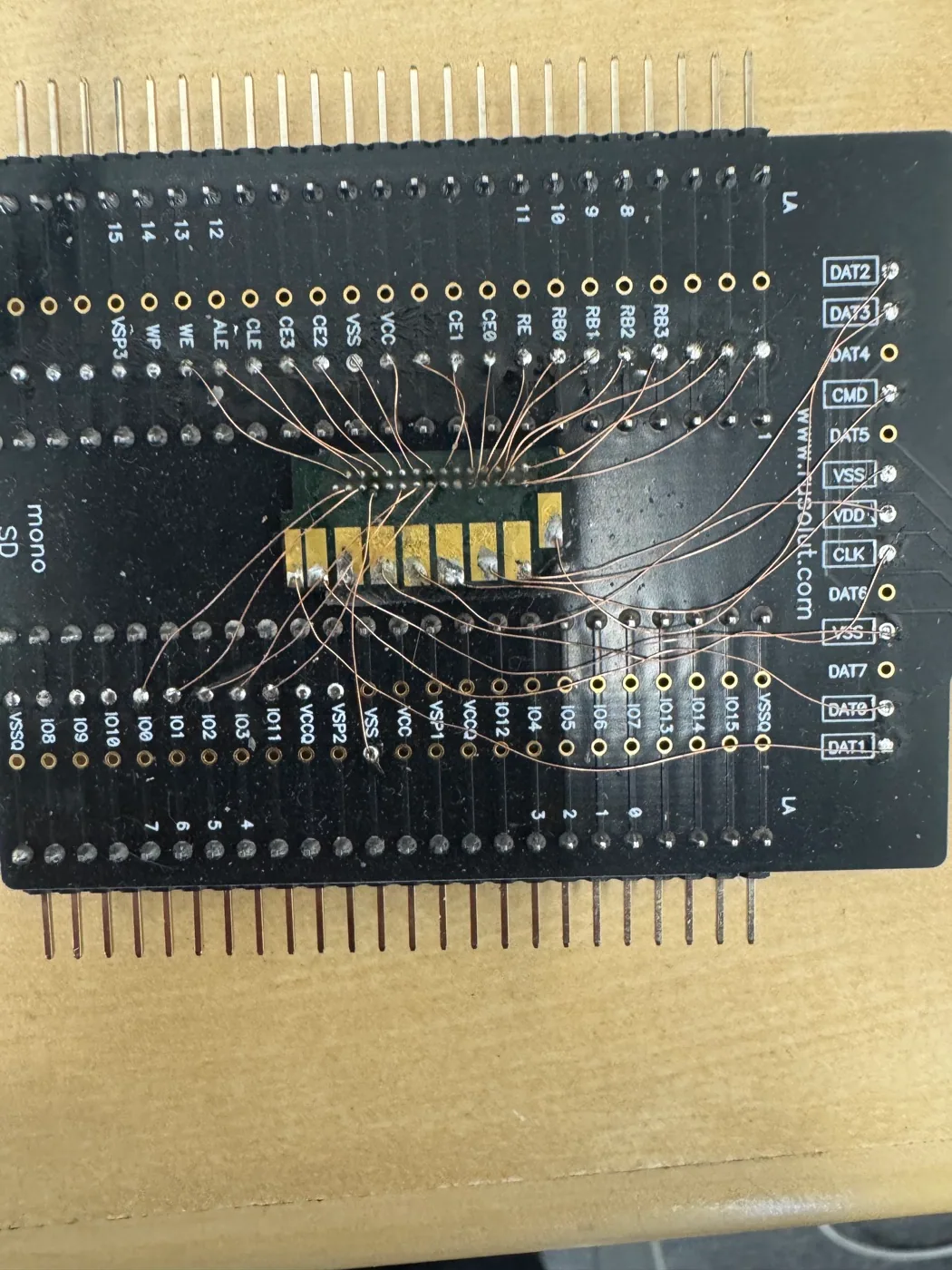
Professional diagnosis separates easy access problems from deeper flash recovery cases. A broken connector may be repairable at board level, while a failed controller may require direct memory reads and reconstruction using tools such as Rusolut VNR-style workflows. The right path matters because unnecessary writing, formatting, or repeated reconnecting can reduce the recovery window.
Snapped ports, bent connectors, torn pads, cracked traces, and board damage.
Unreadable camera cards, microSD media, formatting prompts, and damaged filesystems.
Flash devices that no longer identify correctly or fail through the normal access path.
Chip-level reading and Rusolut VNR-style analysis when raw memory must be reconstructed.
What to do now
New writes can overwrite lost content. If the flash device appears intermittently, continued attempts can also worsen a fragile connector or board fault.
Recovery expectations
Some USB and SD recoveries are relatively direct when the memory is healthy and the issue is only a broken connector, cracked trace, or damaged access point. Other cases are more complex because the controller no longer translates the raw NAND memory into normal files.
When the controller path is gone, the lab may need to read raw memory and rebuild the logical structure before files appear again. This can involve error correction, page layout analysis, interleaving, block pairing, XOR handling, and filesystem reconstruction. The website explains this at a customer-facing level without publishing proprietary recovery recipes.
Lab process
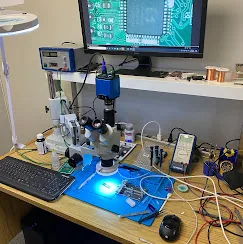
We determine whether the failure is connector, board, controller, logical, or NAND-related.
Some cases need connector repair; others need deeper flash analysis and reconstruction.
Recovered data is reconstructed and returned securely when the memory path is restored.
Related guidance
Read NAND reconstruction and flash recovery explained, or review the PNY USB flash drive recovery case study.
Flash lab proof
Flash FAQ
Often, if the memory and board can still be accessed or repaired safely.
No. Formatting can make recovery harder and may overwrite useful structures.
It is rebuilding usable data from raw flash memory when the normal controller path fails.
Yes. Bring the flash media in for assessment.
Protect the media
Stop reconnecting it and let the lab identify the safest recovery path.