Case summary
The hybrid drive became inaccessible and remained stuck in a busy state.
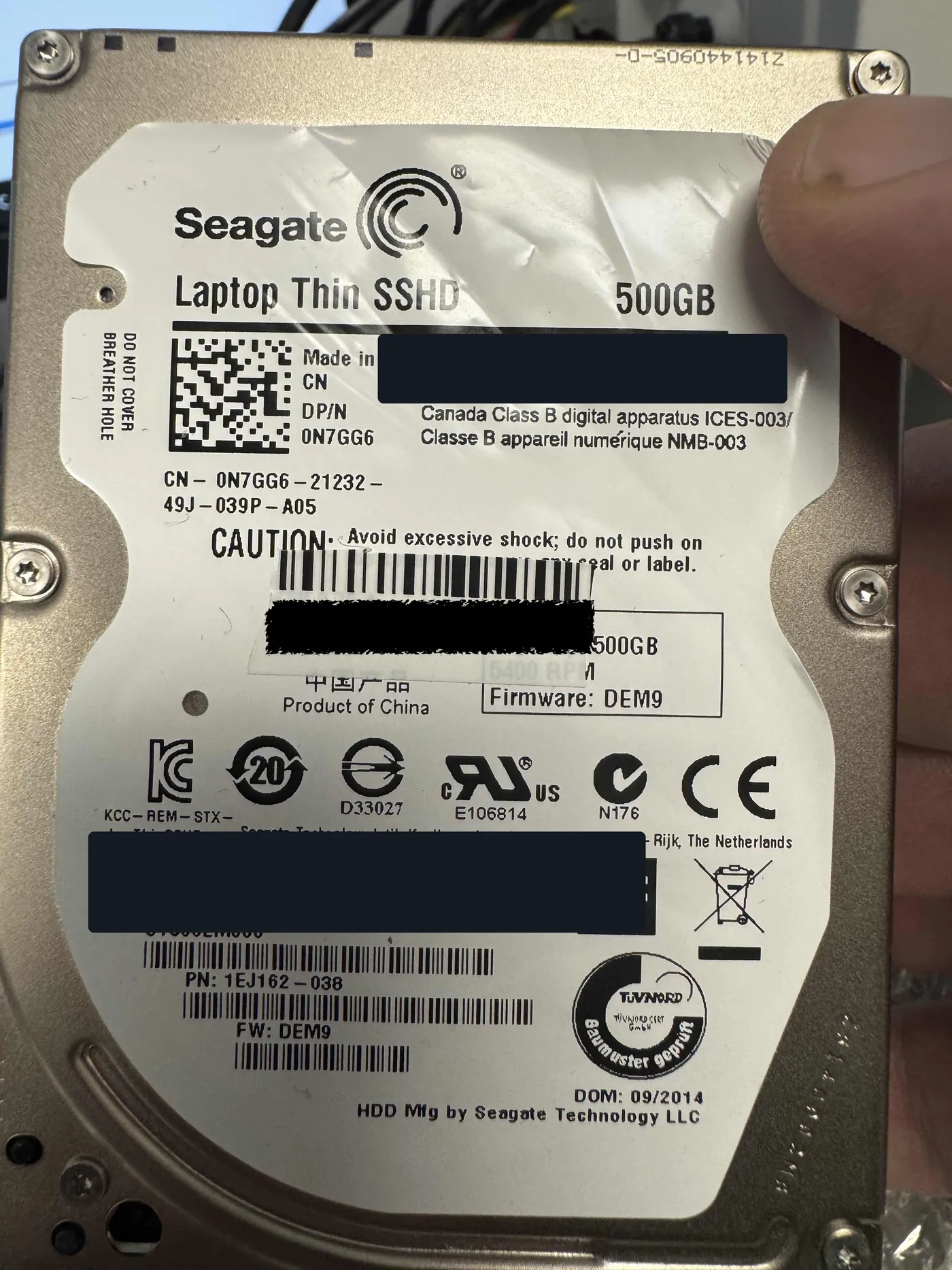
The customer suddenly lost access to a Seagate Laptop Thin SSHD, model ST500LM000. The 500GB hybrid drive combines rotating magnetic storage with an 8GB NAND cache. Before arriving at the lab, the drive had been opened at home in normal room air after the customer followed an online video. When received, it would initialize but remain busy, never reach a ready state, and provide no access to its data.
Reviewed by Michael Avraham, Lead Data Recovery Specialist at OmniDataPlus.
Many YouTube videos about hard-drive repair are optimized for clicks and are not genuine professional instructions or safe tutorials for handling drive failure. There is no safe DIY internal repair for a failed hard drive without appropriate diagnostic tools, specialist training, and a suitable controlled environment. Opening a drive in normal room air introduces dust, fibres, fingerprints, and other contamination directly onto precision internal components. Even brief exposure or accidental contact can permanently damage the platters or heads and sharply reduce recovery prospects. Power the drive off and consult a professional data-recovery lab instead.
Device
Seagate ST500LM000 Laptop Thin SSHD, 500GB with 8GB NAND cache.
Initial state
Stuck busy, unable to reach ready state, and no user-data access.
Complications
Open-air contamination, hybrid firmware failure, corrupted system files, and damaged media.
Outcome
Approximately 95% of the customer's photos, videos, and documents recovered.
Clean-workbench inspection
The first priority was assessing contamination and internal damage.
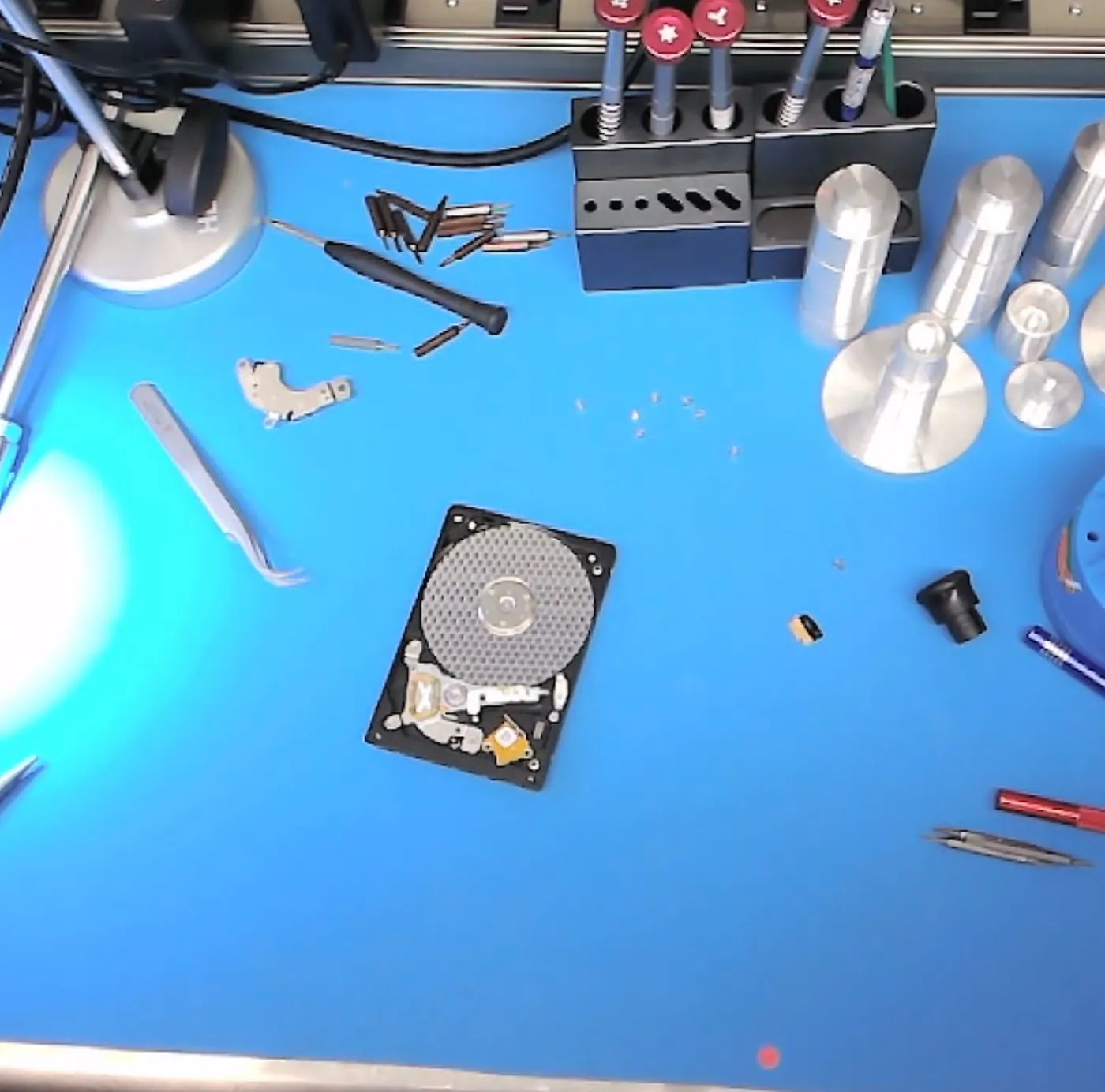
The drive was opened under a suitable clean workbench for controlled inspection. The visible platter surfaces initially appeared to be in reasonable condition without obvious scratches, but the interior contained substantial open-air contamination, including excessive dust and fingerprints in multiple areas. The accessible contamination was carefully removed, the drive was decontaminated, and the cover was resealed before electronic diagnosis continued.
Firmware diagnosis
The busy-state failure pointed to the SSHD's NAND and firmware subsystem.
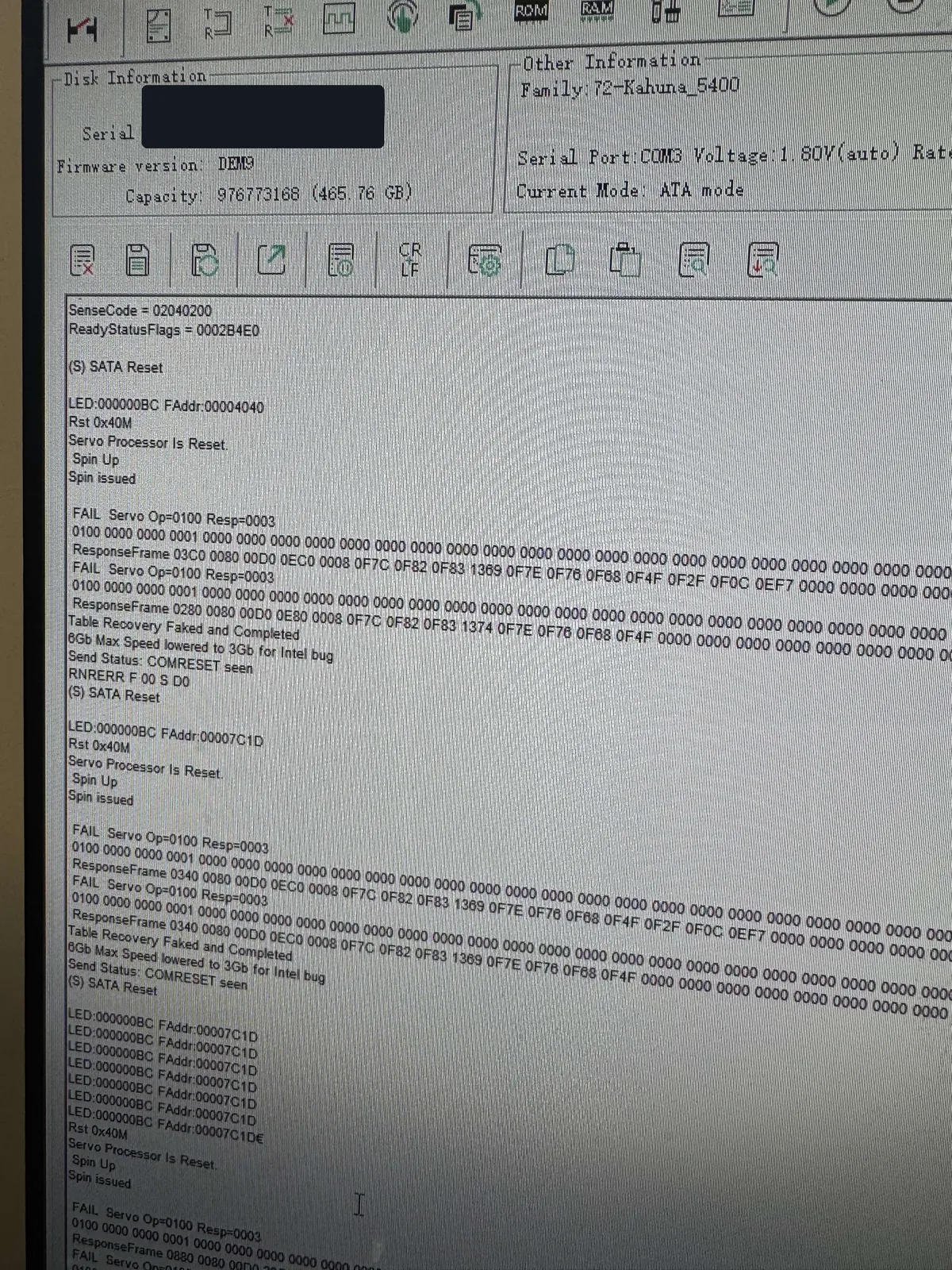
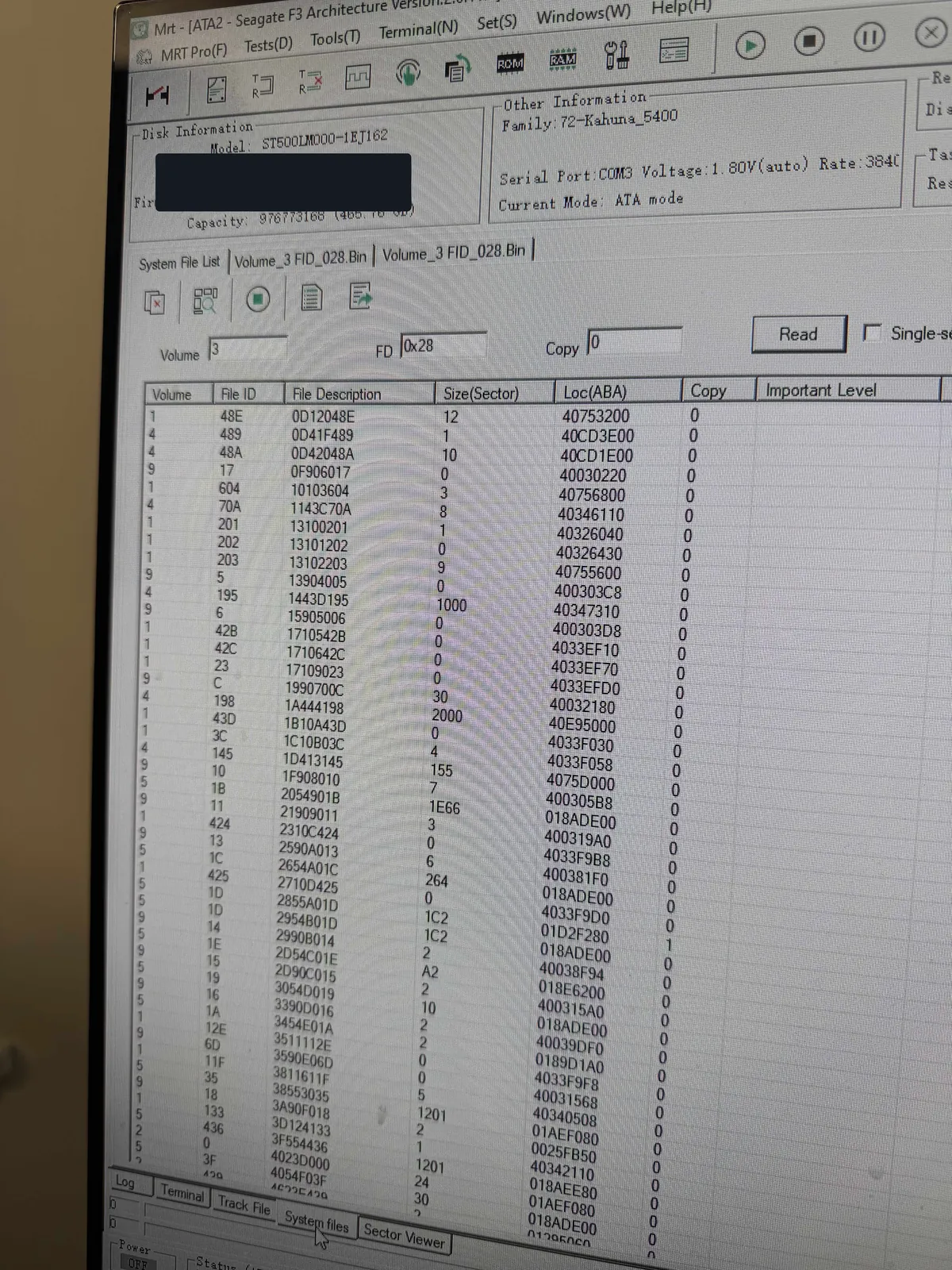
Terminal output during initialization showed a failure pattern commonly associated with this family of hybrid drives. Professional MRT diagnostics were used to prevent access to the failed 8GB solid-state cache. The drive then reached a ready state, but multiple critical system files still failed to load correctly, confirming that the fault extended beyond the NAND cache into the drive's firmware resources and ROM.
Compatible donor resources with a matching firmware family were used to reconstruct the damaged firmware environment while preserving the adaptive information unique to this drive. After ROM reconstruction and regeneration of the affected system resources, the user area became accessible. Proprietary implementation details are intentionally omitted.
Controlled imaging
Imaging strategy changed as severe unreadable areas appeared.
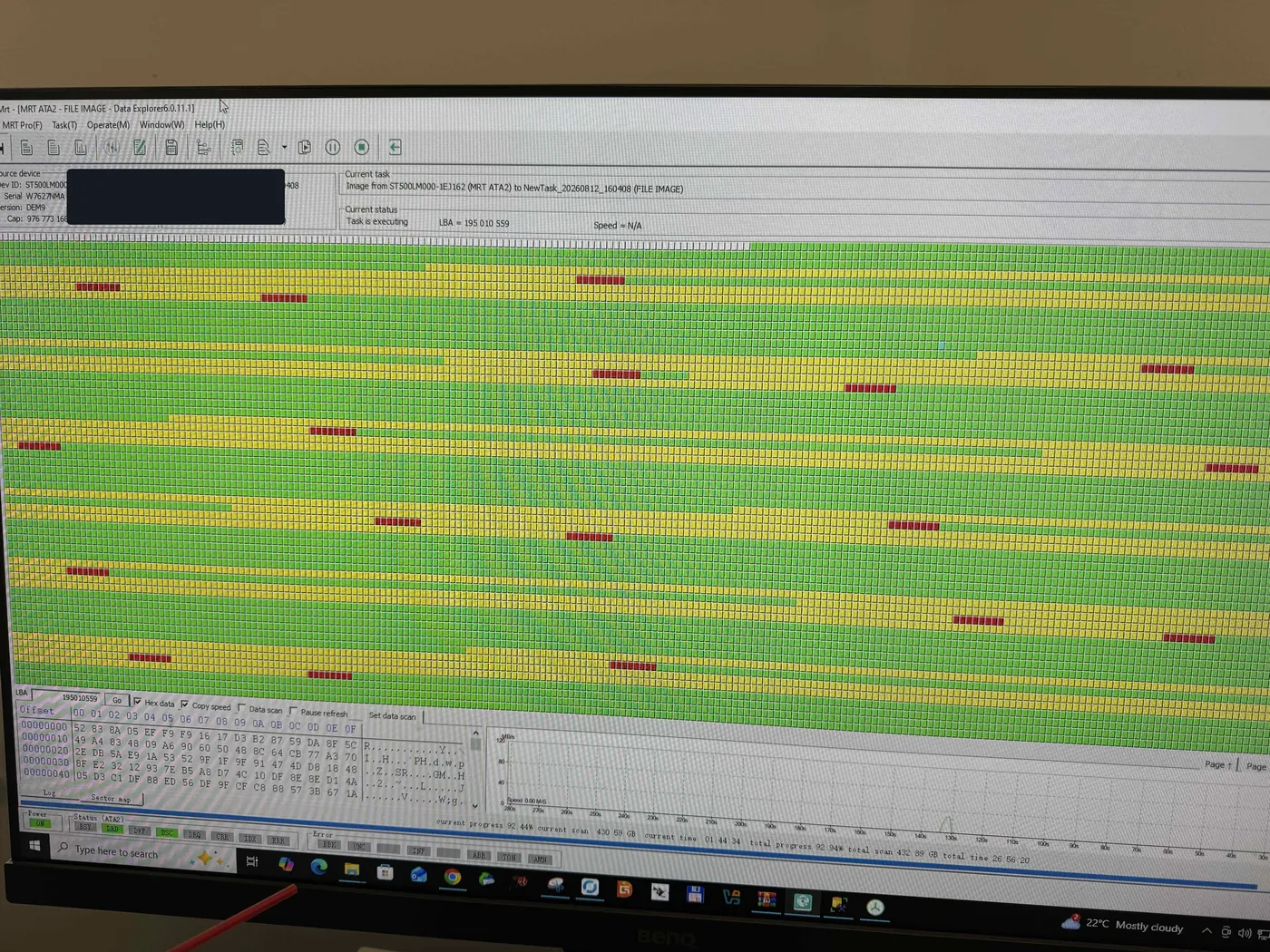
Although the initial visual inspection found no obvious platter scratches, controlled imaging revealed severe degradation in specific media regions. The drive struggled repeatedly in those areas, placing its already weakened heads at greater risk. Imaging was changed to skip unstable regions and prioritize the customer's most important data before returning to less critical areas.
The process captured all but approximately 15GB of the addressable media before the read/write heads failed completely. Recovered files were extracted and validated from the successfully imaged areas.
Outcome
Approximately 95% of the important files were recovered.
The completed recovery included approximately 95% of the customer's photos, videos, and documents. The remaining data was located in areas that could not be imaged before the heads reached complete failure.
Lab photos
Inspection, firmware diagnosis, and imaging from the actual case.