Case summary
A portable USB drive needed lab diagnosis before safe imaging.
The customer brought in a WD Portable Elements USB drive after it stopped providing reliable file access. The drive was not treated as a simple cable or software problem because portable drives can fail electrically, mechanically, through firmware behavior, or through unstable media.
Reviewed by Michael Avraham, Lead Data Recovery Specialist at OmniDataPlus.
Free diagnostics started with the full failure story, the symptoms seen by the customer, and a non-destructive assessment. This matters because a drive that appears only intermittently can still be physically or firmware-level unstable, and repeated attempts through Windows or macOS can reduce the remaining recovery window.
Device
WD Portable Elements external USB hard drive.
Failure
Unstable access and failure to mount normally through USB.
Main challenge
Native-USB behavior required careful diagnosis before controlled imaging.
Recovery path
Board-level assessment, stabilization, and professional controlled imaging.
Lab diagnosis
Why a WD portable USB drive is not always a normal external drive.
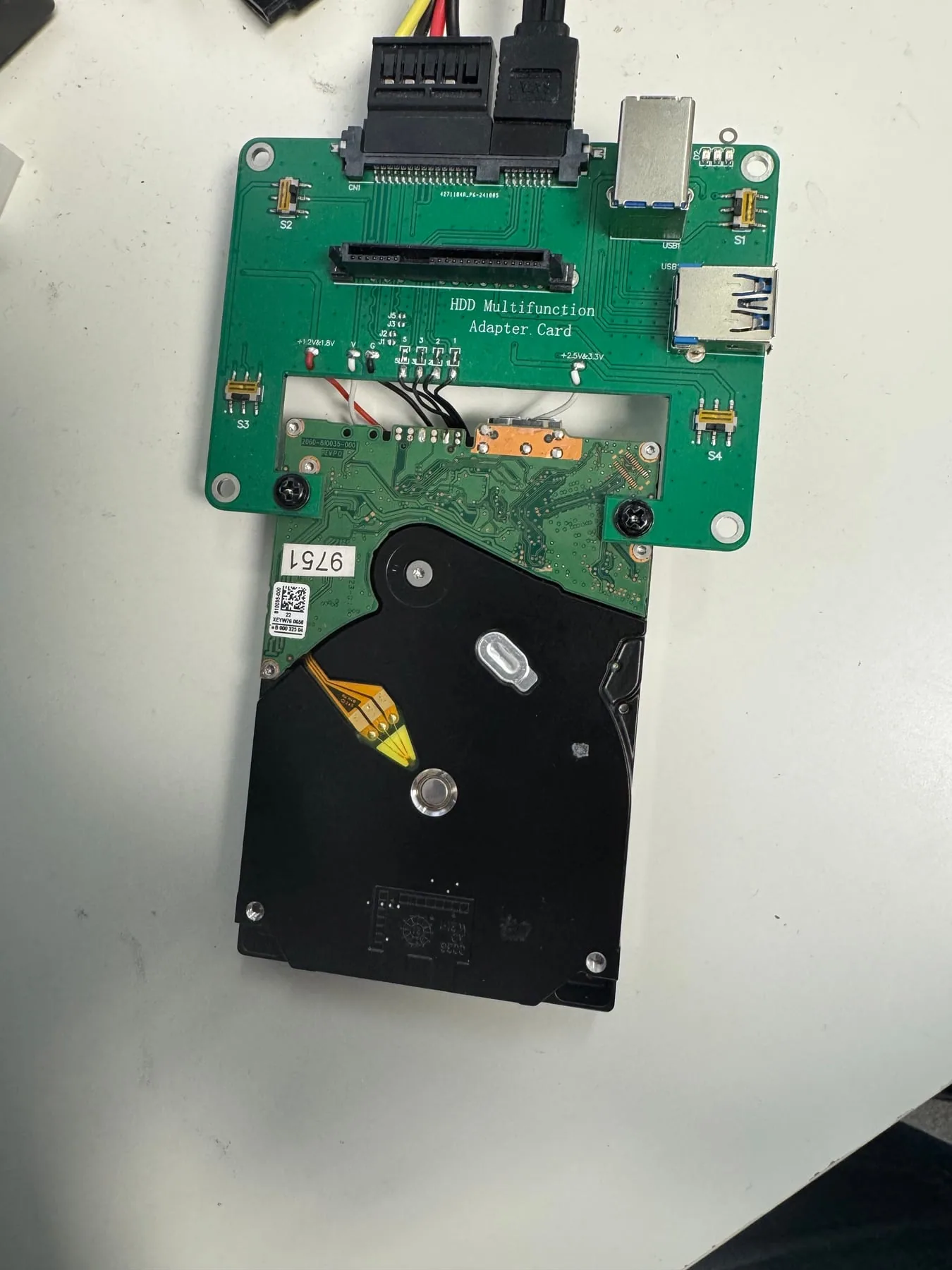
Many WD portable external drives use a native USB board rather than a standard SATA drive inside a simple enclosure. That means recovery is not always as simple as removing the drive and plugging it into another adapter. The USB board, power behavior, firmware access, encryption behavior, and media condition all need to be considered before choosing a path.
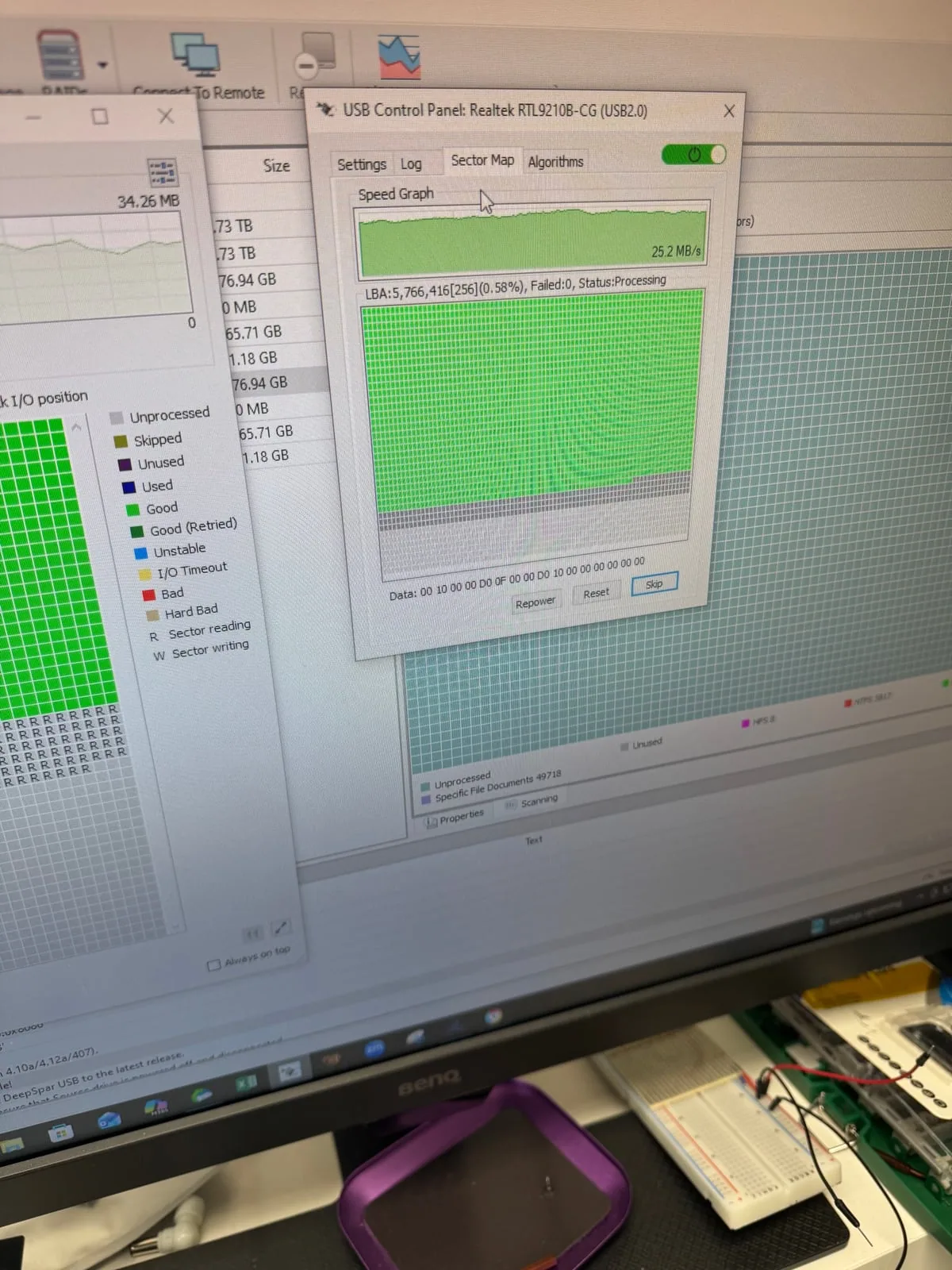
In this case, the lab focused on stabilizing access and reading the media in a controlled way. The goal was to avoid unnecessary operating-system scans, repair prompts, and repeated reconnects that could force the drive to keep retrying weak areas.
Recovery process
Controlled imaging came before file recovery.
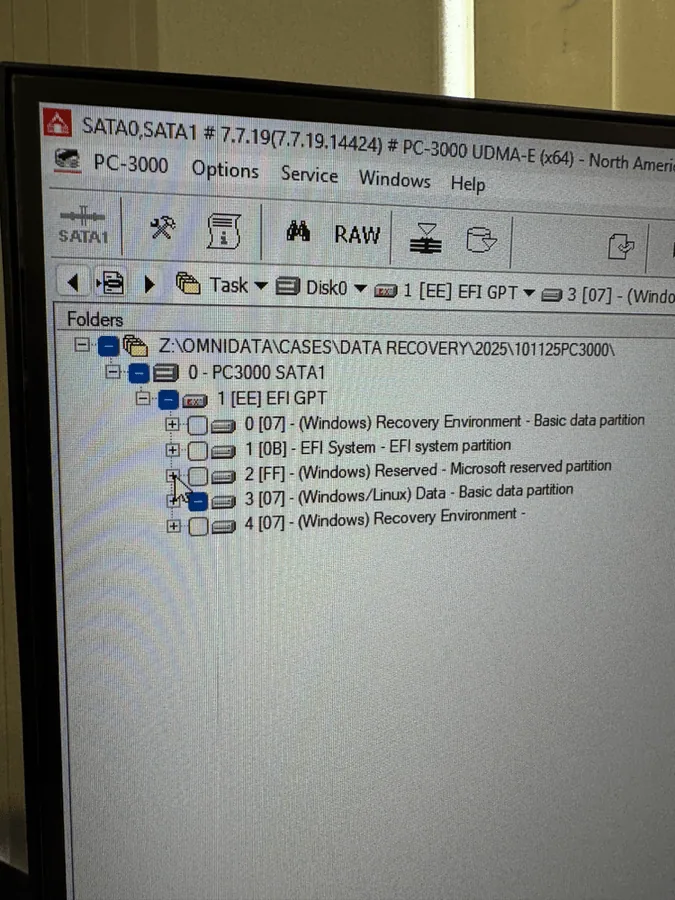
The drive was assessed locally, then handled through a controlled imaging workflow rather than a normal file copy. This allows a lab to manage unstable areas, reduce avoidable stress, and build the safest possible working copy before filesystem reconstruction or file verification begins.
After the stable image was built, the recovered data was checked so the customer could confirm the important files before return. Customer identity and private file details are never shared in case studies.
Outcome
The important files were recovered from the WD Portable Elements drive.
The case was completed through local lab diagnostics, controlled access, and recovery from the best available read of the media. The key lesson is simple: if a portable drive stops mounting, disconnects, freezes, or asks to be formatted, stop using it before trying repeated fixes.
Lab photos
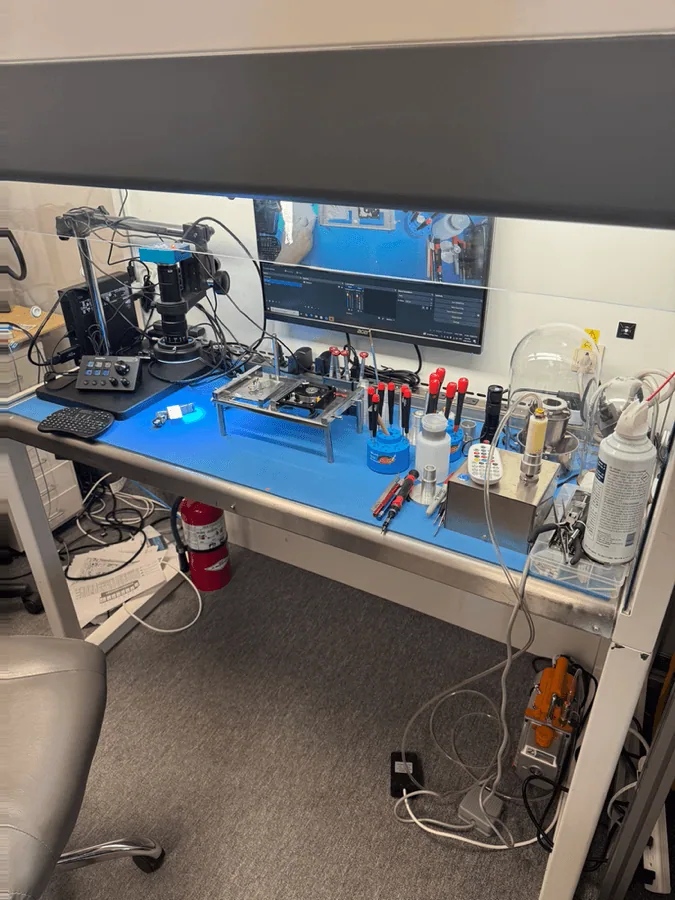
Portable USB drive recovery workflow.