
CMR and SMR are two hard drive recording technologies. To a normal user, both drives may look the same in a computer. In recovery work, they can behave very differently, especially when the drive is weak, slow, or part of a failed NAS or RAID array.
Last updated September 6, 2026. Reviewed by Michael Avraham, Lead Data Recovery Specialist at OmniDataPlus.
Quick answer
CMR and SMR hard drives store data differently, and that difference can matter during recovery. SMR drives can be more sensitive to heavy writes, rebuild attempts, and unstable imaging because the drive may manage overlapping recording zones internally.
- Do not rebuild a RAID/NAS just because the drives still spin.
- Preserve drive order and label every disk before removing anything.
- Use controlled diagnostics before forcing a weak SMR drive through heavy reads or writes.
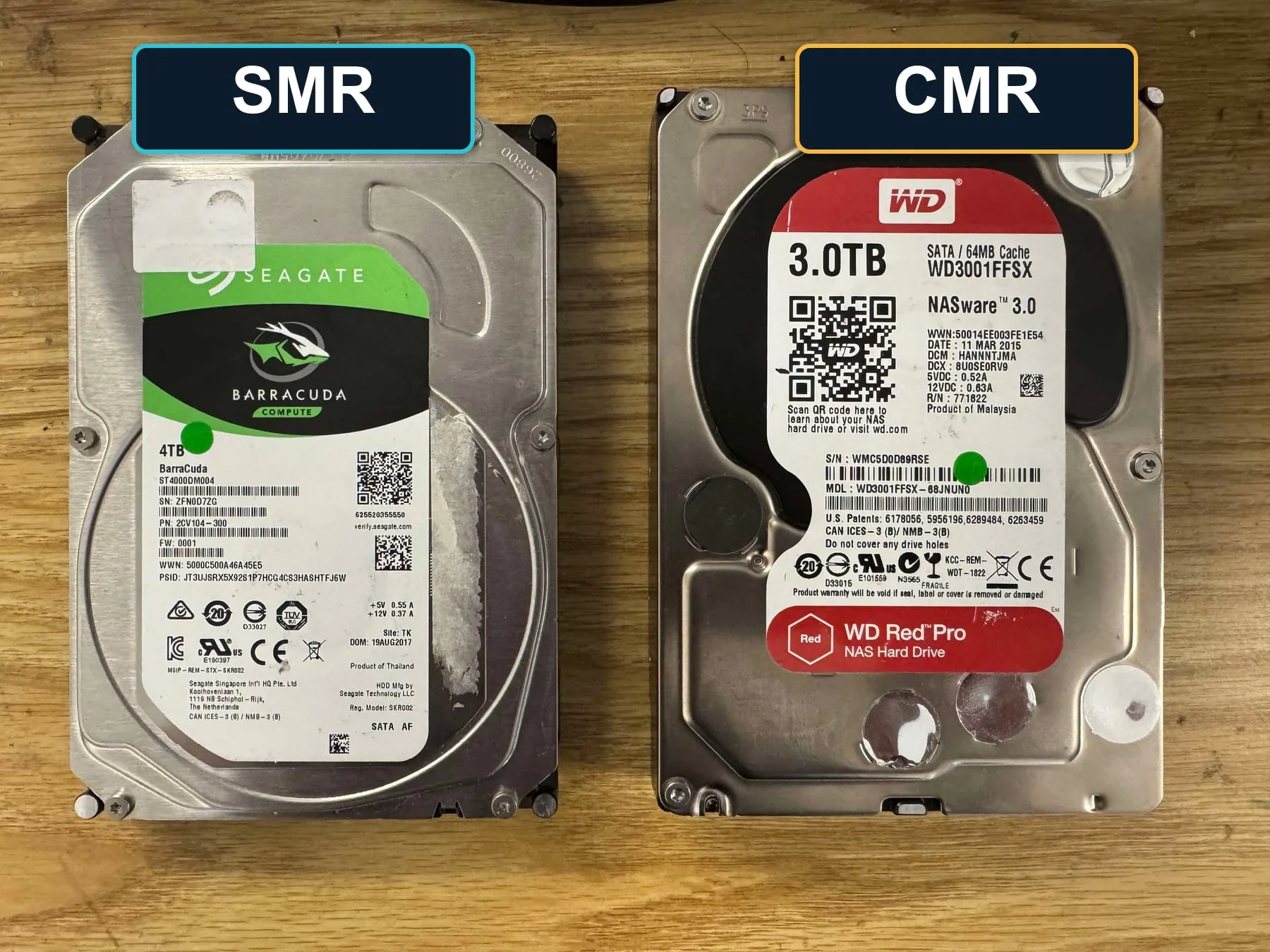
What CMR means
CMR stands for conventional magnetic recording. In simple terms, the drive writes tracks in a more traditional layout. CMR drives are usually more predictable for random writes, RAID rebuilds, and workloads where data is constantly changing.
For recovery, CMR behavior is often more straightforward because the drive’s internal write layout is less dependent on background management and translation behavior.
What SMR means
SMR stands for shingled magnetic recording. The tracks overlap like shingles on a roof. This allows manufacturers to fit more data onto the platter, but it also means rewriting data can be more complicated internally.
An SMR drive may need to rewrite larger zones when small changes are made. When the drive is healthy, the user may not notice. When the drive is failing, slow, unstable, or used in RAID/NAS environments, this behavior can become a major issue.
Why SMR can be harder during recovery
- Failing SMR drives may become extremely slow or inconsistent during reads
- Background media management can complicate failure symptoms
- RAID rebuilds can stress SMR drives heavily and expose weak areas
- Drive-managed translation can make behavior less predictable under failure
Why this matters in RAID and NAS systems
SMR drives can be problematic in some NAS and RAID workloads because rebuilds involve large amounts of sustained reading and writing. If one drive is already weak, the rebuild can push other drives harder. If the array uses SMR drives, slow write behavior or internal management can make the rebuild process longer and riskier.
For recovery, the safest path is usually to avoid forcing rebuilds and instead image the drives individually before reconstructing the array virtually.
What a lab considers
- Whether the drive is CMR or SMR
- Whether the failure is mechanical, firmware, media, or logical
- How the drive behaves during controlled imaging
- Whether priority data should be targeted before full imaging
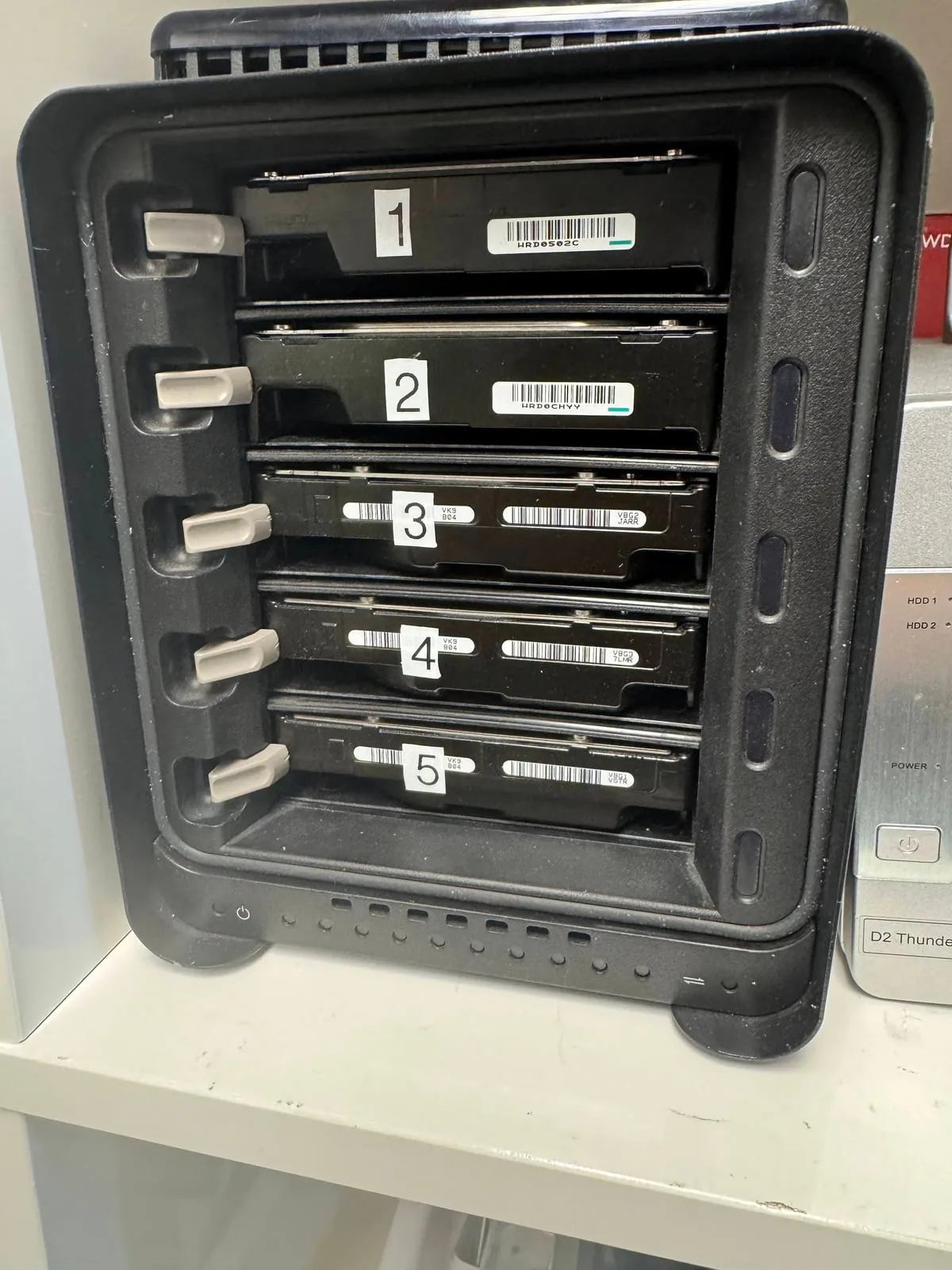
- Whether the drive belongs to a RAID/NAS set that must be reconstructed carefully
Why drive type changes the recovery plan
A lab does not treat every hard drive the same way. Capacity, model family, recording method, health, error behavior, and the history of the failure all influence the safest imaging strategy. This is especially important when a consumer SMR disk has been used inside a NAS or backup workflow.
Best first action
If a hard drive or NAS is slow, clicking, freezing, dropping offline, or failing during rebuild, stop using it. Do not keep trying rebuilds or long scans. Bring the device or drives in for diagnosis so the recovery path can be planned around the actual media behavior.
North York data recovery lab
Recovering a failing SMR or NAS drive? Avoid repeated rebuilds.
Free diagnostics are available at OmniDataPlus. Bring the device in as-is, or contact the lab before attempting another power-on, scan, rebuild, or repair.