
RAID recovery depends on disk order, parity, stripe size, metadata, filesystem structure, and what happened before the array failed.
Last updated September 6, 2026. Reviewed by Michael Avraham, Lead Data Recovery Specialist at OmniDataPlus.
Quick answer
After a RAID or NAS failure, the safest first step is usually to stop and preserve the current state. Rebuilds, disk swaps, initialization, and “repair” prompts can overwrite the very metadata needed to reconstruct the array.
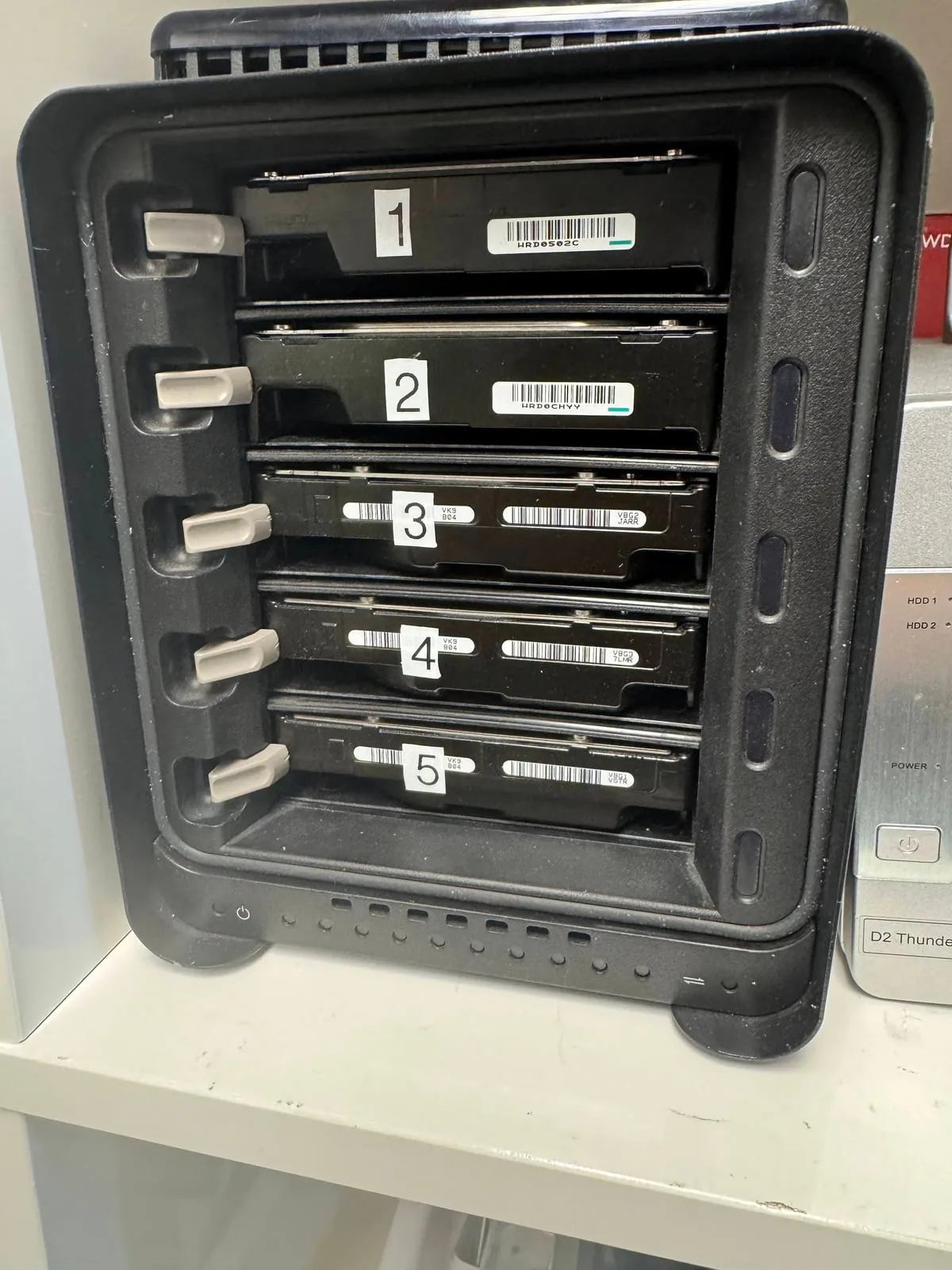
- Label every drive bay and keep the original disk order.
- Do not start another rebuild after a failed rebuild attempt.
- Image unstable members first, then reconstruct the array virtually.
RAID is not the same as backup
RAID can help a system stay online when one drive fails, but it does not protect against every failure. Power loss, multiple weak drives, controller problems, accidental rebuilds, deletion, corruption, or filesystem damage can still take the data offline.
When a RAID or NAS fails, the safest path is to preserve the current state before trying to force the system back online.
Common mistakes
- Starting a rebuild without imaging unstable drives first
- Replacing the wrong disk or mixing up drive order
- Initializing or creating a new array over the old configuration
- Continuing to use a NAS while multiple disks are unhealthy
Why disk order matters
RAID data is distributed across multiple drives. If the order or parity relationship is wrong, the reconstructed data can be corrupt even if the drives appear readable.
Why rebuilds can be dangerous
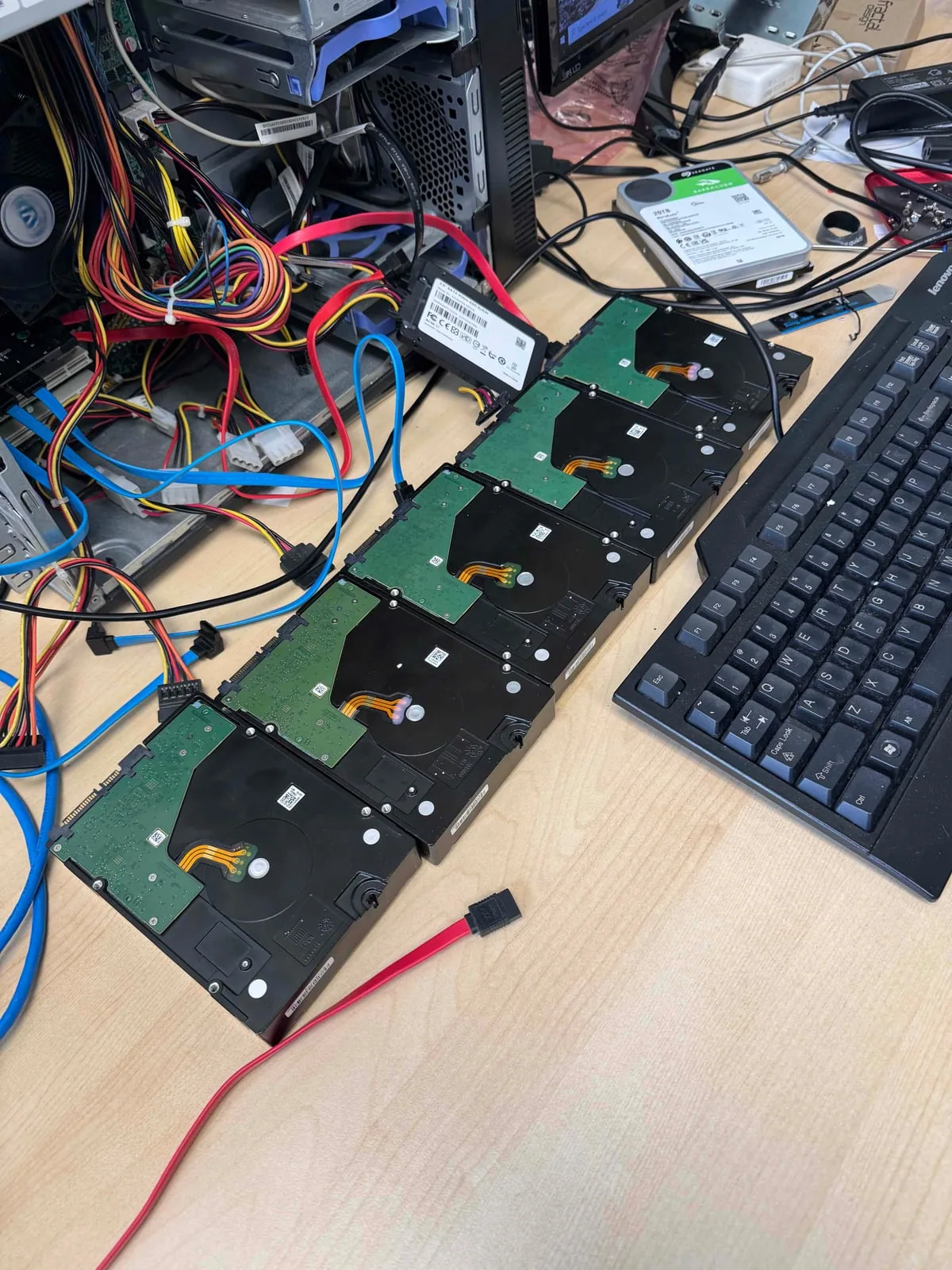
A rebuild writes new data across the array. If the wrong drive is selected, if another drive is failing, or if the original failure was misunderstood, the rebuild can overwrite information needed for recovery. This is why a lab usually images the drives first and reconstructs the array virtually.
What a lab tries to determine
- Which drive failed first and which failed later
- Whether a rebuild was attempted and how far it went
- The original RAID level, stripe size, parity rotation, and disk order
- The filesystem used by the NAS or server
Why RAID recovery starts with history
The order of events matters: which disk failed first, which disk was replaced, whether a rebuild began, and whether the NAS wrote new metadata. A complete history lets the lab choose a safer diagnostic path and avoid actions that can make a recoverable RAID unrecoverable.
Best first action
Power the NAS down, label every drive bay, keep the drives in order, and avoid rebuild attempts until the array is assessed.
North York data recovery lab
RAID or NAS failed? Preserve the current state.
Free diagnostics are available at OmniDataPlus. Bring the device in as-is, or contact the lab before attempting another power-on, scan, rebuild, or repair.