
iPhones and many Android devices use hardware-backed encryption and file-based encryption. The data usually needs the original device, security state, and passcode/authentication path to be accessible.
Last updated September 6, 2026. Reviewed by Michael Avraham, Lead Data Recovery Specialist at OmniDataPlus.
Quick answer
Modern iPhone and Android recovery is often about making the original device work safely enough to unlock. The data is usually encrypted, so chip removal or simple memory reading is not a normal path for customer photos, messages, contacts, and app data.
- Do not keep charging or powering a liquid-damaged phone.
- Do not place the device in rice; it can accelerate corrosion and does not dry the internal layers properly.
- Bring the phone to the lab quickly so board-level diagnostics can protect the chance of access.
Why modern phones are different
Older devices were sometimes easier to read directly. Modern iPhones and Android phones are designed to protect user data. Photos, messages, app data, and documents are usually encrypted, and the keys needed to unlock that data are tied to the original device and security state.
This is good for privacy, but it changes data recovery. The lab often cannot simply remove a memory chip and read the files like a USB drive.
Why chip-off is often not enough
Removing memory from a modern phone may produce encrypted data that cannot be interpreted without the original device security context. In many cases, the better recovery strategy is to repair the board enough to boot, unlock, and extract data.
What file-based encryption means
File-based encryption means different parts of the phone’s data may be protected in different ways. Some data may only become available after the phone successfully boots and is unlocked. If the logic board is damaged, the practical recovery path is often to restore enough function to reach that unlocked state.
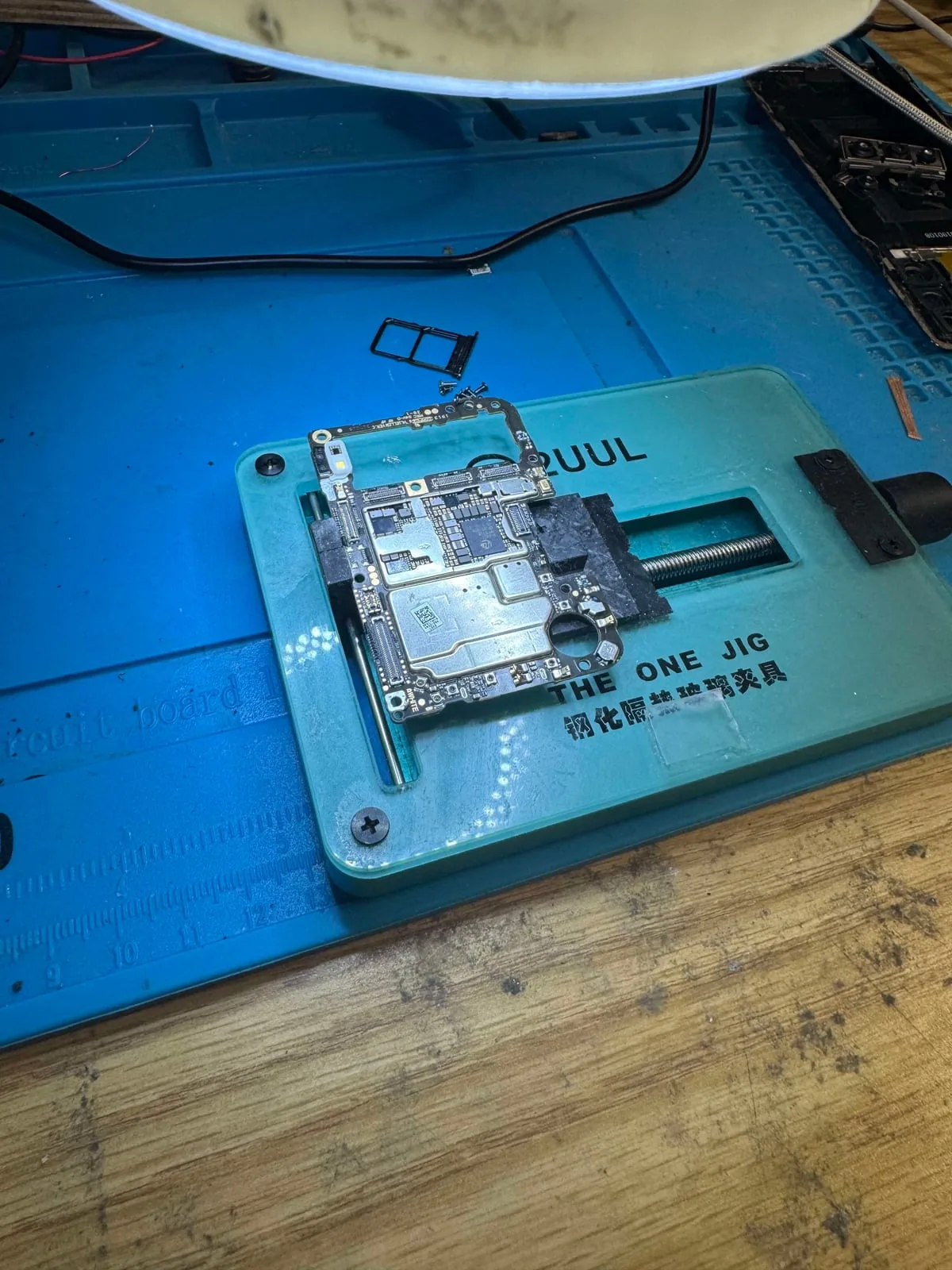
What board-level recovery may involve
- Cleaning liquid damage and corrosion
- Repairing power rails, charging faults, display faults, or connector damage
- Micro-soldering small components, traces, or connectors
- Restoring enough function for secure data extraction
Why the passcode still matters
For many phone recoveries, the correct passcode or account access is still required. A lab’s job is to restore access to the device and extract the data properly, not bypass the owner’s security.
Why repair and recovery overlap on phones
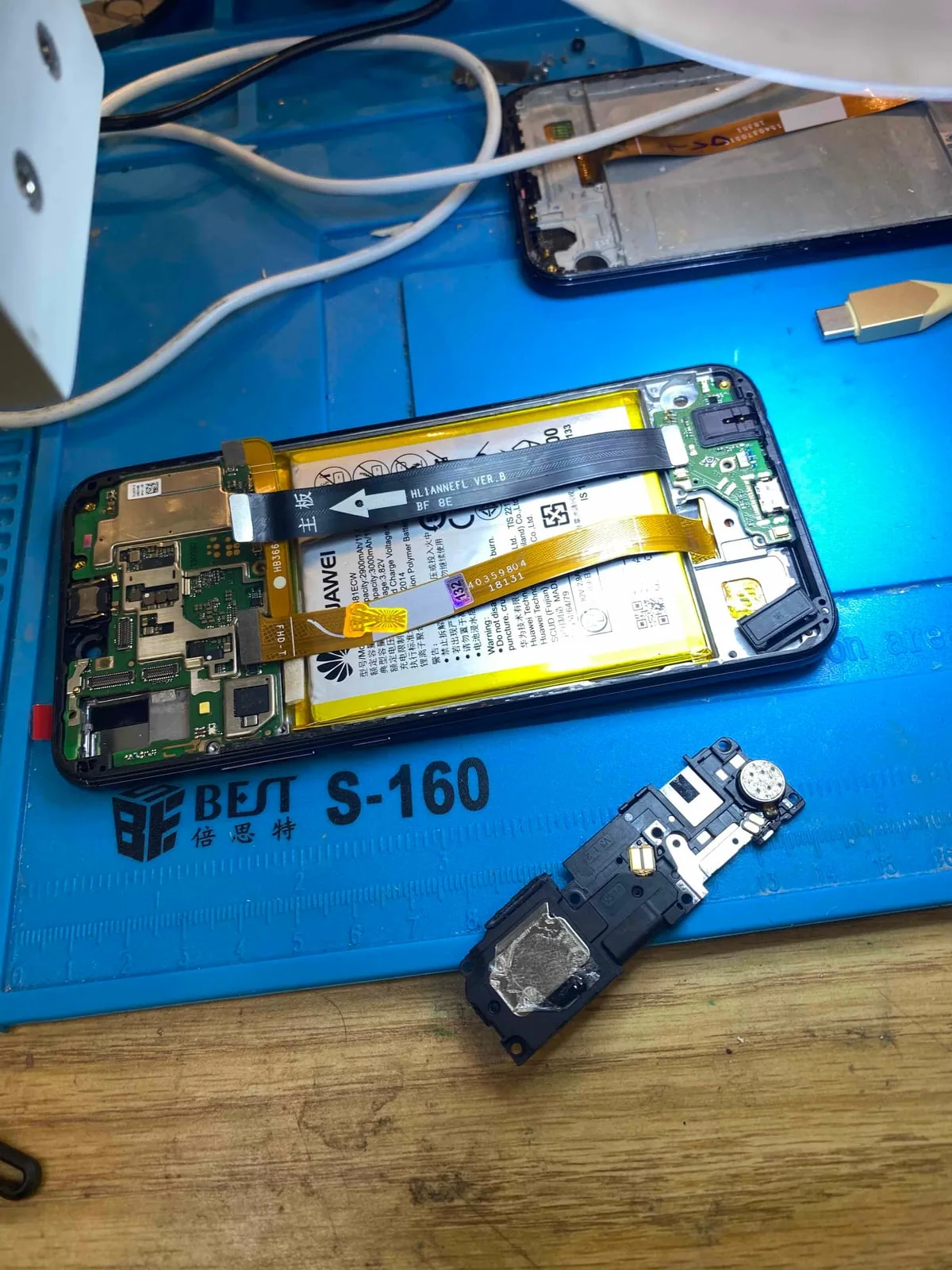
Phone recovery often depends on power, charging, display, touch, storage, CPU, and security components working together long enough for authentication. That is why board-level repair and data recovery are connected on modern phones, especially after liquid damage, impact, or no-power failures.
Best first action
Do not keep charging or heating a damaged phone. Bring it in as-is and explain what data matters most.
Do not place a wet phone in rice.
Rice does not remove moisture trapped beneath shields, chips, connectors, or other internal components. The delay can allow corrosion and oxidation to spread, causing additional board damage and reducing the chance of successful data recovery. Power the device off, do not charge it, and bring it to the lab as quickly as possible.
North York data recovery lab
Dead or liquid-damaged phone? Do not keep charging it.
Free diagnostics are available at OmniDataPlus. Bring the device in as-is, or contact the lab before attempting another power-on, scan, rebuild, or repair.