
A failed SSD may disappear from the system, identify with the wrong capacity, freeze the computer, or appear only intermittently. These symptoms can point to controller, firmware, NAND, electrical, or translation-layer problems.
Last updated September 6, 2026. Reviewed by Michael Avraham, Lead Data Recovery Specialist at OmniDataPlus.
Quick answer
SSD firmware failure and NAND failure can look similar to the customer, but they are not the same recovery problem. Firmware or controller-access cases may require controlled communication with the SSD, while NAND degradation means the memory itself may be returning unstable or unreadable data.
- Do not repeatedly reboot a computer that freezes when the SSD is connected.
- Do not initialize, format, or run repair utilities on an SSD that reports the wrong size.
- Expect SSD recovery odds to be lower than many hard drive cases, especially with TRIM, encryption, and NAND wear.
SSD cases often start with lower recovery expectations than traditional hard drives. TRIM, encryption, controller dependency, and NAND degradation can reduce the recovery window before the lab even receives the device.
What “firmware failure” means in plain language
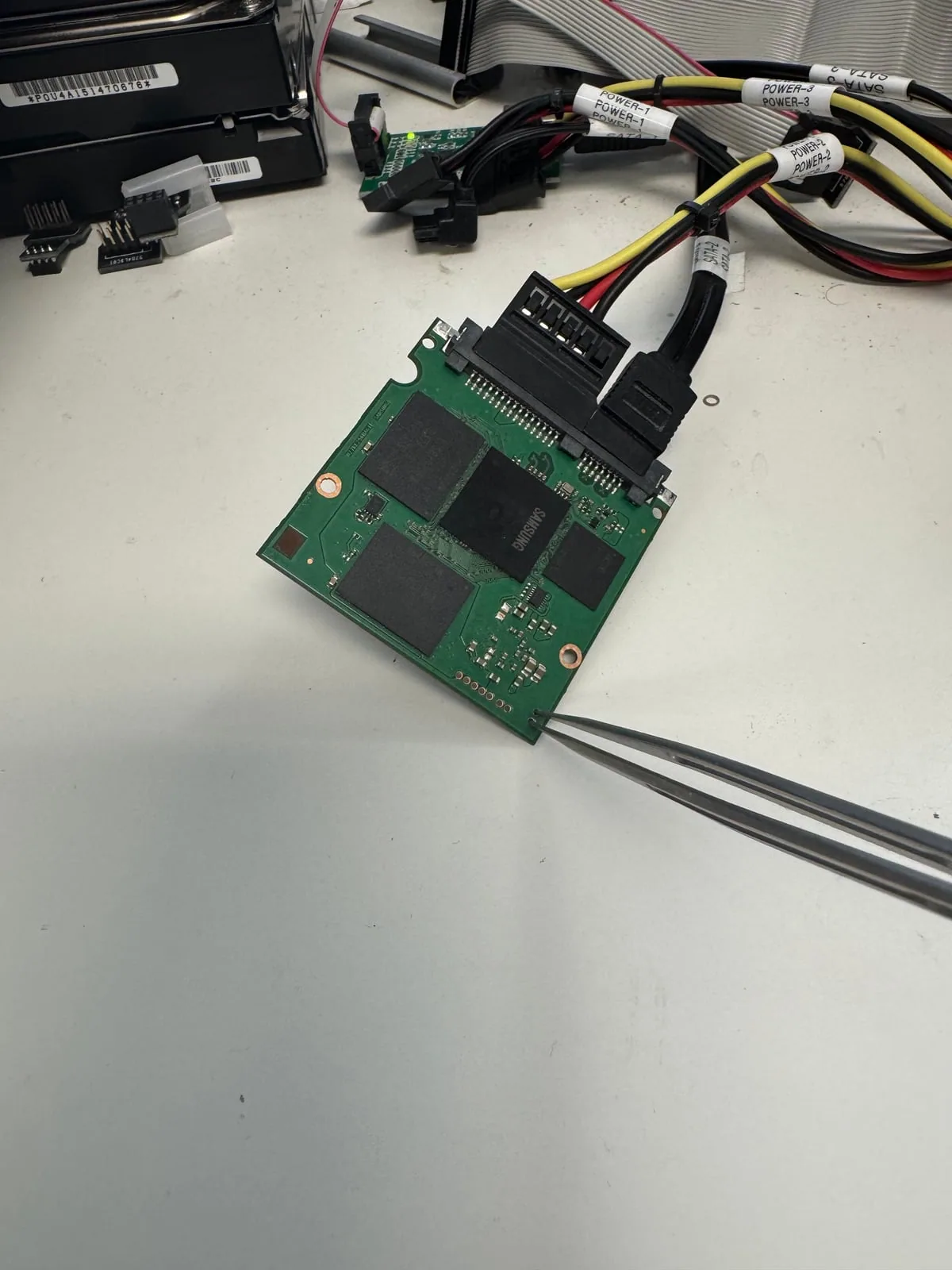
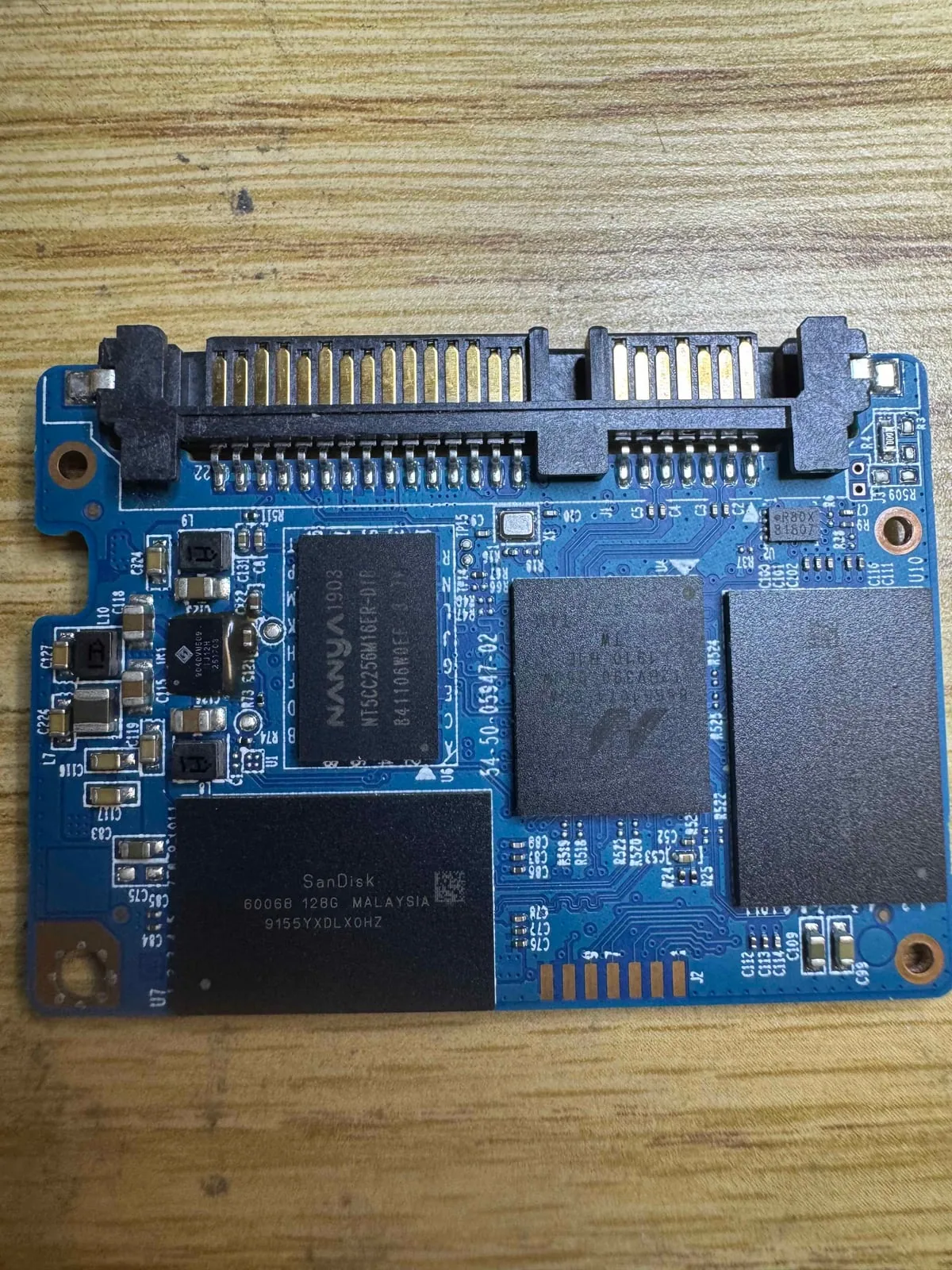
An SSD is not just a box of memory chips. It has a controller that manages how data is stored, moved, corrected, and presented to the computer. The firmware is the internal operating logic that helps the controller translate raw flash memory into normal files and folders.
When that internal logic becomes unstable, the computer may not be able to communicate with the SSD normally. The data may still exist inside the flash memory, but the usual path to reach it is broken or unreliable.
Firmware failure and NAND failure are connected, but not the same
Two SSDs can show similar symptoms while failing in very different ways. One may have a firmware or controller-access problem where the memory is mostly readable once the right professional path is found. Another may have degraded NAND memory where the actual storage chips are returning too many errors or are no longer stable.
These problems are connected because firmware, controller behavior, and NAND health all work together. The controller depends on the NAND. The NAND depends on the controller and firmware to translate raw pages into usable files. But the recovery strategy changes depending on which part is failing.
Firmware / controller access failure
The SSD may not identify correctly, may freeze, may show the wrong capacity, or may drop offline. The recovery path focuses on stabilizing access, using supported professional workflows, and imaging the data as safely as possible.
NAND memory failure
The SSD may have unreadable memory areas, heavy bit errors, degraded chips, or inconsistent reads. The recovery path focuses on managing bad areas, reading what can be read, error correction, and setting realistic expectations.
Why success expectations are different
Compared with many hard drive cases, SSD recoveries can have lower success rates from the beginning. A hard drive may have damaged heads or bad sectors while large portions of platter data remain physically present. An SSD may erase deleted blocks through TRIM, lock access behind a failed controller, or lose data inside degraded NAND cells.
A firmware-level case can sometimes have a strong recovery outlook if the NAND is healthy and the model is supported by professional tools. In those cases, the challenge is gaining stable access to data that may still be largely intact.
A NAND-level failure can be less predictable. If the memory chips themselves are degraded, the result may depend on how much of the NAND can still be read, whether error correction can reconstruct damaged areas, and whether the most important files sit in readable blocks.
Why software recovery is often the wrong first step
File recovery software assumes the storage device can be read normally. A firmware-level SSD problem may fail during reads, drop offline, or return inconsistent data. Repeated scans can waste the limited stable access the device still has.
What a lab checks first
- Whether the SSD identifies correctly and consistently
- Electrical health, controller behavior, and signs of board-level damage
- Whether symptoms point more toward firmware access problems or NAND degradation
- Whether a supported professional workflow exists for that model
- How to image the most important data with the least stress to the device
Why controlled imaging matters
The goal is usually not to “fix” the SSD for normal reuse. The priority is to get a stable copy of the data before the device worsens. A lab may image the drive in stages, skip unstable areas temporarily, or prioritize the folders that matter most.
That approach is different from a normal computer trying to read everything in order. Professional recovery work is designed around preserving the remaining access window.
Why diagnosis matters before quoting confidence
It is difficult to give an honest success expectation from symptoms alone. “Not detected” could mean a board fault, firmware issue, controller problem, NAND degradation, or a combination of failures. Proper diagnosis helps separate a case with a clear firmware path from one where the NAND itself is failing.
Why SSD expectations must be realistic
SSDs combine controller logic, firmware behavior, NAND memory condition, wear leveling, and often encryption. A lab diagnosis helps separate access problems from memory degradation and gives more realistic expectations before unnecessary work is attempted.
Best first action
If an SSD is freezing, disappearing, or showing the wrong capacity, power it down and avoid installing recovery tools onto it. A proper diagnosis should happen before recovery attempts begin.
North York data recovery lab
Have an SSD that disappears, freezes, or reports the wrong size?
Free diagnostics are available at OmniDataPlus. Bring the device in as-is, or contact the lab before attempting another power-on, scan, rebuild, or repair.