
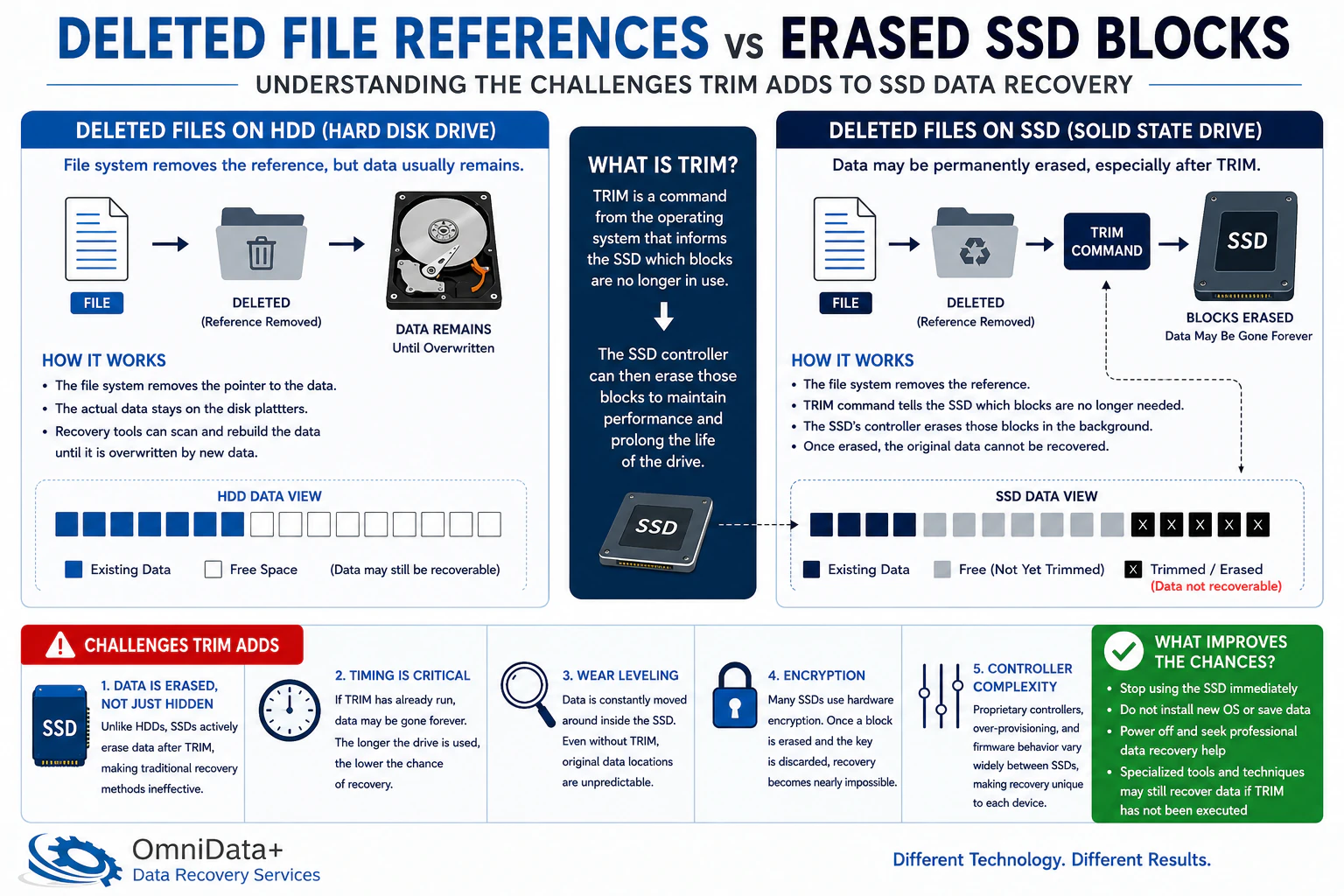
TRIM is a command that tells an SSD which blocks are no longer needed. Once those blocks are cleared internally, the old file data may no longer exist in recoverable form.
Last updated September 6, 2026. Reviewed by Michael Avraham, Lead Data Recovery Specialist at OmniDataPlus.
Quick answer
TRIM can make deleted SSD data disappear in a way that is very different from deleted files on a hard drive. If the blocks have been cleared internally, there may be no recoverable file data left to rebuild.
- Stop using the SSD immediately after deletion or formatting.
- Do not install recovery software onto the same SSD.
- Ask for diagnosis quickly, especially if the files are important and no backup exists.
TRIM in simple terms
When you delete a file, the computer usually removes the file from the visible folder structure. On a hard drive, the old data may remain on the platter until something else overwrites it. That is why deleted hard drive files can sometimes be recovered.
SSDs work differently. They constantly manage empty space to stay fast and efficient. TRIM lets the operating system tell the SSD, “these blocks are no longer needed.” The SSD can then clear or recycle those blocks internally.
Why this surprises people
On traditional hard drives, deleting a file often removes references while leaving the underlying data until overwritten. On many SSDs, TRIM can cause deleted blocks to be erased or made inaccessible much sooner.
Formatting an SSD can be especially risky
A quick format on a hard drive may still leave many recoverable traces. On an SSD, formatting can trigger cleanup behavior that makes old data disappear far more quickly. The exact result depends on the operating system, drive model, encryption, and whether TRIM was active.
What affects recoverability
- Whether TRIM was enabled by the operating system
- How much time passed after deletion or formatting
- Whether the computer continued using the SSD
- Whether encryption, snapshots, or backups are available
What a lab can still check
Even when TRIM is a concern, diagnosis is still useful. A lab can check whether the case is truly a deleted-file problem, whether the SSD has a physical or firmware issue, and whether backup, snapshot, or filesystem remnants may still help.
Why timing matters after deletion
On SSDs, the recovery window can close because of background cleanup, TRIM, encryption, and continued system use. Even normal startup activity can write new data or trigger maintenance behavior, so the safest action is to power down and assess before doing more.
Best first action
Stop using the SSD immediately. Do not install software, save files, or continue booting from the same drive if the deleted data matters.
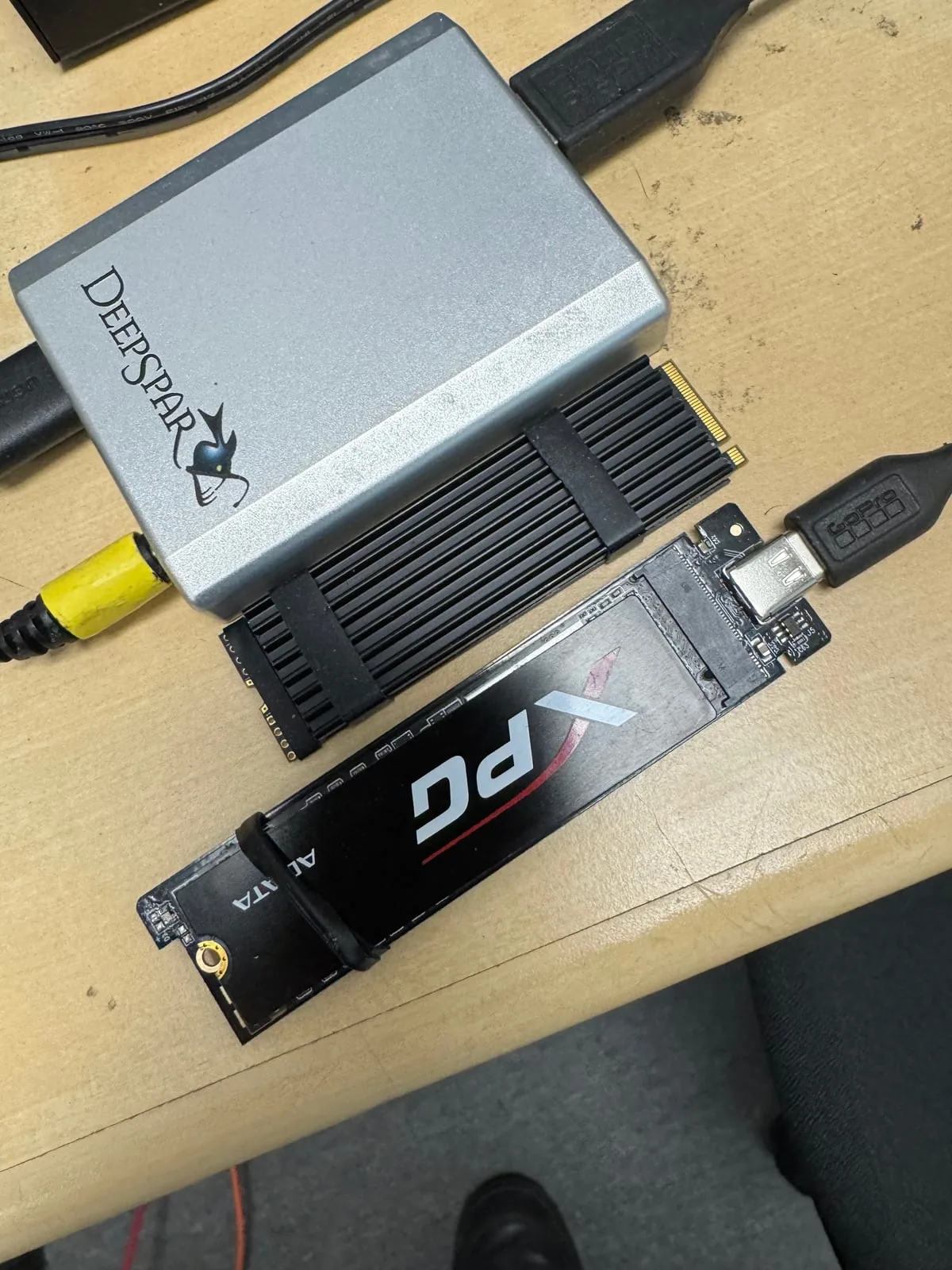
North York data recovery lab
Deleted files on an SSD? Stop using it now.
Free diagnostics are available at OmniDataPlus. Bring the device in as-is, or contact the lab before attempting another power-on, scan, rebuild, or repair.