
Because an SSD has no moving parts, there may be no clicking or grinding to warn you. Changes in detection, speed, file access, or system stability may be the only signs before the SSD becomes inaccessible.
Last updated September 6, 2026. Reviewed by Michael Avraham, Lead Data Recovery Specialist at OmniDataPlus.
Quick answer
A failing SSD may freeze, vanish, report the wrong capacity, become read-only, corrupt files, or stop booting without warning. SSDs often provide less warning than hard drives, so early symptoms should be treated seriously.
- Stop writing new data to the SSD.
- Do not run repeated benchmark, clone, or repair attempts on an unstable SSD.
- Bring the SSD in before firmware, controller, or NAND instability becomes a complete no-detect case.
SSD recovery often begins with lower success expectations than hard-drive recovery. TRIM, encryption, controller dependency, and NAND degradation can reduce the recovery window quickly.
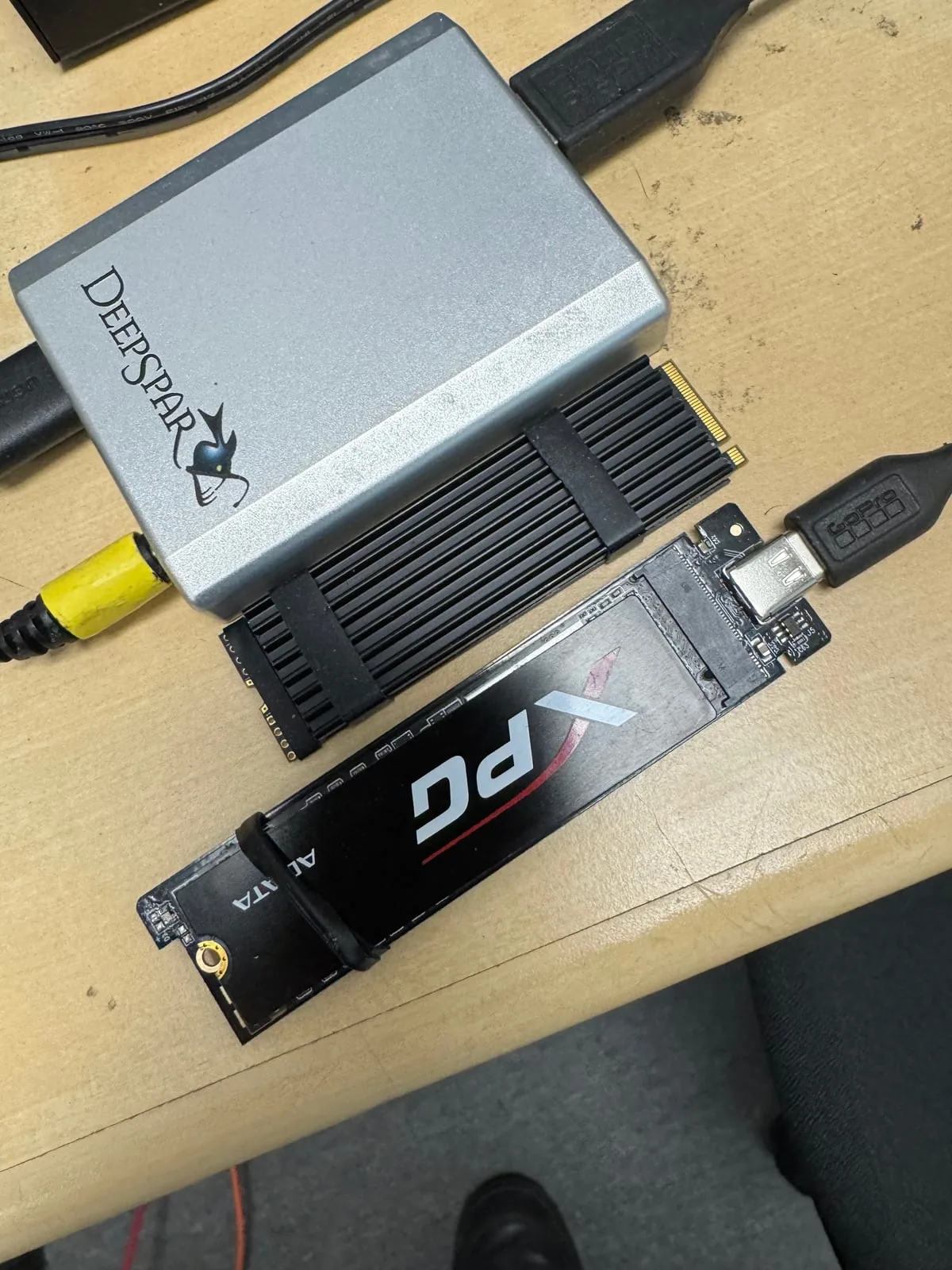
The SSD disappears or is detected intermittently
An SSD that appears only sometimes, drops offline during use, or vanishes after the computer warms up may have controller, firmware, electrical, connector, or NAND-related problems.
The computer freezes when accessing the SSD
Freezing during startup, file copying, or folder access can happen when the SSD stops responding consistently. Repeated scans or restarts may waste the remaining stable access window.
The SSD reports the wrong capacity
A drive that suddenly reports an unusual, incorrect, or zero capacity may have a firmware, controller, translation-layer, or NAND access failure. Formatting will not repair this type of problem.
The SSD becomes read-only
Some SSDs enter a read-only state when they detect serious problems. This may allow data to be copied temporarily, but it is also a warning that the device should not be trusted for continued use.
Files become corrupted or stop opening
New file corruption, missing folders, repeated application errors, or damaged operating-system files may indicate that the SSD is no longer reading or storing data reliably.
Boot failures and repeated repair screens
A system that suddenly cannot boot, repeatedly enters recovery mode, or reports filesystem errors may have an SSD problem rather than only an operating-system problem.
Performance changes without a clear reason
Severe slowdowns, long pauses, or inconsistent transfer speeds can indicate NAND degradation, controller trouble, thermal behavior, or repeated internal error correction.
If the SSD remains readable
Copy the most important data first. Do not use the SSD as the destination for backups, updates, or recovery software.
If the SSD is unstable or missing
Power it down and have it diagnosed. Repeated scans, formatting, firmware updates, and initialization can make recovery harder.
Why SMART status is not enough
SMART information can provide useful warnings, but an SSD may fail suddenly or become inaccessible without a clear warning. Normal-looking health percentages do not guarantee that the controller, firmware, NAND, or translation data is healthy.
Why SSD warnings can be urgent
Unlike hard drives, SSDs do not always degrade gradually in a visible way. Controller, firmware, NAND, power, and encryption problems can move from intermittent symptoms to no access quickly. A calm diagnosis helps avoid wasting the remaining access window.
Best first action
If an SSD is freezing, disappearing, showing the wrong capacity, or becoming read-only, stop using it. Do not install recovery software onto the SSD or keep restarting the system. Bring the original device or SSD in for diagnosis.
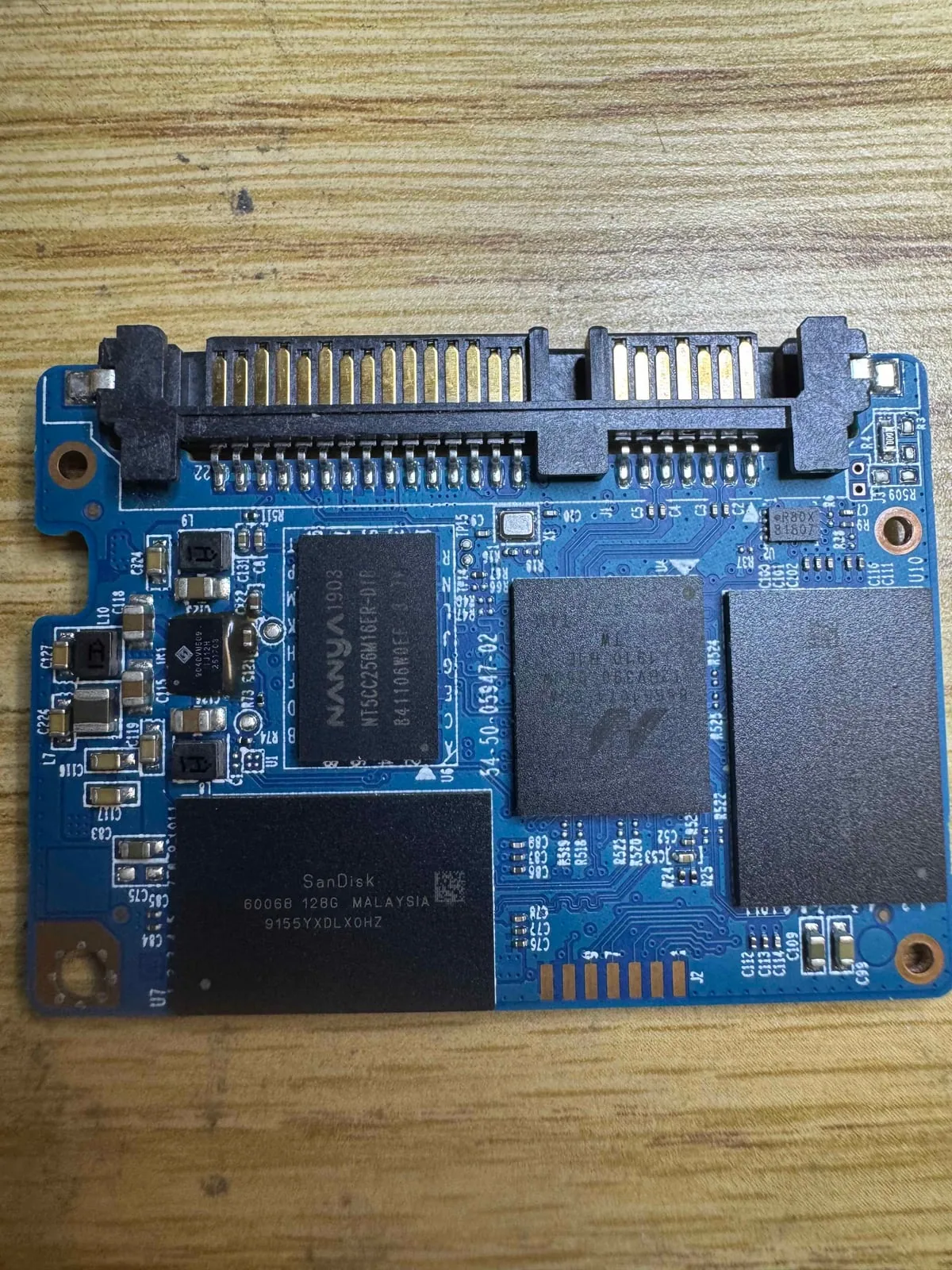
North York data recovery lab
SSD acting strange? Treat it as time-sensitive.
Free diagnostics are available at OmniDataPlus. Bring the device in as-is, or contact the lab before attempting another power-on, scan, rebuild, or repair.