
When a hard drive suffers physical failure, the data may still exist on its platters even though the drive can no longer read it. In some cases, a recovery lab may need compatible parts from another drive to restore temporary access.
Last updated September 6, 2026. Reviewed by Michael Avraham, Lead Data Recovery Specialist at OmniDataPlus.
Quick answer
A donor drive is a compatible drive used as a source of parts or information during physical recovery. It is not a normal replacement drive, and matching the printed model number alone is usually not enough.
- Do not buy random donor drives before diagnosis.
- Do not attempt a part swap at home.
- Let the lab determine whether donor parts are actually needed and what compatibility matters.
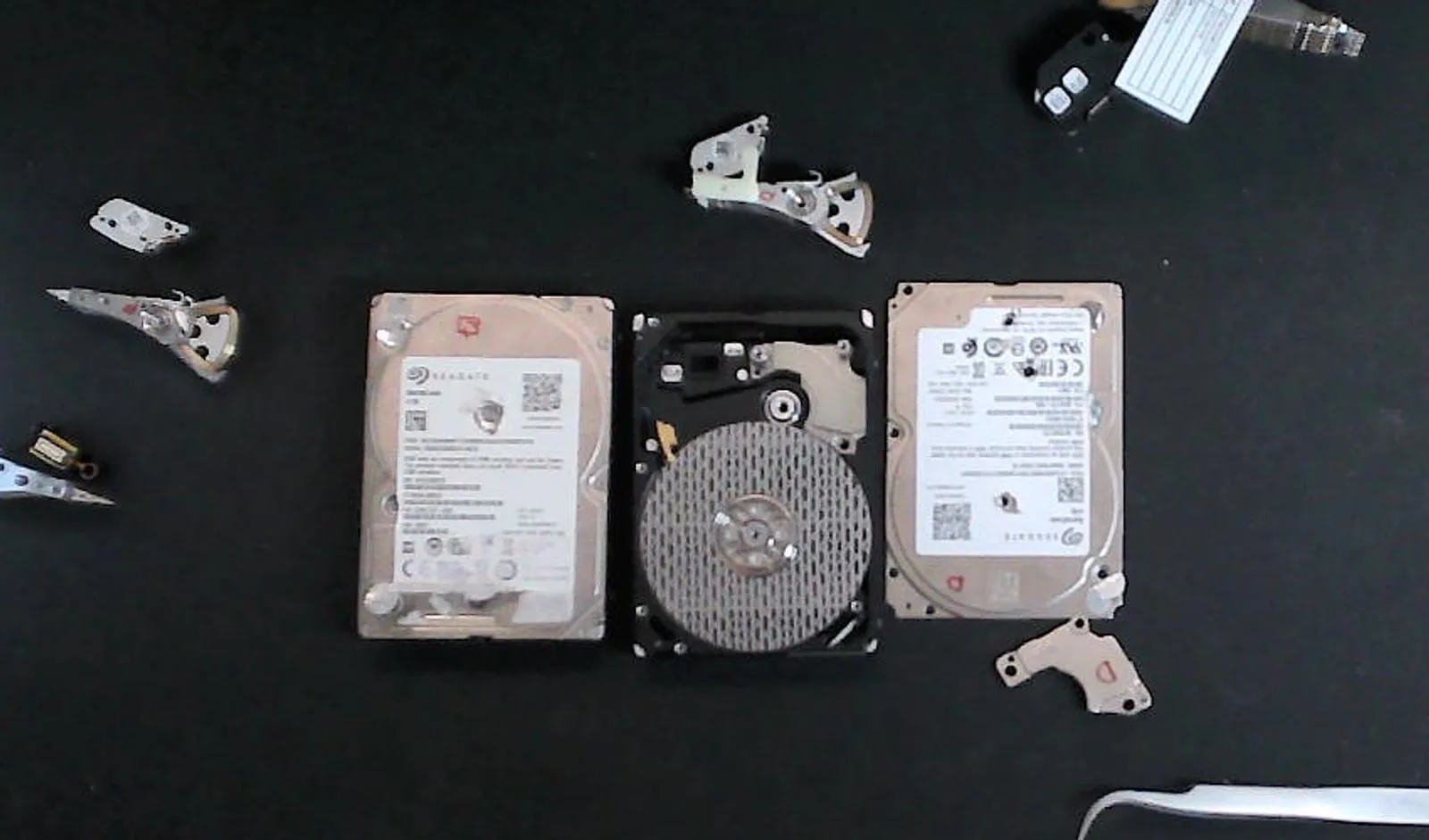
A donor drive is not a replacement drive for normal use
The purpose of a donor is not usually to make the damaged drive reliable again. The goal is to support a controlled recovery attempt so the original drive can be stabilized, imaged, and retired.
Depending on the failure, donor parts may help address damaged mechanical or electronic components. This work must be approached carefully because the original device contains the only copy of the customer’s data.
Why the same model number may not be enough
Two drives can have the same retail model number while containing different internal components or revisions. Manufacturers may change parts, suppliers, firmware families, or production details during a model’s lifespan.
That is why a drive found online that “looks identical” may not be suitable. Compatibility is assessed using multiple technical characteristics, not appearance alone.
Why donor selection affects recovery
- An unsuitable donor may not operate correctly with the failed drive
- Unnecessary part swapping can introduce contamination or additional damage
- The failure must be diagnosed before deciding whether a donor is needed
- A donor does not repair platter damage or guarantee a successful result
Why a lab may need more than one donor
Physical recovery cases can be unpredictable. A severely damaged drive may stress replacement components, or the first donor may prove unsuitable after closer inspection. The number of donors required depends on the failure and the condition of the original drive.
Do not open a hard drive or attempt a donor-part swap yourself. A failed matching attempt can damage surfaces, components, and the remaining recovery chance.
Why donor selection belongs in the lab
A donor is chosen around the failure, drive family, internal revisions, and the specific recovery goal. The wrong part or wrong handling can create new damage, while the right donor only helps when used as part of a controlled recovery process.
Best first action
If a drive is clicking, dropped, or no longer spinning normally, power it off and bring it in as-is. The lab can determine whether the failure requires a donor, controlled imaging, firmware work, or another recovery path.
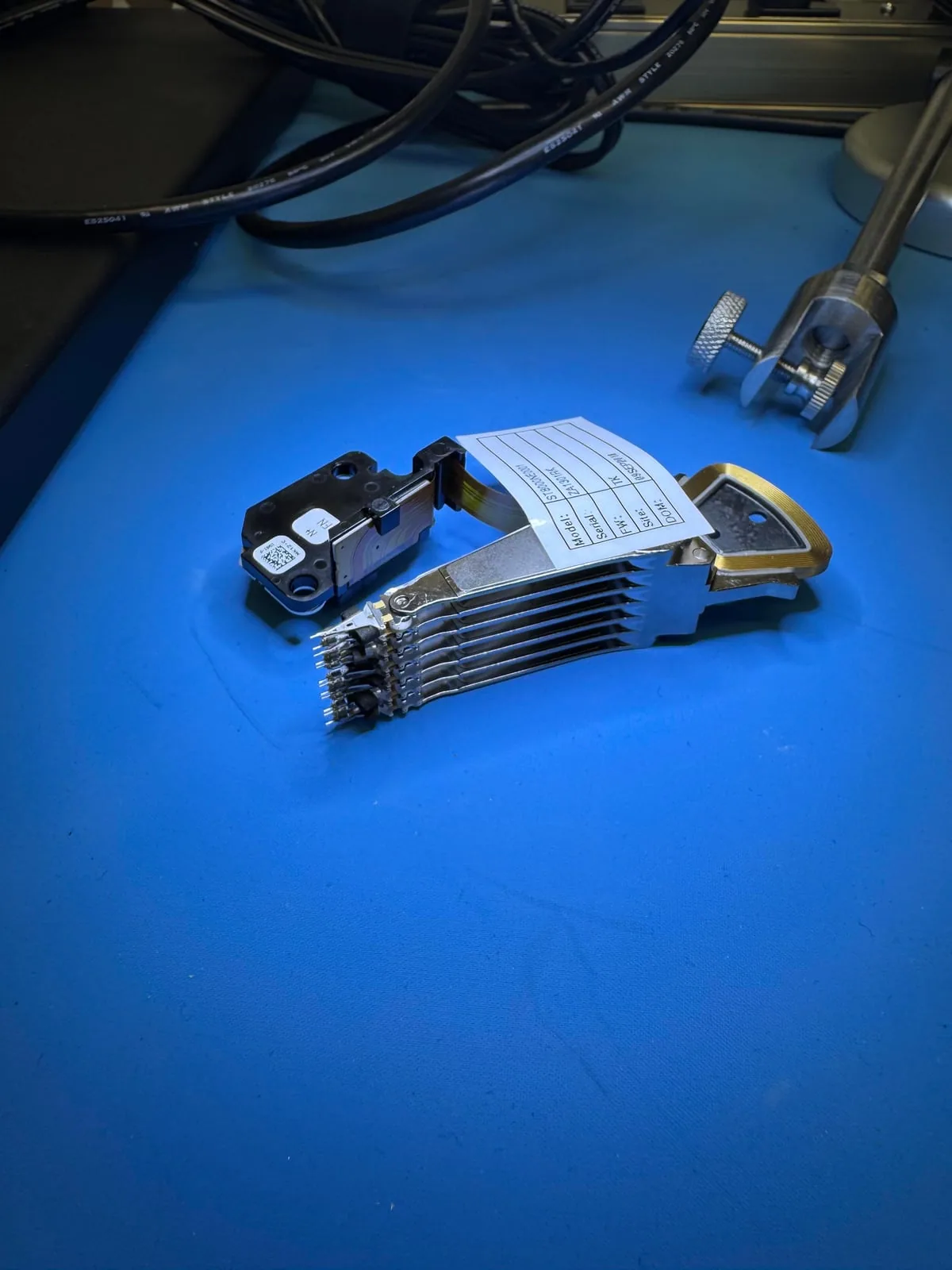
North York data recovery lab
Think your drive may need donor parts? Do not open it.
Free diagnostics are available at OmniDataPlus. Bring the device in as-is, or contact the lab before attempting another power-on, scan, rebuild, or repair.