
A clicking hard drive may have head damage, media damage, firmware trouble, or an inability to calibrate properly. It is not something software can safely fix.
Last updated September 6, 2026. Reviewed by Michael Avraham, Lead Data Recovery Specialist at OmniDataPlus.
Quick answer
A clicking hard drive is usually a physical or low-level access warning, not a software problem. Repeated power attempts, scans, or DIY opening can turn a difficult recovery into permanent data loss.
- Power the drive off and leave it off.
- Do not open the drive or follow YouTube “quick fix” videos.
- Bring the drive in for diagnosis with its full failure history.
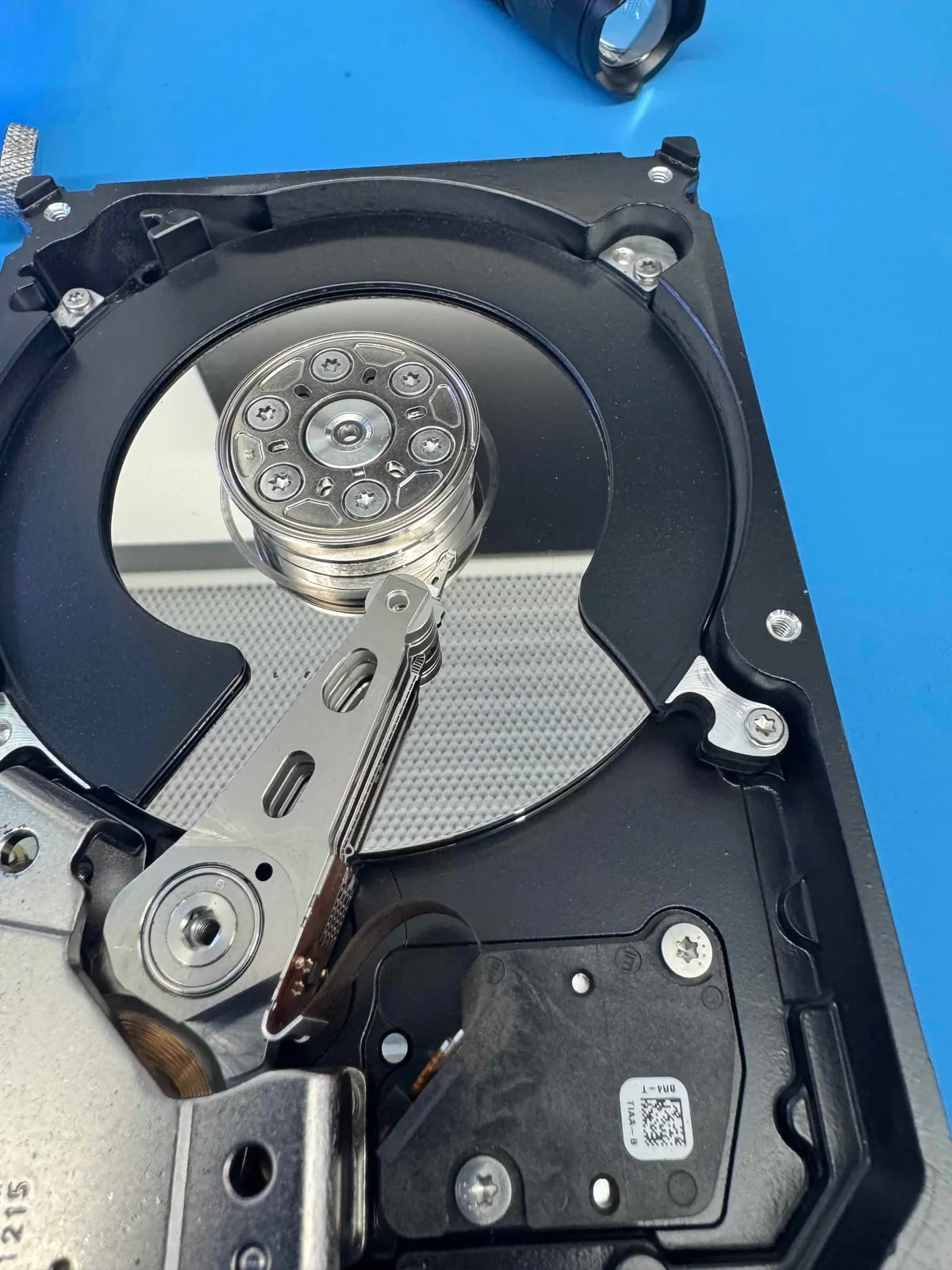
What the clicking sound usually means
A hard drive stores data on spinning platters and reads it using tiny heads that float extremely close to the surface. When a drive clicks, the heads may be failing to find the correct position, resetting repeatedly, or struggling with damaged media.
To a customer, it sounds like a small repeated tick. To a recovery lab, it can be a warning that the mechanical parts inside the drive are no longer operating safely.
Why repeated attempts are risky
Every power cycle can make the heads move again. If the heads are damaged or the platter surface is compromised, repeated attempts may create more damage and reduce recoverability.
Why software cannot solve a mechanical failure
Recovery software can only ask the drive to read data. It cannot repair damaged heads, clean contamination, correct internal mechanical problems, or stop the drive from scraping damaged areas. If the drive is physically unstable, software scans can make the drive work harder at the exact moment it should be handled carefully.
What a lab looks for
- Whether the sound indicates mechanical failure or firmware behavior
- Signs of impact, contamination, or head/platter damage
- Whether controlled clean-bench handling is needed
- How to image priority data before unstable areas worsen
Why diagnosis starts before opening the drive
Not every clicking drive should be opened immediately. A lab first considers the model, sound, history, symptoms, and whether the drive suffered impact or liquid exposure. Opening a drive is a controlled step, not a casual inspection.
Why “try one more time” can be expensive
Every power cycle can move damaged heads over the platters again. If the drive has impact damage, contamination, or head/media contact, repeated attempts can worsen the surface before the important data is imaged.
Best first action
Disconnect the drive. Avoid freezer tricks, DIY part swaps, or repeated scans. Bring the drive in for diagnosis as-is.
Do not open a clicking drive under any circumstances. There is no safe DIY option for a mechanically compromised drive, and no software tool can repair damaged heads, media, or internal mechanical faults. Online videos that suggest opening or “quick fixing” clicking drives are often clickbait and can lead to permanent data loss.
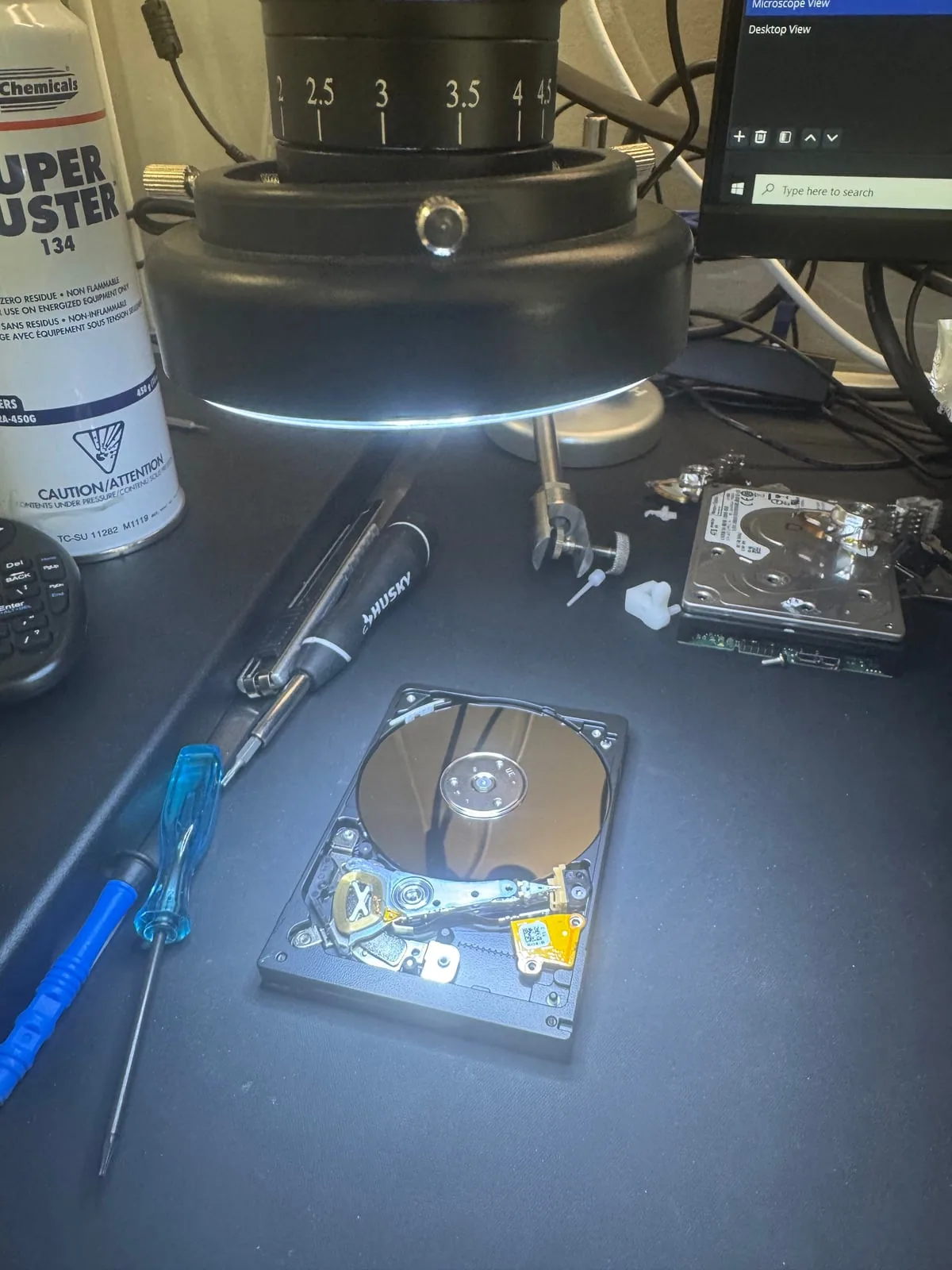
North York data recovery lab
Is your drive clicking or beeping? Power it off.
Free diagnostics are available at OmniDataPlus. Bring the device in as-is, or contact the lab before attempting another power-on, scan, rebuild, or repair.