
Customers sometimes buy an identical-looking hard drive hoping its parts can repair a failed one. Unfortunately, retail model numbers are designed for sales and support, not as a complete compatibility guide for recovery work.
Last updated September 6, 2026. Reviewed by Michael Avraham, Lead Data Recovery Specialist at OmniDataPlus.
Quick answer
Two drives with the same retail model number may not be internally compatible. Firmware family, head map, preamp, PCB revision, manufacturing details, and service-area behavior can differ even when the label looks similar.
- Do not assume an online donor drive will match because the model number is the same.
- Do not swap PCBs or internal parts without diagnosis.
- Use lab matching and controlled handling when physical recovery is required.
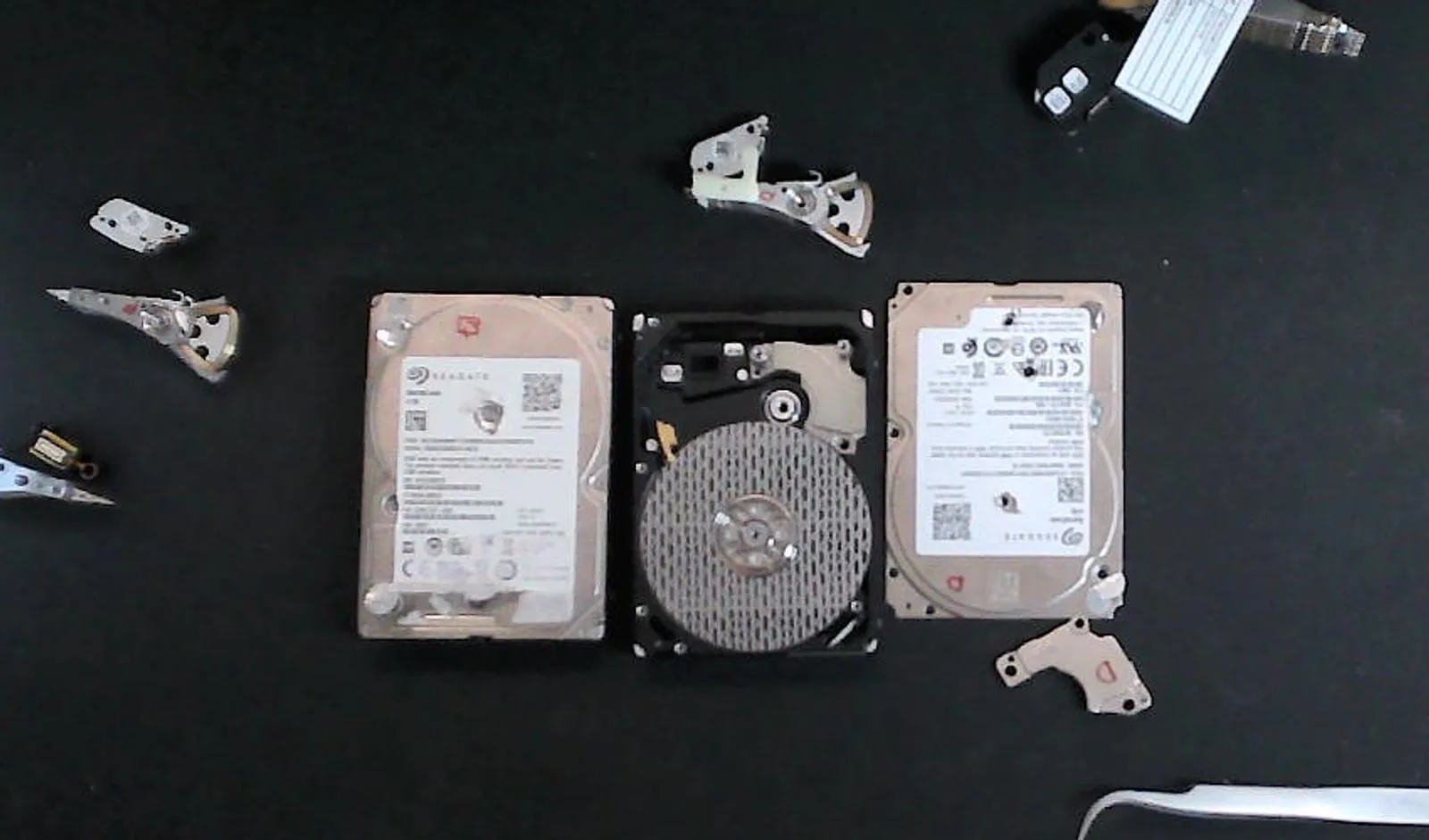
Manufacturers revise drives during production
A hard-drive model may remain on sale for years. During that time, the manufacturer can change components, production locations, suppliers, firmware families, or internal designs while keeping the familiar retail model number.
Both drives may work normally in a computer and provide the same advertised capacity. That does not mean their internal parts are interchangeable.
External enclosures can hide another layer of variation
Portable external drives add USB bridge boards, encryption behavior, connector designs, and enclosure revisions. Two external products with the same name can contain different internal drives or electronics.
Why this matters during recovery
Normal replacement
A replacement drive only needs to work as a new storage device. It does not need to communicate with or preserve the failed drive’s original data.
Recovery donor
A donor must be compatible with the specific failed device and the recovery task. Small internal differences can matter.
Why online matching advice can be risky
Short matching guides often simplify a complicated decision into one label field or product number. That may be enough for buying a replacement drive, but physical data recovery requires diagnosis of the failed device and careful evaluation of compatibility.
Publishing a universal matching table would also be misleading because compatibility can vary by failure, family, revision, and intended use of the donor parts.
Do not purchase parts or open the failed drive based only on a matching retail model number. The wrong intervention can turn a recoverable case into permanent data loss.
Why labels do not tell the whole story
Drive labels are designed for inventory and sales, not recovery compatibility. A lab looks beyond the printed model number because small internal differences can decide whether a donor helps, does nothing, or makes the case worse.
Best first action
Keep the original drive intact. Bring it to the lab with its enclosure, cables, and any donor drive already purchased. The technician can diagnose the actual failure before determining whether donor parts are needed.
North York data recovery lab
Matching model numbers are not enough for recovery work.
Free diagnostics are available at OmniDataPlus. Bring the device in as-is, or contact the lab before attempting another power-on, scan, rebuild, or repair.